What this worksheet is
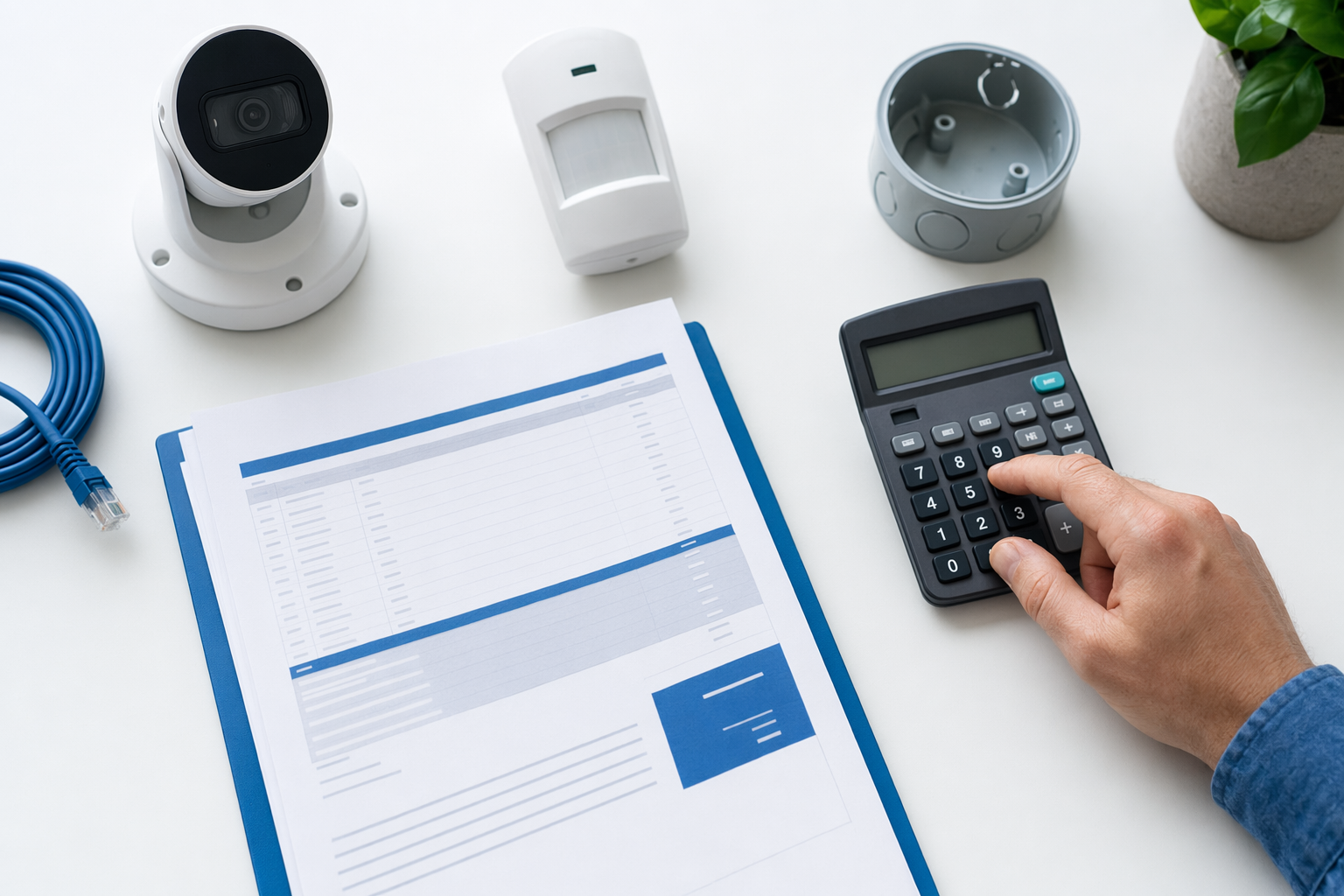
The KeepWatchly Security Cost Worksheet is a free PDF you can use to organize the parts of a security plan and write down typical cost ranges. It is meant to help you ask better questions, compare options clearly, and avoid signing a contract you do not understand.
It is not a quote, bid, contract, or guarantee. Real pricing depends on the system, the size and layout of the property, professional monitoring, installation, and your area. No security measure can promise safety or prevent every crime, loss, injury, or property damage.
If you are still deciding what fits your property, start with the general cost guide at costs or review your main options for home security systems and security cameras.
What costs it helps you compare

The worksheet is built for the most common things people ask about when protecting a home or small business:
- Alarm equipment: often around $200-$600+. DIY kits can be lower. Professionally installed systems can be higher.
- Professional monitoring: often around $15-$60 per month.
- Security cameras: often around $50-$300 each, plus any cloud storage fee.
- Professional installation: often around $100-$400 one time.
- Smart locks or access control: often around $120-$500 per door.
- Unarmed security guards: often around $20-$50 per hour. Armed or event coverage may cost more.
These are typical ranges and estimates only. They are not offers. Your actual total can change based on how many doors and windows you want covered, how many cameras you need, whether wiring is simple or difficult, whether you choose 24/7 professional monitoring, and local labor rates.
For business-specific planning, you may also want to look at business security or access control.
How to use the worksheet before you talk to companies
Use the worksheet in a simple order:
- List what you want to protect. Home, apartment, store, office, warehouse, front door, back door, windows, parking area, stock room, or entry points.
- Pick the service types you want to compare. Alarm, cameras, monitoring, smart locks, or guards.
- Write down your must-haves. For example: mobile alerts, indoor camera, outdoor camera, panic button, door contacts, video storage, or lock access for staff.
- Fill in the cost ranges. This gives you a starting point before you hear any sales pitch.
- Leave space for contract terms. Monthly fee, equipment ownership, contract length, auto-renewal, cancellation rules, and early-termination fees matter just as much as the first price.
A cheap monthly fee can still become expensive if the contract is long or hard to cancel. A higher up-front price can sometimes make more sense if the month-to-month terms are simpler. The worksheet helps you compare the full picture, not just one number.
How to use it when you get matched
When you are ready, you can use your worksheet while speaking with local companies through get matched. Matching is free to homeowners and small businesses. KeepWatchly is a free matching service. We do not sell, install, monitor, or service security systems.
Bring the worksheet to every call or visit and ask each company the same questions:
- Are you licensed, insured, and properly registered in my state or local area?
- What is included in the equipment price?
- Is monitoring optional or required?
- How long is the contract?
- Does it auto-renew?
- What is the cancellation policy?
- Is there an early-termination fee?
- Who owns the equipment after installation?
Verify the license or registration yourself. Some states also license or register alarm-company solicitation and installation.
If a salesperson comes to your door or pushes you to sign immediately, slow down. Read avoid door-to-door alarm sales before you decide.
Download and use it the smart way
Download: keepwatchly-security-cost-worksheet.pdf
A few smart rules before you fill it out:
- Do not share sensitive information. You only need basic contact details and what you want to protect.
- Do not give in to pressure. Especially on the phone or at the door.
- Read the full contract before signing. Check the monitoring agreement, contract length, auto-renewal, monthly fee, and cancellation or early-termination terms.
- Consent is not required to buy. If you ask to be contacted, your consent to calls or texts, including by autodialer, prerecorded or artificial voice, and SMS, is not a condition of any purchase, and you can opt out anytime.
- You stay in control. You compare offers, you choose who to hire, and you confirm the terms yourself.
If you want a simple review sheet for contracts too, see the alarm contract checklist.
Download the free worksheet, list what you want to protect, write down honest cost ranges, and use it to compare local licensed and insured companies without rushing into a contract.
Always hire licensed, insured, registered security companies — and verify the license yourself.
Common questions
Is this worksheet really free?
Yes. The worksheet is free to download and use. KeepWatchly is a free matching service for homeowners and small businesses. Participating security companies pay a flat fee to participate.
Does the worksheet tell me the exact price I will pay?
No. It gives typical cost ranges and estimates so you can plan and compare. Real pricing depends on the system, the size and layout of the property, professional monitoring, installation, and the area.
Can I use this for a business, not just a home?
Yes. It can help both homeowners and small business owners compare alarms, cameras, monitoring, smart locks or access control, and guard costs. It is a planning tool, not security, legal, or insurance advice.