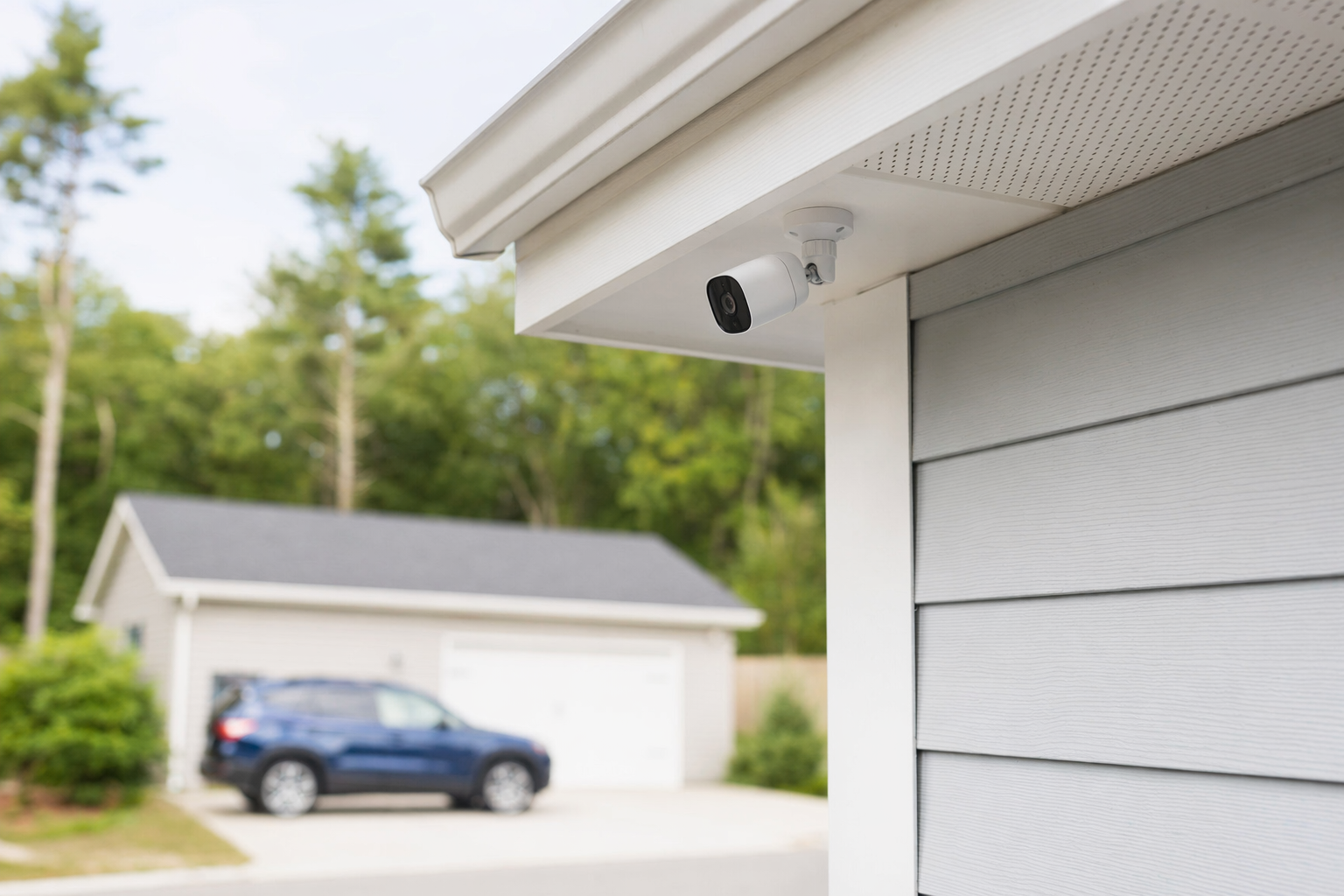
What security cameras can and cannot do
Security cameras are one part of a security plan. They can help you see activity, record video, check alerts, and review what happened later. For many people, that means more visibility at the front door, driveway, back entrance, parking area, register, stock room, or lobby.
But it is important to stay realistic. No camera, alarm, monitoring plan, or guard service can guarantee safety or prevent crime, loss, injury, or property damage. Cameras are tools. Good placement, good lighting, reliable internet or wiring, and clear contract terms matter too.
Common reasons people look at cameras:
- Front-door package monitoring
- Watching entry points and blind spots
- Checking on a small business after hours
- Seeing deliveries, visitors, or service calls
- Getting video clips when an alarm or motion event happens
- Helping employees or family members feel more aware of what is going on
If you are still deciding between cameras, alarms, and other options, start with a simple overview of home security systems.
How camera systems usually work
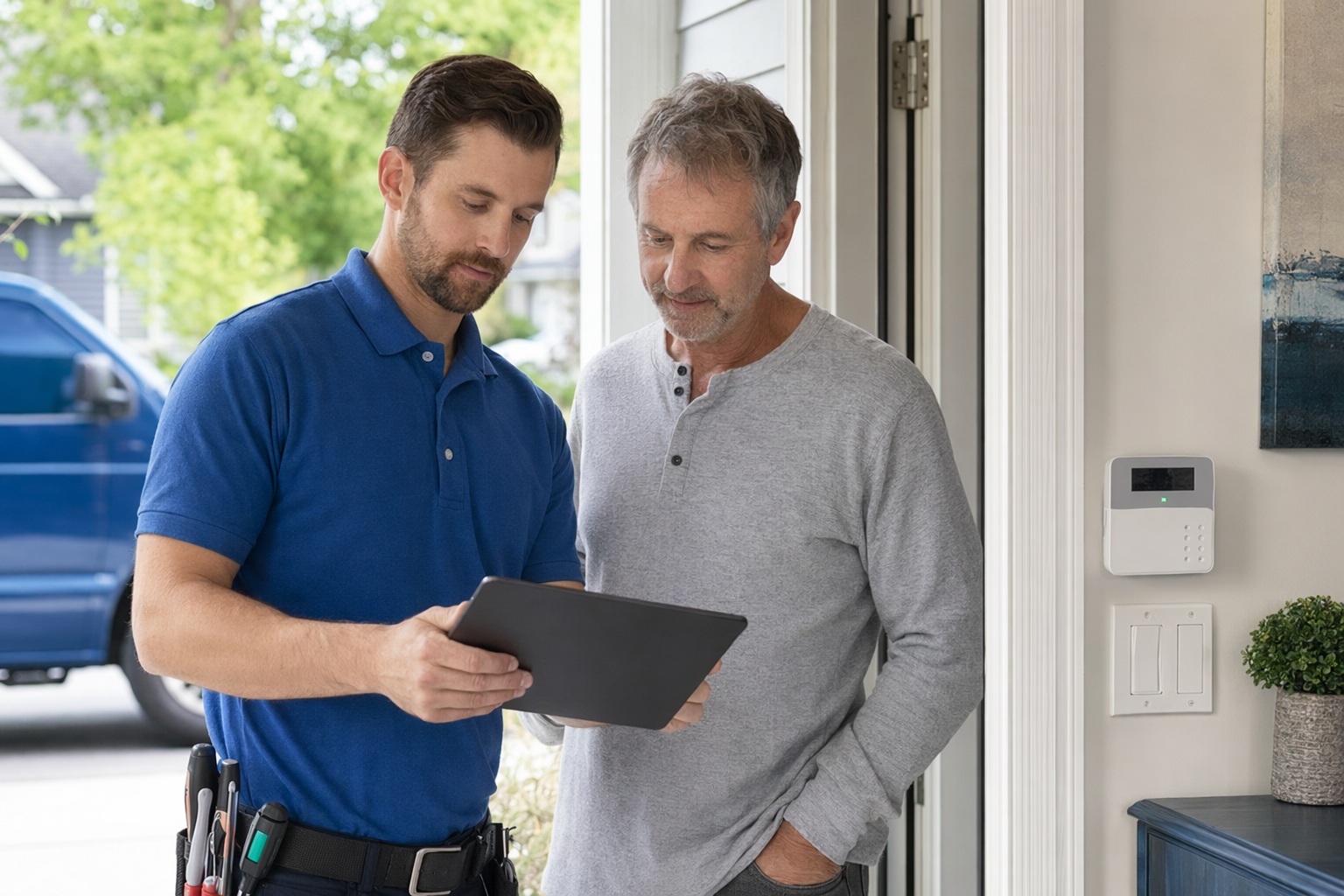
A camera system can be very simple or more advanced.
- The camera captures video. Some record all the time. Others record only when motion, sound, or another event triggers them.
- The video is stored. Storage may be on a memory card, a recorder on-site, or in the cloud with a monthly fee.
- You view footage in an app or on a monitor. Many systems let you check live video, receive motion alerts, and share clips.
- Some systems connect with other security tools. Cameras may work with alarms, smart locks, doorbell cameras, or professional monitoring.
You may hear both "security cameras" and "CCTV." In everyday shopping, people often use both terms to mean video security. The real difference is usually in the setup:
- App-based camera systems are common for homes and small businesses. They may use Wi-Fi, cloud storage, and mobile alerts.
- Traditional CCTV-style systems often use wired cameras and a local recorder. These are common where owners want steady recording across several cameras.
Questions that change the setup:
- Do you want indoor, outdoor, or both?
- Do you want continuous recording or motion-based clips?
- Do you need night vision, wide-angle views, two-way audio, or license-plate coverage?
- Do you want cameras only, or cameras plus alarms and smart locks?
- Does your property have reliable power, internet, and good mounting locations?
Typical camera costs: equipment, storage, and installation
Camera pricing can vary a lot. The honest answer is that the real price depends on the system, the number of cameras, image quality, storage plan, professional monitoring, installation, the size and layout of the property, and your area.
Typical ranges many homeowners and small businesses see:
- Security cameras: about $50-$300 each for many common models
- Professional installation: about $100-$400 one-time for a basic setup, sometimes more for harder wiring, multiple cameras, ladders, long cable runs, or larger properties
- Cloud storage or app fees: may add a monthly charge depending on the provider and how many cameras you want to save footage from
- If you are combining cameras with a broader alarm package, alarm equipment often starts around $200-$600+, depending on sensors, panel, smart features, and whether it is DIY or professionally installed
- If you want someone else to respond to alerts, professional monitoring often runs about $15-$60 per month
A simple front-door camera setup may cost much less than a full small-business system with several outdoor cameras and recording equipment.
Before you sign anything, compare the full cost, not just the camera price:
- Equipment cost
- Installation fee
- Monthly storage fee
- Monthly monitoring fee, if any
- Warranty details
- Repair or service trip charges
- Contract length and cancellation terms
For a wider breakdown of typical price ranges, see security costs.
Self-monitoring vs professional monitoring
Many people start with cameras because they want alerts on their phone. That is usually called self-monitoring. You get the notification and decide what to do.
Self-monitoring may fit you if:
- You want lower monthly costs
- You are comfortable checking alerts yourself
- You mainly want visibility, recorded video, or package/visitor awareness
- You do not want a long monitoring contract
Professional monitoring may fit you if:
- You want a monitoring center to receive certain alarm signals
- You want help when you miss a notification
- You are building a larger system with alarms, sensors, and cameras together
- You want one company to install and support the whole setup
A key point: cameras alone do not always mean a monitoring center is watching live video all day. Ask exactly what is monitored, when, and what action is taken. In many cases, the monitoring center responds to alarm events, not every motion clip.
Before agreeing to monitoring, read the full monitoring agreement carefully. Pay special attention to:
- The monthly fee
- The contract length
- Whether the contract auto-renews
- The cancellation and early-termination terms
- Who owns the equipment if you cancel
- Whether app access or cloud storage changes if monitoring ends
Do not let anyone rush you. Do not sign on the spot because of a door-to-door pitch or a phone deadline. Review a written copy first. This checklist can help: alarm contract checklist.
What to ask before you hire a camera company
Use plain questions. A good company should answer them clearly.
- Are you licensed, insured, and properly registered in this state and local area? Verify it yourself. Some states license or register alarm-company solicitation and installation.
- Who installs the cameras? Employees or subcontractors?
- What exactly is included in the price range? Camera count, recorder, mounts, app setup, training, storage, and labor.
- Will you recommend camera locations based on my property layout? Ask how they handle blind spots, glare, lighting, and privacy concerns.
- How is video stored? Cloud, local recorder, card, or a mix?
- What happens if internet goes down? Will the system still record locally?
- Are there monthly fees? Ask for every recurring charge in writing.
- Is there a contract? If yes, for how long, and what are the cancellation and early-termination terms?
- What warranty and service support are included? Get the time period and exclusions in writing.
- Can this system grow later? For example, adding more cameras, smart locks, or business access control.
For small businesses, also ask about employee access, user permissions, and whether the setup can work with access control if you add it later.
How to avoid pressure sales and compare offers fairly
Security sales can get pushy. That is one reason KeepWatchly exists. We help you get matched, at no cost to you, with participating local companies so you can compare options. Participating security companies pay us a flat fee. You choose who to contact, who to hire, or whether to hire anyone at all.
If you ask to be matched or contacted, remember this: your consent to be contacted, including by autodialer, prerecorded or artificial voice, and SMS, is not a condition of any purchase, and you can opt out anytime.
When you compare offers, keep it simple:
- Get the camera count and model type in writing
- Ask where each camera will go
- Compare storage and app fees, not just hardware price
- Compare installation details and warranty terms
- Check the contract length, auto-renewal, monthly fee, and cancellation terms before signing
- Verify license and insurance yourself
- Be careful with same-day discounts that disappear if you do not sign now
Door-to-door alarm and camera offers deserve extra caution. Read how to avoid door-to-door alarm sales pressure.
If you want help comparing licensed local options, you can get matched.
When cameras make sense for a home or small business
Cameras often make sense when you want better visibility, not magic promises.
For a home, cameras are often useful at:
- Front door
- Garage or driveway
- Backyard gate or patio door
- Side yard or other blind spots
For a small business, cameras are often useful at:
- Main entrance and exits
- Register or point-of-sale area
- Stock room or rear door
- Parking lot, loading area, or lobby
A balanced plan may be better than cameras alone. Some people pair cameras with door/window sensors, glass-break sensors, smart locks, better lighting, or monitored alarms. Others only want a few cameras and no monthly contract. Neither choice is automatically right for everyone.
The main goal is to buy what fits your property and your budget, from a licensed, insured, properly registered company you have checked yourself. Keep copies of the proposal and contract. Read every page before signing. If terms are unclear, ask for a written explanation and take time to think about it.
Cameras can help you see what is happening, but they are not a promise of safety. Compare the full cost, ask about storage and monitoring, verify the company is licensed and insured, and read the contract length, monthly fee, auto-renewal, and cancellation terms before you sign.
Always hire licensed, insured, registered security companies — and verify the license yourself.
Common questions
How much do security cameras usually cost?
A typical camera often runs about $50-$300 each, and professional installation for a basic setup is often around $100-$400 one-time. Some systems also have a monthly cloud-storage fee, and a larger alarm package can add equipment and monitoring costs. These are only typical ranges and estimates. The real price depends on the system, the number of cameras, installation, monitoring, the size and layout of the property, and the area.
Do I need professional monitoring with cameras?
Not always. Many people use self-monitoring and check alerts in an app themselves. Others prefer a larger system with professional monitoring. Ask exactly what is being monitored, what triggers a response, and what the monthly fee and contract terms are. No monitoring plan can guarantee that crime or loss will be prevented.
Are wireless cameras always better than wired CCTV?
Not necessarily. Wireless or Wi-Fi cameras can be easier to place and may work well for simple home setups. Wired systems can make sense when you want several cameras, steadier recording, or a larger small-business setup. The best fit depends on your property, power and internet reliability, recording needs, and budget.
How does KeepWatchly help if it is not a security company?
KeepWatchly is a free matching service. We help homeowners and small businesses compare licensed, insured local security companies. We do not sell, install, monitor, or service systems. You decide what to protect, compare typical cost ranges, verify licenses yourself, read the contract, and choose who to hire.