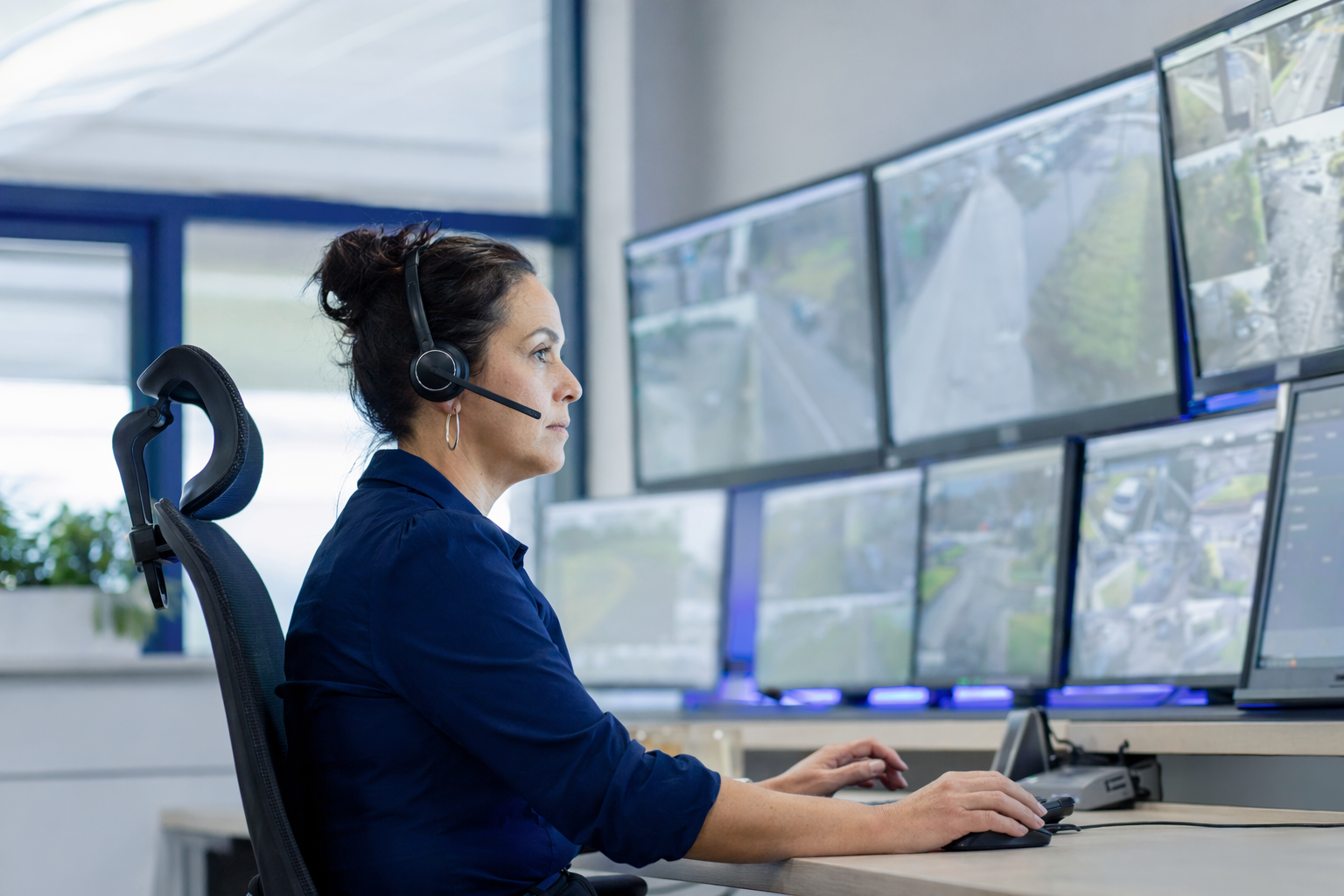
What 24/7 professional monitoring is
With professional monitoring, your alarm system sends signals to a monitoring center when a sensor, camera, panic button, or other device is triggered. The monitoring center then follows the instructions in your plan. That may include calling you, calling your emergency contacts, or requesting police, fire, or medical dispatch when appropriate.
This is different from a system that only sends alerts to your phone. With self-monitoring, you are usually the one who has to see the alert, decide if it is real, and call for help.
Professional monitoring can be used with:
- burglar alarms
- door and window sensors
- motion detectors
- smoke or heat alarms in some systems
- panic buttons
- some camera and smart-home setups
It is important to be honest about what monitoring can and cannot do. No security system or monitoring service can promise to prevent crime, loss, injury, or property damage. Monitoring is one layer of protection. The real result depends on the equipment, signal path, response procedures, local emergency response, and what is happening at the property.
If you are still deciding what setup fits your property, see home security systems for a simple overview.
How it works, step by step
Here is the basic flow for most monitored systems:
- A device is triggered. A door opens, motion is detected, glass breaks, a panic button is pressed, or another programmed event happens.
- The signal is sent. The system sends the alert through cellular, internet, landline, or a backup path, depending on the equipment.
- The monitoring center reviews the event. The center receives the signal and follows its process.
- Verification may happen. They may call, text, use an app, review available information, or contact your listed contacts, depending on the plan and local rules.
- Dispatch may be requested. If the event appears real and your agreement allows it, the center may request emergency response.
- You get follow-up. You may receive a call, text, app alert, or all three.
A few practical points matter:
- Response procedures vary by company and plan. Ask exactly what happens first.
- False alarms matter. Too many can lead to fines in some areas or slower trust in future alarms.
- Power and internet outages matter. Ask if the system has battery backup and cellular backup.
- User setup matters. If your contact list is old or your verbal passcode is wrong, response can be delayed.
For many homeowners, monitoring is mainly about burglary, fire, and panic alerts. For small businesses, it can also support opening and closing schedules, after-hours alerts, and some access control events.
Typical cost range
Professional monitoring is usually a monthly service. A common range is about $15 to $60 per month. Some plans are lower for basic intrusion monitoring. Some are higher if they include extra features, cellular communication, app access, video-related features, environmental sensors, or business functions.
Other costs may apply too:
- Alarm equipment: roughly $200 to $600+. DIY kits are often lower. Professionally installed systems are often higher.
- Professional installation: roughly $100 to $400 one time, depending on the property, wiring, and system complexity.
- Security cameras: roughly $50 to $300 each, plus any cloud-storage fee if used.
These are typical ranges and estimates, not quotes or guarantees. The real price depends on the system, the size and layout of the property, professional monitoring, installation, and your area.
Ask each company to separate the price into clear parts:
- equipment
- installation
- monthly monitoring
- app or cloud fees
- service-call fees
- permit or false-alarm fees if they apply in your city
If you want a wider breakdown of common security expenses, review costs.
Monitored vs self-monitored: which fits you?
Neither option is right for everyone. The best choice depends on your budget, schedule, and how much responsibility you want to handle yourself.
Professional monitoring may fit better if:
- you travel often
- you sleep through phone alerts
- the property is vacant part of the day
- you want a monitoring center to follow a response process
- you run a small business and want after-hours oversight
Self-monitoring may fit better if:
- you want the lowest monthly cost
- you are comfortable checking alerts yourself
- you want fewer contract concerns
- you mainly want awareness, not a monitoring center
For a small business, monitored service can be useful when different people open and close the building, or when there is inventory, cash handling, or after-hours access. For a home, it can make sense when you want another layer beyond phone alerts.
Still, monitoring is not automatically better in every case. A well-placed camera, strong locks, lighting, and clear habits can matter just as much. If you are comparing routes, DIY vs professional security can help you think it through.
Contract terms to read before you sign
This is where many people get surprised. Do not focus only on the monthly number. Read the full agreement before you sign anything.
Check these items carefully:
- Contract length. Month-to-month and multi-year plans both exist.
- Auto-renewal. Ask whether the contract renews automatically and how to stop renewal.
- Monthly fee. Confirm the exact amount, when it can change, and whether taxes or extra fees apply.
- Equipment ownership. Ask whether you own the equipment, lease it, or are paying it off over time.
- Cancellation and early-termination terms. This is critical. Ask what happens if you move, close the business, or want to cancel early.
- Service and repair terms. Find out what is covered and what costs extra.
- False alarm policy. Ask who helps with permits, user training, and reducing false alarms.
- Response steps. Ask exactly what the monitoring center does first and what information they use.
Do not sign on the spot because of door-to-door pressure, a "today only" offer, or repeated phone calls. Take the contract inside. Read it. Compare it. If someone rushes you, that is a reason to slow down.
If you want a simple review list, use alarm contract checklist. If the sale started at your door, read how to avoid door-to-door alarm sales pressure.
If you ask to be matched or contacted, remember this: consent to be contacted, including by autodialer, prerecorded or artificial voice, and SMS, is not a condition of any purchase. You can opt out anytime.
Questions to ask before choosing a monitoring plan
Use these questions when you compare companies:
- Are you licensed, insured, and properly registered for this state and local area? Verify the license or registration yourself. Some states also license or register alarm-company solicitation and installation.
- What does the monthly monitoring fee include? Basic burglary only, or also fire, panic, app access, cellular backup, or video-related features?
- What equipment is required? Can the company monitor existing compatible equipment, or do they require a full replacement?
- What happens during an alarm? Who gets called first? How is a false alarm canceled? What if I do not answer?
- What is the contract length and cancellation policy? Ask for the exact early-termination terms in writing.
- Who installs and services the system? Confirm whether technicians are employees or subcontractors and whether service calls cost extra.
- How does backup work? Battery backup, cellular backup, and outage behavior matter.
- Will local permits be needed? Some cities require alarm permits.
You are in control here. You compare estimates. You choose who to hire. You read the contract and confirm the cancellation terms before signing. KeepWatchly can help you get matched with local companies, but the choice is always yours.
How to vet a monitoring provider the smart way
A calm, basic screening process can save you money and stress.
Start with these steps:
- Verify license and insurance. Do not rely only on a badge, brochure, or website claim.
- Check the business identity. Make sure the company name on the contract matches the licensed business you researched.
- Ask for a written estimate. Equipment, installation, and monitoring should be listed separately.
- Read the agreement before the appointment ends. If they will not give you time, walk away.
- Ask who monitors the system and under what procedures. You should know what service you are actually buying.
- Confirm support after installation. Ask how repairs, app issues, and sensor problems are handled.
For small businesses, also ask about user permissions, opening and closing alerts, and whether access control can be integrated if you need smarter door management.
KeepWatchly is free for homeowners and small businesses. Participating security companies pay a flat fee to be included. That does not change your right to compare options carefully. Hire a licensed, insured, properly registered company, verify that status yourself, and do not let anyone rush your decision.
If you want 24/7 professional monitoring, compare the monthly fee, equipment cost, installation cost, and the contract terms before you sign. Hire a licensed, insured company, verify the license yourself, and remember that KeepWatchly is a free matching service, not a security company.
Always hire licensed, insured, registered security companies — and verify the license yourself.
Common questions
How much does 24/7 professional monitoring usually cost?
A typical range is about $15 to $60 per month, but that is only an estimate. The real price depends on the system, the size and layout of the property, professional monitoring features, installation, and your area. Equipment and installation are often separate costs.
Is professional monitoring better than self-monitoring?
Not always. Professional monitoring may help if you want a monitoring center to follow response steps when an alarm signal comes in. Self-monitoring may cost less and work fine for some people. Neither option can guarantee safety or prevent every crime or loss.
Can I keep my existing alarm system and just add monitoring?
Sometimes. Some companies can monitor compatible existing equipment, while others require different hardware or upgrades. Ask whether your current panel, sensors, and communication path are compatible before you agree to anything.
What should I watch for in a monitoring contract?
Look closely at the contract length, auto-renewal, monthly fee, equipment ownership, service terms, cancellation policy, and early-termination fees. Read the full agreement before signing, and do not sign on the spot because of door-to-door or phone pressure. Consent to be contacted, including by autodialer, prerecorded or artificial voice, and SMS, is not a condition of any purchase, and you can opt out anytime.