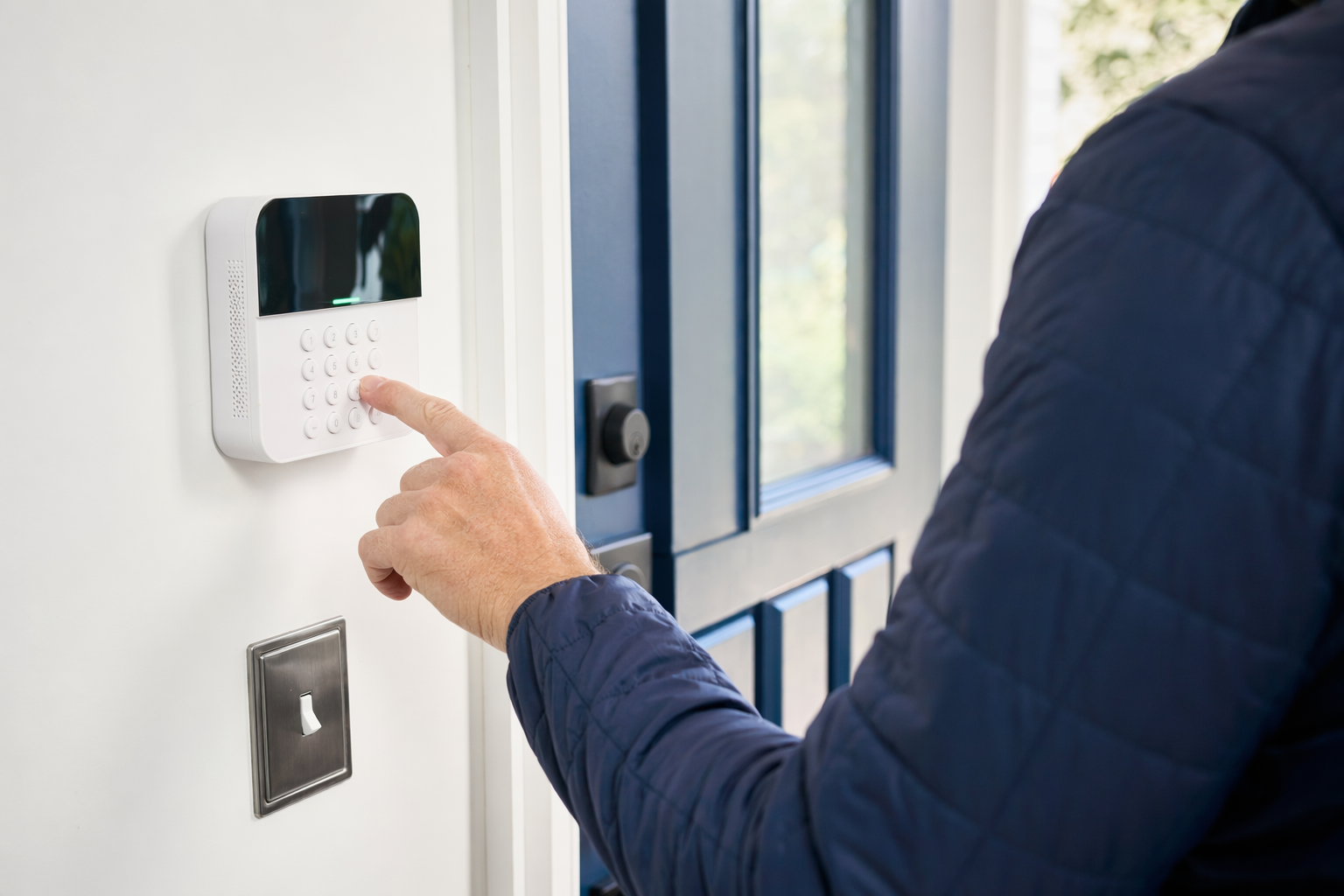
What a home security system usually includes
A basic home security system is usually a mix of devices that detect entry, movement, or trouble conditions, plus a way to alert you or a professional monitoring center.
Common parts include:
- Control panel or hub to connect the system
- Door and window sensors to detect opening
- Motion sensors for interior activity
- Keypad or app access to arm and disarm
- Siren to make noise during an alarm
- Yard sign or window stickers supplied by the installer in some cases
- Optional security cameras, glass-break sensors, smoke or CO devices, video doorbells, and smart locks
Some systems are simple and good for a small apartment or starter home. Others are built for larger houses, mixed-use properties, or small businesses that need more doors, camera coverage, or user access control. If you are still deciding between alarms, cameras, and monitoring, start with home security systems or review typical costs.
Important: no system can guarantee safety or promise to prevent crime, injury, loss, or property damage. A system can reduce risk, improve awareness, and help with faster notification, but it is not a promise.
How it works, step by step
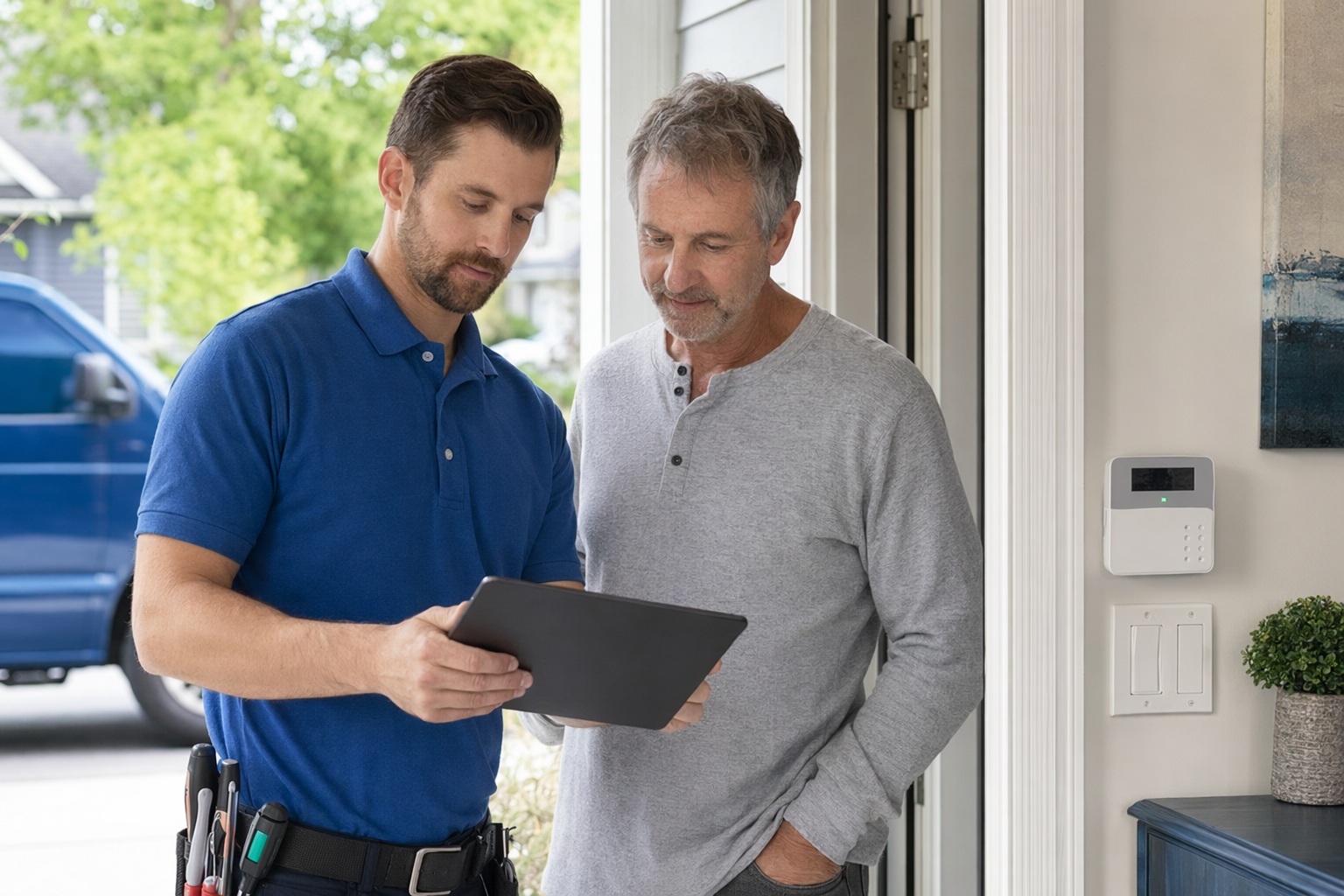
Most systems follow the same basic process:
- You choose what to protect. Front door, back door, first-floor windows, garage, hallway, office, stock room, or entry gate.
- Sensors watch for activity. If a door opens, a window is forced, or motion is detected while the system is armed, the panel records an alarm event.
- You get notified, or a monitoring center does. With self-monitoring, you get app alerts. With professional monitoring, a monitoring center may try to contact you and follow the monitoring agreement.
- You decide what happens next. That may mean checking a camera, dismissing a false alarm, or asking for emergency dispatch if appropriate under the monitoring terms and local rules.
For some people, a simple alarm with app alerts is enough. For others, especially families, frequent travelers, or small businesses with inventory, professional monitoring may be worth the monthly fee.
KeepWatchly does not sell, install, monitor, or service systems. We help you get matched, at no cost, with licensed, insured, properly registered local security companies so you can compare options and choose who to hire.
Typical cost ranges to expect
Home security pricing varies a lot. The real price depends on the system, the size and layout of the property, professional monitoring, installation needs, and your area. Treat all numbers below as typical ranges and estimates, not quotes.
Typical ranges:
- Alarm equipment: about $200-$600+
- Smaller DIY-style kits may be lower
- Larger or professionally installed systems are often higher
- Professional installation: about $100-$400 one time
- Professional monitoring: about $15-$60 per month
- Security cameras: about $50-$300 each plus any cloud storage fee
- Smart locks / access control: about $120-$500 per door
A few real-world examples:
- A small apartment might need a hub, keypad, 2-4 entry sensors, and one motion sensor.
- A single-family home may add more window sensors, a siren, smoke/CO devices, and a doorbell or camera.
- A small business may need multiple user codes, cameras, after-hours alerts, and better door control.
Watch for the full cost, not just the monthly number. A low advertised monthly fee can come with higher equipment charges, a long contract, auto-renewal, or early termination fees. Before you sign, read the full monitoring agreement and the cancellation section carefully. For a bigger picture on pricing, see costs.
Monitored vs. self-monitored: which fits you?
There is no one right answer. It depends on your routine, your comfort with app alerts, and whether someone can respond when you are busy, asleep, or away.
Self-monitored often means:
- Lower monthly cost, or no monitoring fee
- App alerts sent directly to you
- You decide whether to check cameras or call for help
- Better fit for people who want simple control and fewer ongoing charges
Professionally monitored often means:
- A monthly fee, usually around $15-$60
- Alarm events may be reviewed by a monitoring center under the agreement
- Extra structure if you are traveling, have elderly family at home, or cannot always check alerts fast
- Sometimes required for certain business procedures or insurance discussions, depending on the situation
Ask yourself:
- Who will see the alert at 2 a.m.?
- If you miss a call, what happens next under the agreement?
- Are there local false-alarm rules or permit requirements?
- Do you want cameras too, or only intrusion sensors?
If you are comparing setup styles, DIY vs professional security can help you sort out the tradeoffs.
Contract terms to read before you sign
This is where many people get surprised. Do not sign on the spot because someone says the deal ends today. Slow down. Read the paperwork.
Check these points:
- Contract length: month-to-month or multi-year?
- Monthly fee: what exactly is included?
- Equipment ownership: do you own it, finance it, or lease it?
- Installation charges: one-time or bundled into the contract?
- Auto-renewal: does the agreement renew by itself?
- Cancellation terms: how do you cancel, and by when?
- Early termination fee: what do you owe if you move or change your mind?
- Service and repair: what is covered, and what is extra?
- Camera/cloud fees: are recordings included or separate?
- Permit or false alarm fees: who handles them?
If a salesperson comes to your door or pressures you on the phone, be careful. Do not let anyone rush you into a same-day signature. Read avoid door-to-door alarm sales and use an alarm contract checklist before signing.
If you ask to be matched or contacted, remember: consent to be contacted is not a condition of any purchase. That contact may include calls, SMS, and messages using autodialer, prerecorded, or artificial voice technology, and you can opt out anytime. Even then, you should still compare companies yourself and read the contract before agreeing to anything.
What to ask a security company before hiring
A good conversation should feel clear, not slippery. Ask direct questions and write down the answers.
Here are useful questions:
- Are you licensed, insured, and properly registered in my state and local area? Ask for the license number and verify it yourself. Some states also license or register alarm solicitation and installation.
- What exactly is included in the price estimate? Equipment, installation, app access, training, warranty, and monitoring.
- What will raise the price? More doors, windows, cameras, difficult wiring, larger property, or special placements.
- Is this system expandable later? Can you add cameras, smart locks, panic devices, or smoke/CO sensors later?
- Who provides monitoring, and what is the response process? Ask how alerts are handled and what the monitoring agreement says.
- What happens if internet or power goes down? Is there cellular backup or battery backup?
- What are the cancellation and auto-renewal terms? Ask for that section in writing.
- Do I own the equipment at the end? This matters if you move or change providers.
A trustworthy company should answer these questions plainly. If the answers stay vague, keep shopping.
How KeepWatchly helps you compare without pressure
KeepWatchly is here to make the shopping part easier, especially if English is not your first language or if you are new to how US security contracts work.
What we do:
- Help you think through what to protect
- Share honest typical cost ranges and estimates
- Help you avoid pressure tactics and rushed decisions
- Match you, for free, with local security companies near you
What we do not do:
- We do not sell, install, monitor, or service systems
- We do not provide guard service, patrol service, legal advice, insurance advice, or security advice as a licensed provider
- We do not collect sensitive information like SSNs, bank account numbers, or immigration status
Participating security companies pay KeepWatchly a flat fee for the match. The matching service is free to the homeowner or business.
Your job is still important: you compare options, you choose who to hire, and you read the contract before signing. If you want to start, use get matched and ask for licensed, insured local companies. Then verify the license yourself and review how to vet a security company.
Start by listing what you want to protect, then compare a few licensed, insured local security companies. Look at the full cost, ask about monitoring and cancellation terms, verify the license yourself, and do not let anyone rush you into signing.
Always hire licensed, insured, registered security companies — and verify the license yourself.
Common questions
How much does a basic home security system usually cost?
A basic setup often starts around $200-$600+ for equipment, with $100-$400 for professional installation if you do not choose DIY. If you want professional monitoring, that is commonly about $15-$60 per month. These are typical ranges and estimates, not quotes. The real price depends on the system, property size and layout, installation, monitoring, and your area.
Is professional monitoring worth it?
Sometimes yes, sometimes no. Professional monitoring can be useful if you travel, work long hours, or want a monitoring center involved when an alarm event happens under the agreement. Self-monitoring can cost less and may be enough if you reliably check alerts yourself. No monitoring plan can guarantee that crime, loss, injury, or property damage will be prevented.
Should I sign a security contract at the door if the price sounds good?
Usually, no. Door-to-door and phone sales can involve pressure, short deadlines, or unclear contract terms. Read the full contract, the monitoring agreement, the contract length, auto-renewal, monthly fee, and cancellation or early-termination terms before signing. Do not sign on the spot just because someone says the offer expires today.
How do I know if a security company is legitimate?
Ask for the company license information, proof of insurance, and any required registration details, then verify them yourself with the state or local authority. Some states regulate alarm solicitation and installation. Also ask for the full written agreement, not just a summary, and check exactly what is included, what costs extra, and how cancellation works.