What access control and smart locks actually do
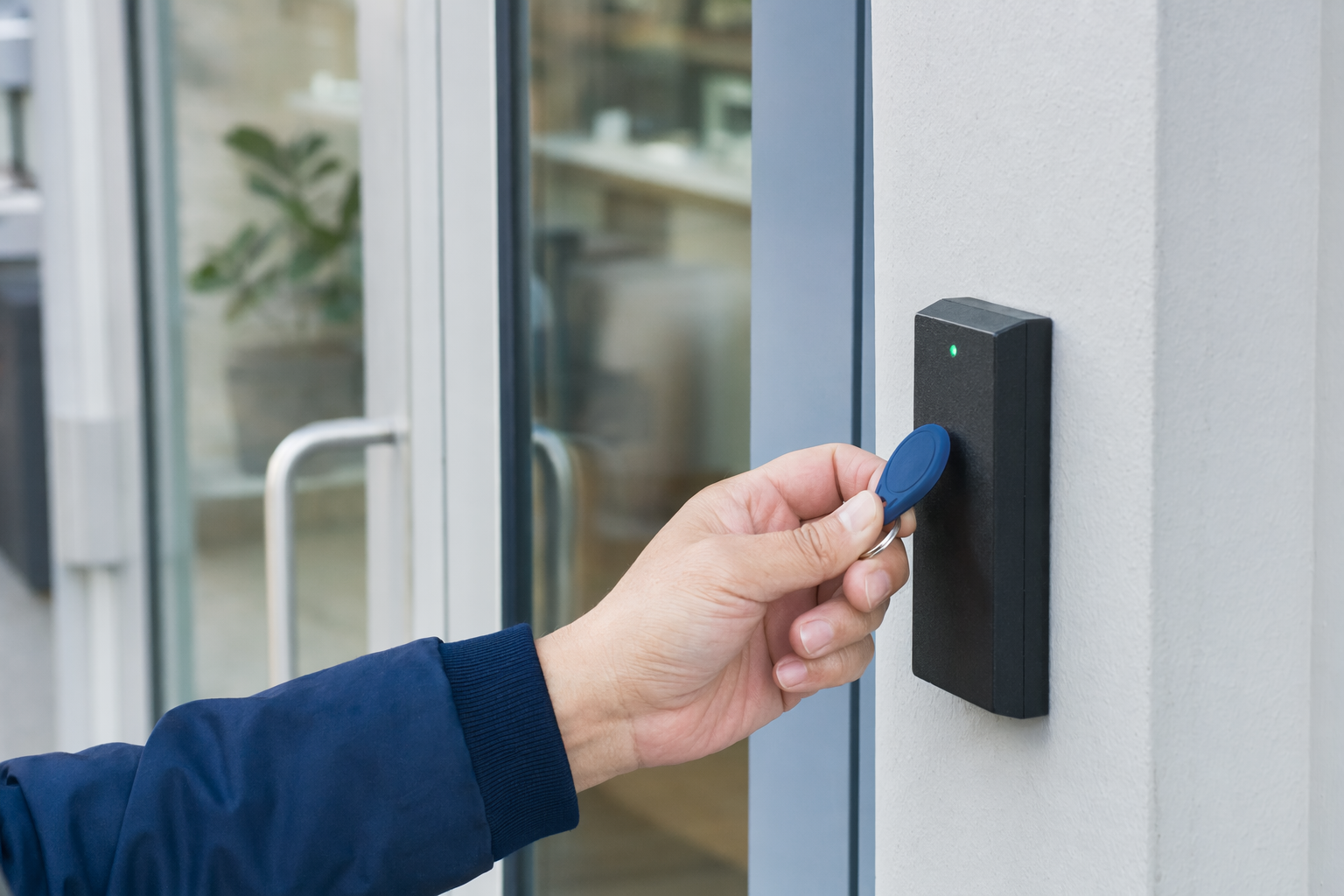
Access control means you decide who can enter, when they can enter, and how they enter. For a home, that may mean a smart deadbolt on the front door. For a small business, it may mean keypads, card or fob entry, app-based access, door schedules, and an audit trail that shows openings and closings.
Smart locks are usually the simplest form of access control. Many let you unlock by code, phone app, key, fingerprint, or a combination of methods. Some work well as a stand-alone lock. Others connect with a larger alarm or camera setup.
Common reasons people choose access control:
- No more hiding spare keys
- Give a cleaner, dog walker, employee, or tenant their own code
- Remove a code without changing the whole lock
- Lock or unlock remotely on some systems
- See basic entry history on some systems
- Set business hours so certain doors unlock or stay locked at certain times
This can be useful, but no lock or security system can promise safety or prevent every break-in, theft, injury, or property loss. The goal is better control and visibility, not a guarantee.
If you are comparing broader options, home security systems and professional monitoring may matter too.
How it works in real life
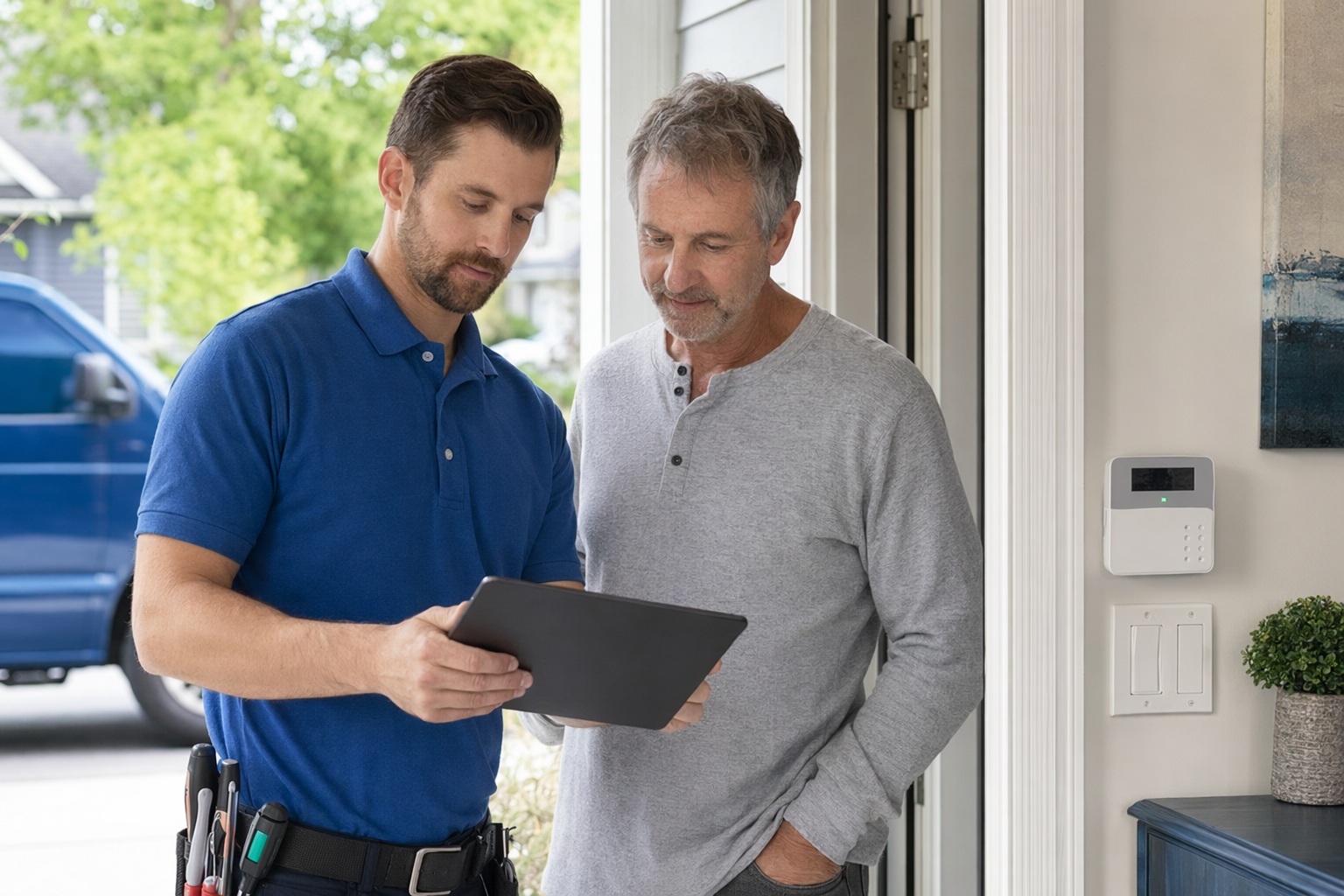
A basic home setup is often one smart lock on one door. You create user codes in an app or on the keypad. If someone should no longer have access, you delete that code.
A small business setup is often more structured:
1. Choose the doors that need control. Front door, employee entrance, stock room, office, back door.
2. Choose credentials. PIN codes, cards, fobs, mobile app access, or biometrics where allowed and appropriate.
3. Set permissions. Example: staff can enter from 8 a.m. to 6 p.m., manager access any time.
4. Connect related devices if needed. Cameras, alarms, door contacts, intercoms, or remote management.
5. Decide who manages it. Owner, office manager, property manager, or a designated employee.
For homes, simple is usually best. For businesses, think about turnover. If employees come and go, digital access can be easier than rekeying physical locks again and again.
Not every door is a good fit for every smart lock. Door thickness, strike alignment, weather exposure, fire-rating rules, and local code requirements can affect what is possible. That is one reason many people talk with a licensed, insured local company before they buy.
Typical cost ranges in the US
Here are typical ranges and estimates, not quotes. The real price depends on the system, the size and layout of the property, professional monitoring, installation, and the area.
For many homes and small businesses, smart locks or basic access control run about $120-$500 per door. A simpler residential smart lock may land near the lower end. A heavier-duty commercial setup with readers, credentials, software, or special door hardware can cost more.
Other common costs:
- Professional installation: about $100-$400 one-time for many standard jobs, sometimes more if wiring, drilling, door repair, or commercial hardware changes are needed
- Alarm equipment: roughly $200-$600+ if the lock is part of a larger security system
- Professional monitoring: roughly $15-$60 per month if you add monitored alarm service
- Security cameras: roughly $50-$300 each, plus any cloud fee, if you want video near entry doors
Ask for a line-by-line estimate so you can see:
- Hardware cost per door
- Installation labor
- App or software fees
- Card, fob, or keypad costs
- Battery replacement expectations
- Any monthly platform fee
- Any separate monitoring fee
Before you agree to anything, it helps to review general costs so you know what is normal and what deserves more questions.
Monitored vs self-managed: what is the difference?
A lot of confusion happens here. A smart lock does not automatically mean 24/7 professional monitoring.
Self-managed usually means you use the app, codes, and alerts yourself. You may get notifications, lock or unlock remotely, and review access history. This is common for homes and very small businesses.
Professionally monitored usually means the access setup is tied into an alarm system. If a sensor, door contact, or burglary alarm is triggered, a monitoring center may follow the monitoring agreement and response procedures. That is different from someone actively watching every lock event.
Good questions to ask:
- If a door is forced open, what exactly happens?
- Is this lock stand-alone, or tied to an alarm panel?
- Will I get app alerts? Are they instant or delayed?
- Is there a monthly fee for app access, cloud features, or monitoring?
- If internet goes down, what still works?
- If power goes out, what still works?
For some properties, a smart lock alone is enough. For others, pairing locks with security cameras or an alarm makes more sense. The right choice depends on the entry points, who needs access, and how much oversight you want.
Contracts, sales pressure, and what to read before signing
This is where people get trapped. Some security companies use long contracts, auto-renewal terms, and cancellation penalties. Do not sign on the spot because a salesperson says the deal ends today. That is especially important with door-to-door or phone sales.
Read the full contract and monitoring agreement before you sign. Confirm:
- Contract length
- Monthly fee
- Equipment ownership
- Auto-renewal terms
- Cancellation rules
- Early-termination fees
- Warranty limits
- Service-call charges
- What happens if you move
If a company wants to contact you after you ask to be matched, remember this: consent to be contacted, including by autodialer, prerecorded or artificial voice, and SMS, is not a condition of any purchase, and you can opt out anytime.
Take your time. Compare more than one option. Use a checklist if needed. These guides can help: avoid door-to-door alarm sales and alarm contract checklist.
What to ask before you hire a company
Use plain questions. A good company should answer clearly.
- Are you licensed, insured, and properly registered for alarm or access-control work in my state and local area?
- What is your license or registration number so I can verify it myself?
- Have you installed this exact lock or door hardware before?
- Will this work with my current door, deadbolt, frame, and alarm system?
- What features need Wi-Fi, cellular, or a subscription?
- Can I create temporary codes for guests, staff, or vendors?
- Can I delete access fast if someone leaves?
- What happens if batteries die or internet goes down?
- Do I own the equipment, or am I leasing it?
- Is there a contract? If yes, for how long?
- What are the cancellation and early-termination terms?
- Who do I call for service, and what does a service visit cost?
Always hire licensed, insured, properly registered security companies, and verify the license or registration yourself. Some states also license or register alarm-company solicitation and installation. If you want a simple way to compare local options, get matched and then check each company carefully yourself.
How KeepWatchly helps you compare without the pressure
KeepWatchly is not a security company, installer, alarm dealer, or monitoring center. We are a free matching service for homeowners and small businesses in the US, including new immigrants and non-native-English speakers.
Here is how to use the service well:
1. Tell us what you want to protect and how to contact you.
2. We try to match you with licensed, insured local security companies.
3. You compare your options, ask questions, and decide who to hire.
4. You read the contract, confirm the cancellation terms, and only sign when you are comfortable.
Matching is free to you. Participating security companies pay a flat fee to take part.
Keep control of the process. You do not need to buy the same day. You do not need to accept pressure. You do not need to give sensitive information like Social Security numbers, bank account numbers, or immigration records just to ask about access control.
If you want extra help checking a company before you hire them, read how to vet a security company.
If you want better control over who can enter your home or business, ask for line-by-line estimates, compare contract terms, and hire only licensed, insured companies you verify yourself. KeepWatchly can match you for free, but you stay in charge: compare options, read the agreement, and do not sign under pressure.
Always hire licensed, insured, registered security companies — and verify the license yourself.
Common questions
How much does a smart lock usually cost?
A typical smart lock or basic access-control setup often runs about $120-$500 per door, plus installation if you hire a pro. That is an estimate, not a quote. The real price depends on the lock type, the door, the property layout, installation needs, any app or software fees, and your area.
Do I need professional monitoring with a smart lock?
Not always. Many people use smart locks without professional monitoring. You may manage codes and alerts yourself. If you want alarm response, that usually means the lock or door is tied into a larger monitored alarm system with a separate monitoring agreement and monthly fee.
Can smart locks work if the internet goes down?
Often, yes, for basic local locking and unlocking, but features vary. Many locks still allow keypad or physical key entry if set up that way. Remote app control, cloud history, or alerts may stop working until service returns. Ask the company exactly what still works during internet or power problems.
Are access control systems worth it for a small business?
They can be, especially if different people need access at different times or if staff turnover is common. Digital codes, cards, or app credentials are often easier to change than rekeying doors. That said, the right setup depends on the doors, the business type, and your budget. Compare a few licensed, insured companies and read the contract terms carefully before signing.