
What small business security usually includes
Small business security is not one thing. It is usually a mix of devices, monitoring, and rules for who can enter your space.
Common parts include:
- Burglar alarm systems with door contacts, motion sensors, glass-break sensors, sirens, and a control panel
- Security cameras inside and outside the property to help you check entrances, registers, stock rooms, and parking areas
- 24/7 professional monitoring so alarm signals can be reviewed and handled when the system is armed
- Access control or smart locks so you can control who gets in, when, and through which door
- On-site guards for higher-risk businesses, large properties, events, or overnight coverage
What makes sense depends on what you need to protect. A small office may want basic alarm coverage and a door lock upgrade. A retail store may care more about front-door cameras, after-hours alarms, and employee access. A warehouse may need multiple exterior cameras, door alerts, and monitored entry points.
If you are still deciding between alarms, cameras, and locks, it helps to start with what problem you are trying to solve. Is it after-hours break-ins? Employee access? Package theft? Cash handling? Customer safety? The answer should shape the system.
You can compare options for business security and ask to be matched with local companies. KeepWatchly is a free matching service. We do not sell, install, monitor, or service security systems.
How KeepWatchly works
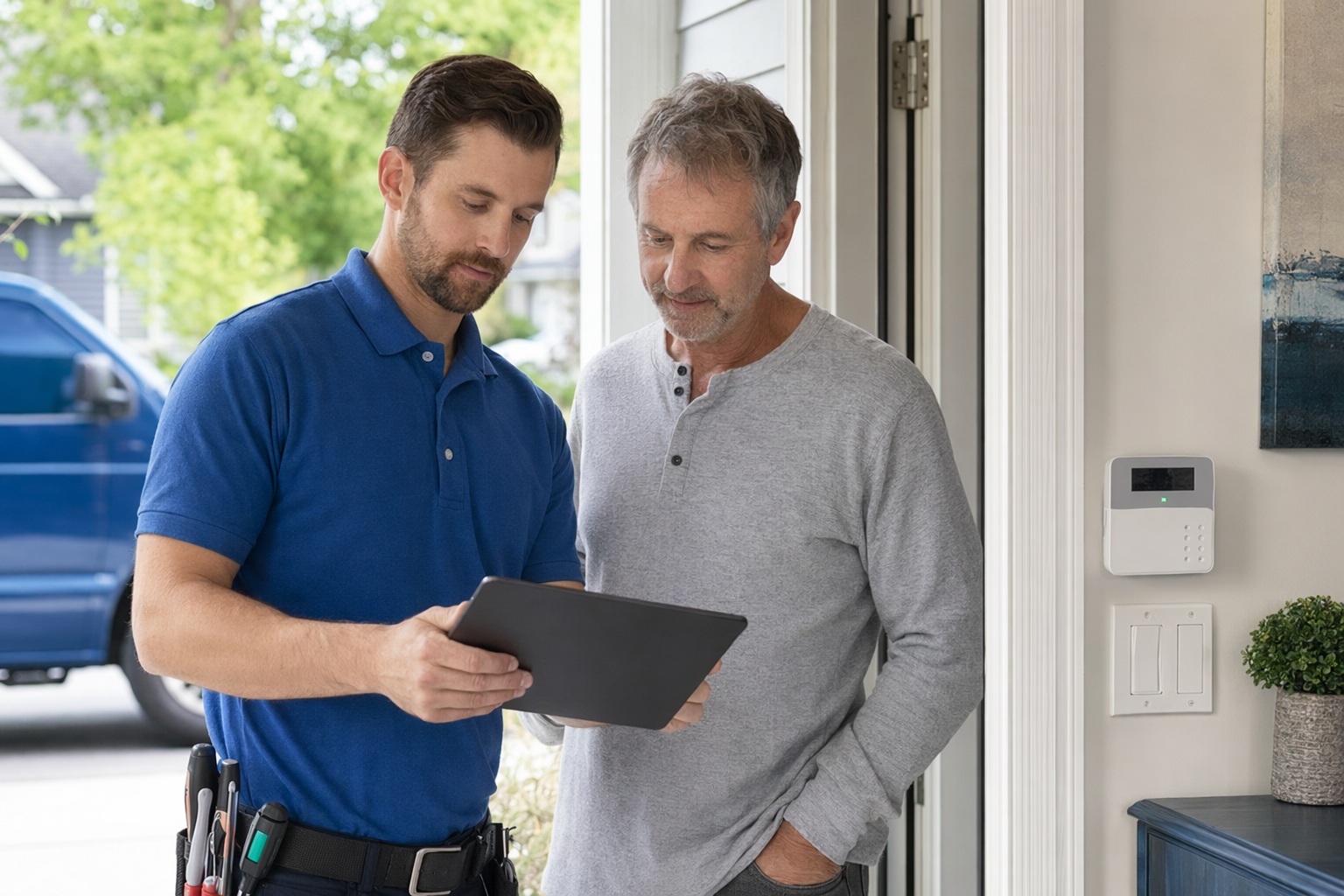
The process is simple and free to you.
- Tell us what you want to protect. For example: a storefront, office suite, restaurant, or warehouse.
- Share basic contact details. That lets participating companies follow up about your project. We do not need financial account numbers, Social Security numbers, or immigration information.
- Get matched with licensed, insured local companies. You compare your options, ask questions, and decide whether to hire anyone.
- Read every contract before you sign. Confirm equipment, installation scope, monitoring terms, monthly fee, contract length, auto-renewal, and cancellation or early-termination terms.
Important: if you ask to be contacted, your consent to receive calls or texts, including by autodialer, prerecorded or artificial voice, and SMS, is not a condition of any purchase. You can opt out anytime.
Also, do not let anyone rush you. If someone comes to your door or pushes you on the phone, slow down. Do not sign on the spot. Read the full agreement first, especially the monitoring agreement and cancellation terms. This matters a lot in the alarm industry.
Need help knowing what to compare? Use this alarm contract checklist before you sign with any company.
Typical cost ranges for small business security
Real prices vary by the system, the size and layout of the property, professional monitoring, installation, and your area. These are typical ranges and estimates, not quotes or guarantees.
Here is a practical starting point for many small businesses:
- Alarm equipment: about $200-$600+
- Professional installation: about $100-$400 one time
- Professional monitoring: about $15-$60 per month
- Security cameras: about $50-$300 each, plus any cloud storage fee
- Smart locks / access control: about $120-$500 per door
- Unarmed security guards: about $20-$50 per hour; armed or event coverage is often higher
A very small business with one entrance may spend less than a multi-door storefront, restaurant, or warehouse. Camera count changes cost quickly. So does the need for remote access, recorded video storage, panic buttons, or multiple user codes.
A few honest cost notes:
- Low upfront pricing can come with a long monitoring contract
- “Free equipment” may really mean the cost is built into monthly payments
- More cameras usually means more storage cost
- Commercial doors, gates, and multi-user access systems can cost more than a simple smart lock
- Older buildings may raise installation time and labor
If you want a broader price overview before you talk to anyone, see security costs. Only a licensed local company that sees your site and your needs can give a real bid.
Professional monitoring vs self-monitoring
This is one of the biggest decisions for a business owner.
Professional monitoring usually means your alarm signals go to a monitoring center when the system is armed. If a signal comes in, they may follow your call list or dispatch based on the agreement and local rules.
Self-monitoring usually means alerts go to your phone or app, and you decide what to do.
Professional monitoring may make sense if:
- Your business is empty overnight
- You cannot always answer alerts right away
- You have several employees opening and closing
- You want after-hours alarm handling beyond your own phone
Self-monitoring may make sense if:
- Your needs are simple
- You are usually available to review alerts
- You want lower monthly cost
- You are comfortable managing app notifications yourself
But be realistic. Phone alerts are only helpful if someone sees them in time and knows what to do. On the other hand, monitoring is an ongoing monthly cost, and you should understand exactly what is included.
No option can promise safety or prevent crime, loss, injury, or property damage. No security measure can guarantee that. The goal is to reduce risk, improve awareness, and help you respond faster.
If you want to compare setup styles, including simpler systems and installed systems, this guide on DIY vs professional security can help.
Contract terms that matter before you sign
Many business owners focus on equipment and forget the contract. That is where expensive surprises happen.
Read these items carefully:
- Contract length — Is it month to month, one year, three years, or longer?
- Monthly fee — What exactly are you paying every month, and does it increase later?
- Auto-renewal — Does the agreement renew automatically unless you cancel by a deadline?
- Cancellation and early termination — What happens if you move, close the business, or switch providers?
- Ownership of equipment — Do you own it, lease it, or pay it off over time?
- Service calls and repairs — What is included, and what costs extra?
- Monitoring agreement — Is it separate from the equipment agreement?
- Permit responsibility — If your city requires an alarm permit, who handles it?
Be extra careful with door-to-door sales and urgent phone offers. A discount today is not always a good deal if it locks you into a contract you do not want.
Before signing, ask for time to review the paperwork. If a salesperson says the offer disappears unless you sign now, that is a reason to slow down, not speed up. Our guide on avoiding door-to-door alarm sales pressure is worth reading if you have been approached already.
And again, if you agree to be contacted, that consent is not a condition of purchase, even if calls or texts use autodialer, prerecorded or artificial voice, or SMS. You can opt out anytime.
What to ask a security company
When you compare companies, ask short, direct questions. Good companies should answer clearly.
Try these:
- Are you licensed, insured, and properly registered for this state and city?
- What is your license or registration number, and where can I verify it?
- Have you worked on businesses like mine before?
- What equipment do you recommend, and why?
- What happens during installation, and how long will it take?
- What are the full upfront costs and monthly costs?
- Is professional monitoring optional? If yes, what changes if I decline it?
- Who owns the equipment at the end of the contract?
- What are the cancellation and early-termination terms?
- Do you subcontract any part of the job?
- What training will you give me and my staff?
- What happens if a camera, sensor, or lock stops working?
Also ask how the system fits your daily operations. Can managers have different codes? Can former employees be removed quickly? Can you lock or unlock certain doors by schedule? Can you see camera playback without paying for features you do not need?
Most important: verify the company yourself. Do not rely only on a salesperson's badge or brochure. Some states license or register alarm-company solicitation and installation, and rules can differ by location. Hire only companies that are properly licensed, insured, and registered where required.
How to vet a pro and choose the right setup
A good choice is not always the cheapest one. It is the system and company that fit your business, your budget, and your risk level.
A simple way to decide:
- Start with your weak points. Front door, back door, register, stock room, alley, loading area, or employee access
- Separate must-haves from nice-to-haves. Alarm first, cameras second, access control later, for example
- Compare at least two or three options. Do not rely on one sales pitch
- Check license and insurance yourself. Ask for proof and verify it
- Read the full contract before signing. Especially monitoring, auto-renewal, cancellation, and fees
- Choose only what you understand. If you cannot explain the monthly bill, ask again
KeepWatchly can help you narrow the field, but you compare quotes, you choose who to hire, and you confirm the contract terms before signing. Participating security companies pay KeepWatchly a flat fee for the match. The service is free to homeowners and business owners.
If you want help finding local options, you can get matched with licensed, insured companies near you. We are a matching service only, not a security company or installer.
Start by listing what you need to protect, then compare a few licensed, insured local companies. Ask about total cost, monthly fees, contract length, and cancellation terms, and do not sign under pressure. KeepWatchly is free and can match you with local companies, but you stay in control of who to hire.
Always hire licensed, insured, registered security companies — and verify the license yourself.
Common questions
How much does small business security usually cost?
Typical ranges depend on the system, property size and layout, monitoring, installation, and area. Alarm equipment often runs about $200-$600+, professional installation about $100-$400 one time, monitoring about $15-$60 per month, cameras about $50-$300 each plus any cloud fee, and smart locks or access control about $120-$500 per door. These are estimates, not quotes.
Do I need professional monitoring for a small business?
Not always. Some businesses prefer self-monitoring through app alerts, while others want 24/7 professional monitoring for after-hours alarm handling. The right choice depends on your schedule, staffing, risk level, and budget. No system or monitoring plan can guarantee safety or prevent crime.
What should I check before signing a business alarm contract?
Read the full contract and the monitoring agreement. Check contract length, monthly fee, auto-renewal, equipment ownership, cancellation deadline, early-termination charges, service-call costs, and any permit responsibilities. Do not sign on the spot because of door-to-door or phone pressure.
How do I know if a security company is legitimate?
Ask whether the company is licensed, insured, and properly registered for your state and local area, then verify that yourself. Some states license or register alarm-company solicitation and installation. Also compare more than one option and ask for all costs and contract terms in writing before you decide.