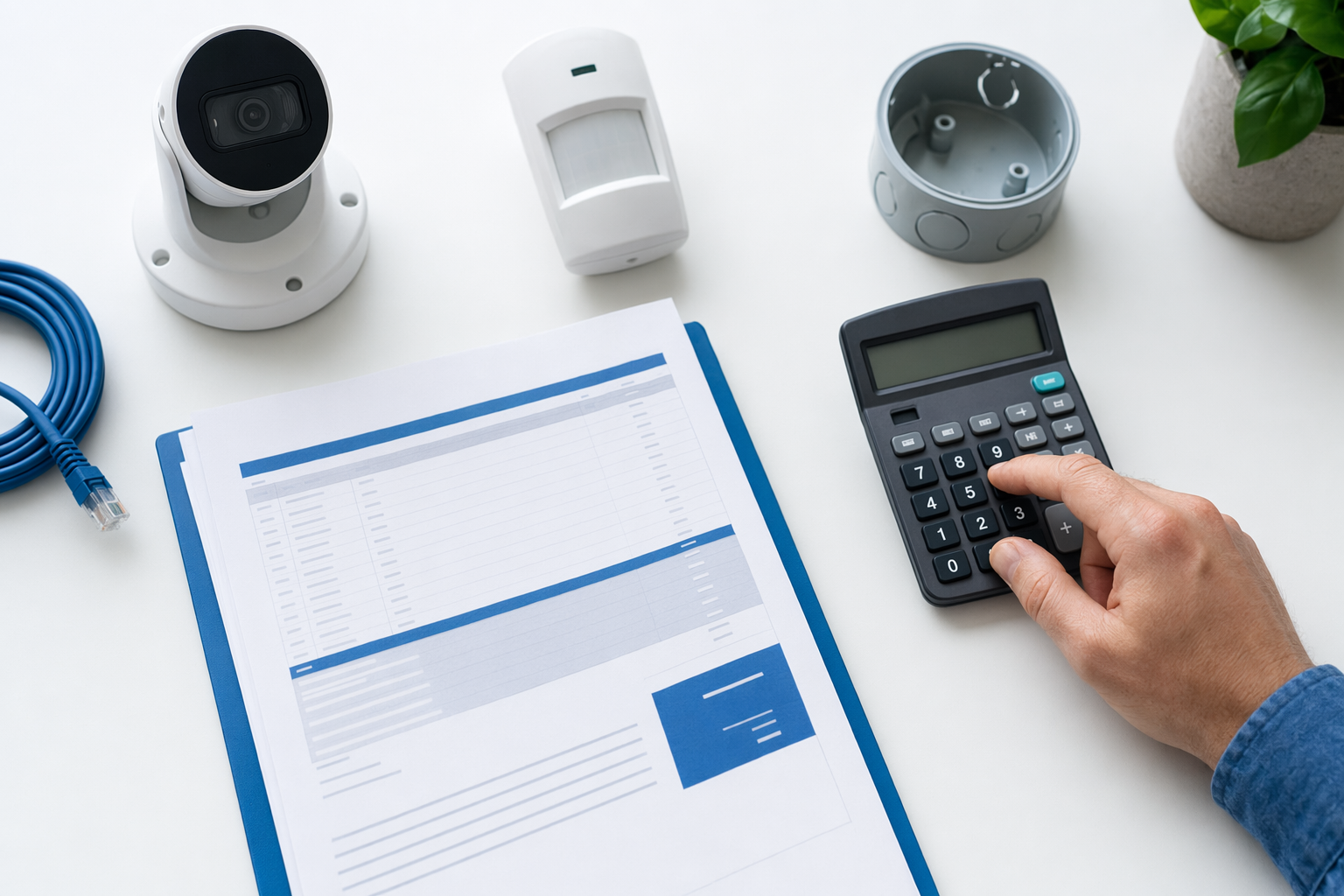
The main buckets in a security budget
Most people start by asking, "How much is a security system?" The more useful question is: what am I paying for? That makes it easier to compare offers and avoid paying for things you do not need.
For a home or small business, security money usually goes to these buckets:
- Alarm equipment: often about $200-$600+. A small DIY setup may cost less. A larger professionally installed system usually costs more.
- Professional installation: often about $100-$400 one time, depending on wiring, device count, and property layout.
- Professional monitoring: often about $15-$60 per month. Price depends on response features, app access, cellular backup, and contract terms.
- Security cameras: often about $50-$300 each, plus possible recording or cloud fees.
- Smart locks or access control: often about $120-$500 per door.
- Security guards: often about $20-$50 per hour for unarmed guards. Armed or event coverage is often higher.
The real price depends on the system, the size and layout of the property, professional monitoring, installation, and your area. These are typical ranges and estimates, not quotes or guarantees.
If you want a broader overview before comparing companies, see security cost ranges.
Why two systems with the same ad price can cost very different amounts

A low headline price does not tell you the whole story. The total can change fast once you look at the full package.
What pushes the price up:
- More doors, windows, and entry points
- Larger homes or business spaces
- Outdoor devices that need weather-rated equipment
- Glass-break sensors, smoke or environmental add-ons, panic buttons, and mobile app features
- Cellular backup or advanced monitoring features
- Camera storage fees
- Smart lock or access-control hardware for multiple doors
- Harder installs, older buildings, long wire runs, or special mounting needs
What can lower the price:
- Protecting only the most important areas first
- Choosing fewer cameras with better placement
- Using a simple monitored alarm instead of loading every possible add-on
- Comparing contract and month-to-month options carefully
A good rule: separate the numbers. Ask for equipment, installation, monitoring, and add-ons as separate line items. That helps you compare one company to another without getting lost in sales language.
If you are still deciding what type of protection makes sense, these guides can help: home security systems and DIY vs professional security.
What to do before you spend money
Use this simple process before you talk to any company.
1. Decide what you want to protect.
Start with the real problem. Front door? Back door? Store entrance? Cash area? Delivery area? Do not buy a big package before you know your priorities.
2. Choose the type of protection.
You may need one thing or a mix:
- alarm system for doors and windows
- cameras for visibility and review
- professional monitoring for alarm response handling
- smart locks or access control for who can enter and when
- guard coverage for certain hours or events
3. Set a real budget.
Think in two parts:
- one-time costs like equipment and installation
- monthly costs like monitoring or cloud storage
4. Ask for itemized estimates, not a rushed yes.
These are still only estimates until a company reviews your property and scope. Ask what is included, what is optional, and what may change after an on-site review.
5. Verify the company yourself.
Hire only licensed, insured, and properly registered security companies where required. Some states also license or register alarm-company solicitation and installation. Verify the license or registration yourself before signing.
6. Read the full contract before you agree to anything.
Check the monitoring agreement, contract length, auto-renewal, monthly fee, equipment ownership, service terms, warranty limits, and the cancellation or early-termination terms.
No system, monitoring plan, camera, lock, or guard service can promise safety or prevent all crime, loss, injury, or property damage. Honest companies will say that clearly.
Common ways people overspend
Security buyers often lose money in the same few places.
Mistake 1: Buying too much equipment too soon
People sometimes pay for every sensor, every camera angle, and every add-on on day one. A better move is to protect the biggest risks first, then expand if needed.
Mistake 2: Looking only at the monthly price
A lower monthly fee can come with a longer contract, higher equipment cost, or tougher cancellation terms. The monthly number matters, but it is not the full deal.
Mistake 3: Signing under pressure
Door-to-door and phone sales can be aggressive. Do not sign on the spot. Take time to compare. Read the paperwork. Ask what happens if you cancel early. Our guide on avoiding door-to-door alarm sales pressure can help.
Mistake 4: Not checking license and insurance
A polished pitch is not the same as a properly licensed and insured company. Verify the business status yourself.
Mistake 5: Forgetting ongoing fees
Cameras may need storage. Monitoring has a monthly cost. Smart locks may need service or software support. Ask about all recurring charges.
Mistake 6: Assuming "more" means "safe"
More devices do not guarantee better protection. Good planning, good placement, and a company that explains your options clearly are usually worth more than a long list of gadgets.
How KeepWatchly helps without selling you a system
KeepWatchly is not a security company, alarm dealer, monitoring center, installer, or guard provider. We are a free matching service for homeowners and small businesses.
We help you:
- understand what types of protection may fit your situation
- see honest typical cost ranges and estimates
- avoid pressure tactics and rushed decisions
- get matched, at no cost, with licensed and insured security companies near you
Matching is free to you. Participating security companies pay a flat fee to take part.
If you ask to be matched, you may be contacted by participating companies. Your consent to be contacted, including by autodialer, prerecorded or artificial voice, and SMS, is not a condition of any purchase. You can opt out anytime. Before signing with any company, read the full contract, the monitoring agreement, the contract length, any auto-renewal language, the monthly fee, and the cancellation or early-termination terms.
If you want help comparing your options, you can get matched with local companies. You compare the estimates. You choose who to hire.
A smart next step for homeowners and small businesses
If you are planning security, keep it simple.
- Write down the areas you actually need to protect.
- Decide whether you need alarms, cameras, monitoring, locks, guards, or a mix.
- Ask for line-item pricing.
- Verify license and insurance yourself.
- Read the contract before signing.
- Walk away from pressure.
For business spaces, think about opening and closing times, employee access, storage areas, and whether camera placement supports your day-to-day operations. For homes, focus first on entry points, lighting, and the places where a basic alarm or camera setup would do the most good.
If you want a checklist for comparing offers, start with how to vet a security company.
Break security costs into parts: equipment, installation, monthly monitoring, cameras, locks, and any guard time. Compare itemized estimates, verify license and insurance yourself, do not sign under pressure, and read the full contract before you choose.
Always hire licensed, insured, registered security companies — and verify the license yourself.
Common questions
What is the biggest part of a typical security bill?
Usually it is a mix of equipment and ongoing monitoring. A basic setup may lean more toward equipment first, while a longer-term plan can add up through monthly monitoring or camera storage fees. The real total depends on the system, the size and layout of the property, professional monitoring, installation, and your area.
Are these prices quotes?
No. These are typical ranges and estimates, not quotes, bids, or guarantees. A real price depends on what you need, how many devices are installed, the property layout, monitoring choices, installation work, and local market conditions.
Is DIY always cheaper than professional installation?
Not always. DIY can lower upfront labor costs, but a professionally installed system may fit the property better or include setup that saves time and trouble. Compare the full cost, including equipment, installation, monitoring, app features, warranties, and contract terms.
Can a security system or guard service guarantee my safety?
No. No alarm, camera, monitoring plan, lock, or guard service can guarantee that crime, loss, injury, or property damage will not happen. Security measures may help reduce risk, but they cannot promise safety.