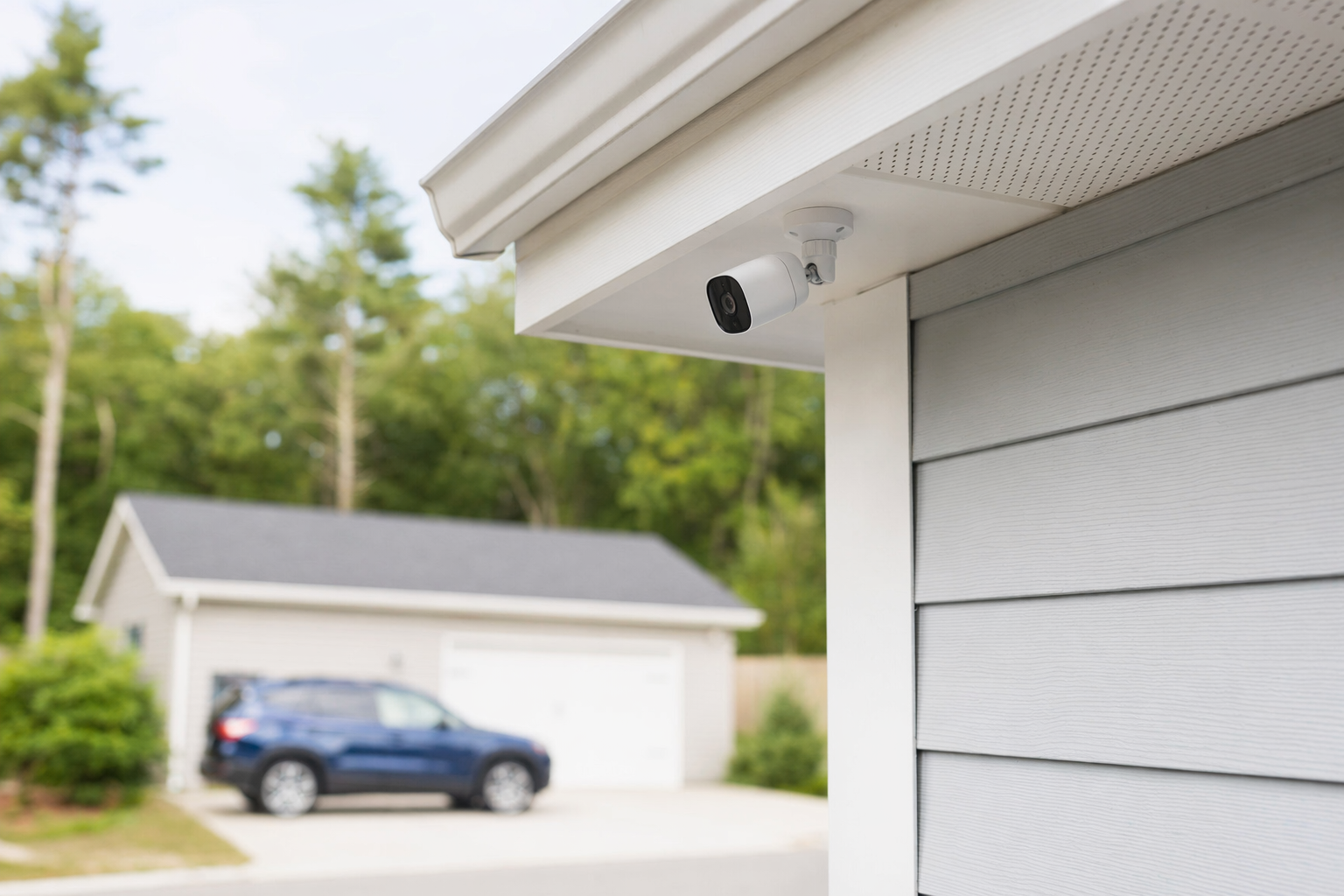
The short answer: what security cameras usually cost
For many homes and small businesses, a single security camera typically costs about $50-$300 each. Basic indoor cameras are often at the low end. Better outdoor cameras, floodlight cameras, and higher-resolution models usually cost more.
If you want a full camera setup, the total usually includes more than the cameras themselves:
- Camera equipment: about $50-$300 per camera
- Professional installation: about $100-$400 one-time for many small jobs, sometimes more for harder wiring or larger properties
- Cloud storage or app recording fees: often $3-$20+ per month per camera or plan
- Network video recorder (NVR/DVR) or local storage: can add to the upfront cost
- Optional professional monitoring: many systems that include video verification or alarm monitoring run about $15-$60 per month
These are typical ranges, not quotes. The real price depends on the camera type, the size and layout of the property, whether wiring is needed, whether you want professional monitoring, the installation work, and your area.
If you are still deciding between cameras and a fuller alarm setup, home security systems may help you compare the bigger picture.
What makes camera costs go up or down

Two camera systems can look similar online and still have very different real-world costs. Here is what usually changes the price.
1. The number of cameras
A front door camera costs less than covering:
- front door
- back door
- driveway
- garage
- side gate
- lobby, register area, stock room, or parking lot for a business
More cameras mean more equipment, more install time, more storage, and sometimes a stronger internet or recording setup.
2. Indoor vs. outdoor use
Outdoor cameras usually cost more because they need better weather resistance, night vision, and stronger mounting.
3. Wired vs. wireless
Wireless cameras may be easier to place, but they may still need power, battery changes, or stronger Wi-Fi. Wired systems often cost more to install, but they can be more stable for larger properties or businesses.
4. Video quality and features
Price often rises if you want:
- sharper resolution
- longer night vision range
- wider viewing angle
- motion zones
- two-way audio
- person, vehicle, or package detection
- floodlights or sirens
- tamper alerts
5. Recording and storage
Some people only want live viewing on their phone. Others want 7, 14, or 30 days of saved video. That matters. Local recording may need extra equipment. Cloud plans can add a monthly fee.
6. Business needs
Small businesses often need longer retention, multiple user logins, better coverage of entries and cash-handling areas, and better after-hours visibility. That can raise both equipment and install costs. If you are protecting a shop, office, or warehouse, see business security.
7. Professional monitoring or system integration
Some camera setups work alone. Others connect with alarms, door contacts, smart locks, or a monitored system. If you want people alerted when something triggers, professional monitoring can add monthly cost.
Remember: no camera or monitoring plan can promise to prevent crime, loss, injury, or property damage. Cameras can help document events and improve visibility, but no security measure can promise safety.
Typical budget examples for homes and small businesses
Here are a few illustrative examples so you can think through a realistic budget. These are not bids or guarantees.
Small home, basic coverage
A homeowner wants two outdoor cameras: one at the front door and one over the driveway.
- 2 cameras at about $75-$200 each
- basic professional installation at about $100-$300 total
- optional cloud storage at about $5-$20+ per month
A simple setup might land around the low hundreds upfront, with an extra monthly fee if recording is stored in the cloud.
Larger home, more complete coverage
A family wants four to six cameras around the exterior, plus app alerts and recorded video.
- 4-6 cameras at about $75-$300 each
- installation at about $200-$400+ depending on wiring and access
- storage plan or recorder cost
- optional monitored alarm plan at about $15-$60 per month if the camera system is part of a broader security package
Small business, entry and register coverage
A business owner wants cameras at the front entry, register, stock room, and rear door.
- 4 cameras at about $100-$300 each for stronger commercial use
- installation often higher if cable runs are longer or placement is more complex
- recorder, retention, and remote user access may add cost
For many businesses, the total goes up because reliability, video retention, and multiple viewing users matter more.
If you want a closer look at the bigger numbers around alarms, cameras, monitoring, locks, and guards, start with costs or learn more about security cameras.
A good rule: buy enough camera coverage for the real risk points first. Doors, driveway, cash-handling areas, and blind spots usually matter more than filling every wall with cameras.
Watch for hidden costs and pressure tactics
This is where many people overspend.
Some security sales pitches focus on the monthly payment and skip important details. Others push you to sign fast. Slow down.
Before you agree to anything, ask about:
1. Installation fees
- Is the one-time install included?
- Does the price change if wiring is harder than expected?
2. Storage fees
- Do you need a cloud plan to save video?
- How many days of recording are included?
3. Equipment ownership
- Are you buying the cameras outright?
- Are they financed or tied to a service agreement?
4. Monitoring fees
- Is monitoring optional or required?
- What exactly is included each month?
5. Contract length and renewal
- Is there a long-term contract?
- Does it auto-renew?
- What happens if you cancel early?
6. Service and warranty
- Who handles failed equipment?
- Are service calls extra?
Do not sign on the spot because of door-to-door or phone pressure. Read the full contract, the monitoring agreement, the contract length, the monthly fee, any auto-renewal language, and the cancellation or early-termination terms before signing. A lower upfront price can hide a longer or more expensive commitment later.
If you want help spotting red flags, read avoid door-to-door alarm sales and use this alarm contract checklist.
What to do next if you are comparing camera options
You do not need to know every technical term before you start. Just take these steps.
- List what you want to protect. Front door, back door, driveway, garage, register area, stock room, parking lot.
- Decide what matters most. Live view, saved video, app alerts, night vision, two-way audio, or integration with alarms and smart locks.
- Set a realistic budget. Think in upfront cost, monthly cost, and contract terms.
- Compare more than one company. KeepWatchly can help you get matched with local security companies at no cost.
- Verify license and insurance yourself. Hire licensed, insured, properly registered security companies, and check the license or registration directly. Some states also license or register alarm-company solicitation and installation.
- Read before signing. You compare options. You choose who to hire. You confirm the cancellation terms yourself.
If you ask to be matched or contacted, remember: your consent to be contacted, including by autodialer, prerecorded or artificial voice, and SMS, is not a condition of any purchase, and you can opt out anytime.
KeepWatchly is free to homeowners and small businesses. Participating security companies pay a flat fee to be included. We do not install, sell, monitor, or service security systems. We help you compare your options so you can make your own decision.
Security cameras usually cost about $50-$300 each, and you may also pay for installation, recording storage, or monitoring. Start with the areas you most want to protect, compare a few licensed and insured companies, verify the license yourself, and read the full contract before you sign.
Always hire licensed, insured, registered security companies — and verify the license yourself.
Common questions
Are security cameras worth it without professional monitoring?
For many people, yes. A basic camera setup can still help you see activity, get alerts, and review recorded video. But whether it is worth it depends on what you want the system to do. If you want someone else notified or involved when an alarm event happens, professional monitoring may add value and monthly cost. No camera or monitoring plan can guarantee safety or prevent crime.
Is DIY camera installation cheaper than professional installation?
Often yes on upfront cost, especially for one or two simple cameras. But DIY is not always the best fit. Placement, Wi-Fi strength, power access, weather exposure, and recording setup can all affect performance. Professional installation usually costs about $100-$400 one-time for many small jobs, though larger or harder installs can cost more. The real price depends on the property, the system, and your area.
How many cameras does a typical home need?
Many homes start with 2 to 4 cameras covering the front door, back door, driveway, and a main side entry. Larger homes may want more. The right number depends on the size and layout of the property, where people can enter, lighting conditions, and whether you want indoor coverage too. Buy coverage for the highest-priority areas first.
What should small businesses ask before buying cameras?
Ask who owns the equipment, how long video is stored, whether remote access is included, what the monthly fees are, what the warranty covers, and whether there is a contract or auto-renewal. Also verify that the company is licensed, insured, and properly registered, and check that status yourself. Read the full agreement before signing, especially cancellation and early-termination terms.