Start with what you want to protect
Good security planning is not about buying every device. It is about deciding what matters most at your property and choosing layers that fit your budget.
For many homeowners, the main goals are simple:
- know if a door or window opens
- see who is outside
- get alerts when no one should be there
- make it harder for someone to enter quickly
- have someone respond if you miss an alarm
Think through your property in plain language:
1. Entry points: front door, back door, sliding door, garage, first-floor windows
2. People: kids home alone, older family members, roommates, dog walkers, cleaners, deliveries
3. Valuables: tools, electronics, cash, jewelry, business inventory, records
4. Daily habits: are you away often, do you travel, do you close late, do employees come and go
A basic plan often includes a burglar alarm, a few cameras, and optional professional monitoring. Some properties also need smart locks or stronger access control. A small business may need different coverage than a house, especially if there is public access, after-hours staff, or inventory storage.
Keep one important truth in mind: no security system, monitoring plan, or guard service can promise safety or prevent crime, loss, injury, or property damage. Security can reduce risk and improve awareness, but nothing is guaranteed.
Choose the right mix: alarm, cameras, monitoring, locks, or guards

You do not need the same setup as your neighbor. Pick tools based on the problem you are trying to solve.
Burglar alarm
A good fit if you want door and window alerts, motion detection, a loud siren, and the option to add professional monitoring. Typical equipment ranges are about $200-$600+. DIY kits are often lower. Professional installs and larger systems are often higher.
Security cameras
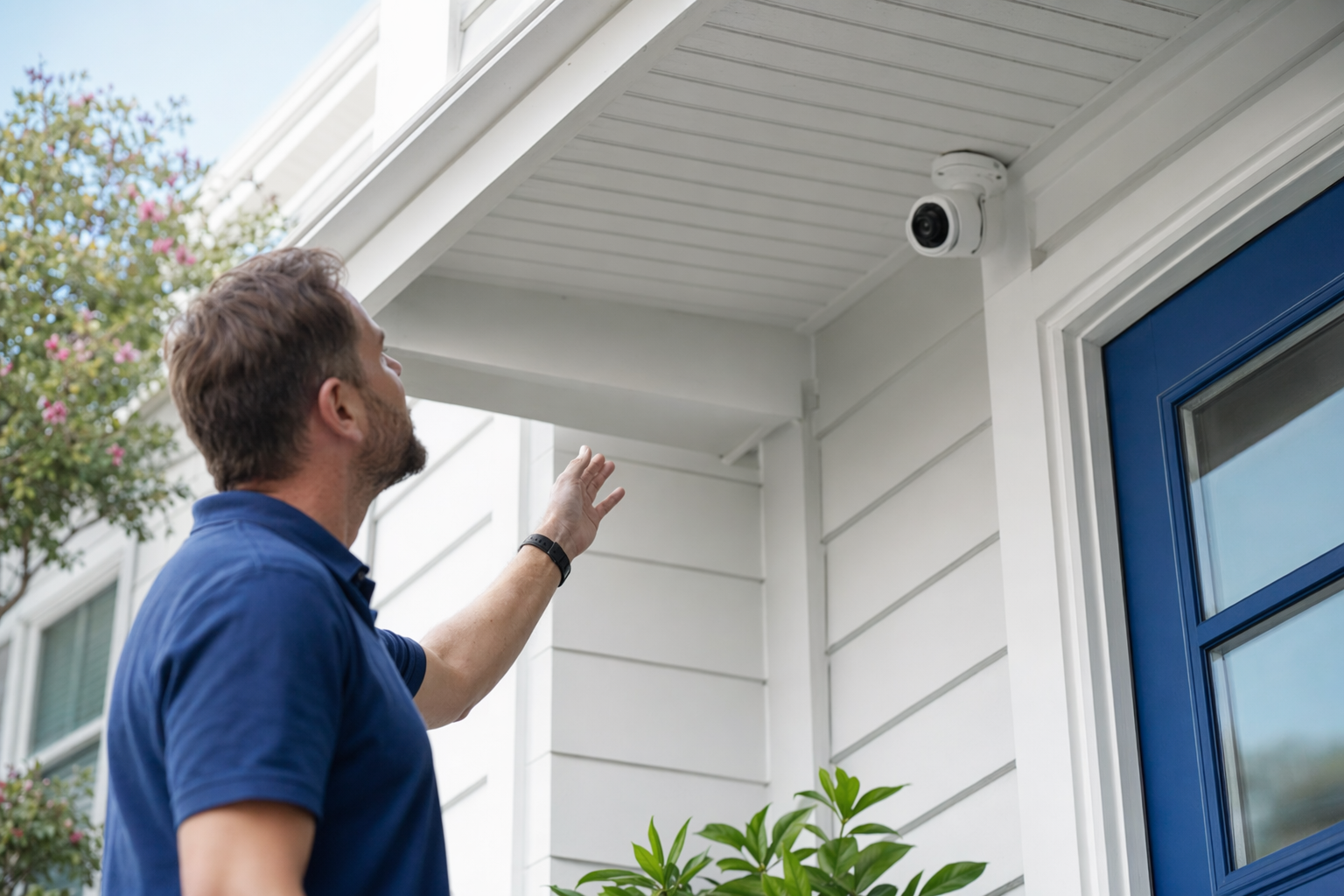
Useful if you want video of entry points, package areas, driveways, garages, lobbies, or stock rooms. Typical camera costs are about $50-$300 each, plus any cloud storage fee if you want recordings saved online. See more on security cameras.
24/7 professional monitoring
Helpful if you want a monitoring center to receive alarm signals and follow the provider's response process when you do not answer. Typical monitoring ranges are about $15-$60 per month. Real price depends on the equipment, features, installation, and your area.
Smart locks or access control
Good when many people need different access, or you want to stop hiding keys and changing physical locks. Typical costs are about $120-$500 per door depending on the hardware and setup.
Security guards
Usually for special situations: vacant property, construction, retail loss concerns, events, or higher-risk business needs. Typical unarmed guard rates are about $20-$50 per hour. Armed or event security is often higher.
If you are not sure whether to start with DIY equipment or a professional setup, compare the tradeoffs in DIY vs. professional security.
Build a simple plan before you talk to any company
A short written plan can save you money and help you avoid being sold extras you do not need. Try this:
1. Walk the property in daylight and at night.
Look for dark areas, hidden side doors, back gates, weak window coverage, blind spots near the garage, and places where a camera would actually help.
2. List your must-haves and nice-to-haves.
Must-haves might be a front-door camera, door sensors, smoke or panic alerts, or remote lock control. Nice-to-haves might be indoor cameras, more storage, or app automation.
3. Set a real budget range.
Many homes can start with:
- alarm equipment: $200-$600+
- installation: $100-$400 one time
- monitoring: $15-$60/month
- cameras: $50-$300 each
These are typical estimates, not quotes. The real price depends on the system, the size and layout of your property, professional monitoring, installation, and the area.
4. Decide who needs access.
Family, employees, property managers, cleaners, dog walkers, and contractors may all need different rules.
5. Think about language and support needs.
If English is not your first language, ask for written terms in the language you understand best if available, and do not sign until the agreement is clear to you.
6. Get matched and compare.
With KeepWatchly's free matching service, you can compare licensed local companies based on what you want to protect. You choose who to talk to and who to hire. Participating security companies pay a flat fee to be listed; the matching service is free to the homeowner or business.
Compare offers the smart way
This is where many people overpay. The monthly fee is only one part of the decision.
When you compare companies, ask for the same information from each one:
- equipment list
- installation charge
- monthly monitoring fee, if any
- app or cloud storage fees
- warranty and service terms
- contract length
- auto-renewal terms
- cancellation and early-termination terms
- permit help if your city requires one
Verify license and insurance yourself. Some states license or register alarm-company solicitation and installation. Ask for the company's legal business name, license or registration number if required, and proof of insurance. Then check it yourself before signing. More help: how to vet a security company.
Be careful with contact consent too. If you ask to be matched or request information, make sure you understand that you may be contacted by phone, email, or text, including by autodialer, prerecorded or artificial voice, and SMS, but your consent is not a condition of any purchase and you can opt out anytime.
Before you sign anything, read the full contract and monitoring agreement. Confirm:
- the exact monthly fee
- how long the agreement lasts
- whether it renews automatically
- what happens if you move
- how to cancel
- whether there is an early-termination fee
If a salesperson is at your door or pushing you by phone, slow down. Do not sign on the spot just to end the conversation. Review this alarm contract checklist before you agree to anything.
Common planning mistakes to avoid
A few mistakes come up again and again.
Buying from fear instead of from a plan
A dramatic sales pitch can make everything sound urgent. Most people do better when they start with the property layout, daily routine, and budget.
Too many cameras, not enough coverage where it matters
One well-placed camera at the front entry may help more than three poor-angle cameras indoors.
Ignoring ongoing costs
Cloud storage, monitoring, service calls, and contract terms matter just as much as the equipment price.
Not checking licenses and insurance
Always hire licensed, insured, properly registered companies where required, and verify that information yourself.
Signing under pressure
Door-to-door alarm sales can be especially high pressure. If someone says the offer is good only right now, that is a reason to pause, not rush. Learn the warning signs in how to avoid door-to-door alarm sales pressure.
Trying to protect everything at once
You can start small. Many people begin with entry sensors, one or two cameras, and optional monitoring, then add more later.
Forgetting business needs
If you run a shop, office, salon, clinic, or small warehouse, think about employee access, opening and closing, visitor areas, stock rooms, and after-hours alerts. Planning for a business is often different from planning for a house. See business security options.
Your next step
If you are ready to move from ideas to real options, keep it simple:
- Write down what you want to protect.
- Set a budget range you can live with.
- Decide whether you want alarms, cameras, monitoring, smart locks, or a mix.
- Compare a few licensed, insured local companies.
- Read the contract before you sign.
If you want a starting point, review typical security costs and then get matched with local companies that fit your needs. The service is free to you. You compare options, ask questions, and choose who to hire.
The goal is not a perfect system. The goal is a clear, honest plan that fits your property, your language needs, and your budget.
First decide what you want to protect, then compare alarms, cameras, monitoring, locks, or guards based on your budget. Get estimates from licensed, insured local companies, verify their license yourself, and read the contract, monthly fee, auto-renewal, and cancellation terms before you sign.
Always hire licensed, insured, registered security companies — and verify the license yourself.
Common questions
How much should I budget for home security?
A common starting point is about $200-$600+ for alarm equipment, $100-$400 for professional installation, $15-$60 per month for professional monitoring, and $50-$300 per camera. Smart locks or access control often run about $120-$500 per door. These are typical ranges and estimates, not quotes. Real price depends on the system, the size and layout of the property, monitoring, installation, and your area.
Should I choose cameras, an alarm, or both?
It depends on your goal. Cameras help you see activity and review video. An alarm helps detect entry and can trigger alerts or monitoring. Many people choose both: an alarm for doors and windows, plus cameras at main entry points. A smaller budget may still cover one camera and a basic alarm setup.
Do I need professional monitoring?
Not always. Some people prefer self-monitoring through an app. Others want a monitoring center to receive alarm signals when they cannot respond. Professional monitoring is a monthly cost, usually about $15-$60. It can add peace of mind, but no monitoring service can guarantee that crime, loss, injury, or damage will be prevented.
What should I check before signing a security contract?
Read the full contract and any monitoring agreement. Check the monthly fee, contract length, auto-renewal, cancellation rules, and any early-termination fee. Confirm what equipment you own, what service is included, and what happens if you move. Verify the company's license or registration if required in your state and confirm insurance. If you are contacted after asking to be matched, remember that consent to calls or texts, including autodialed, prerecorded or artificial voice, and SMS, is not a condition of any purchase, and you can opt out anytime.