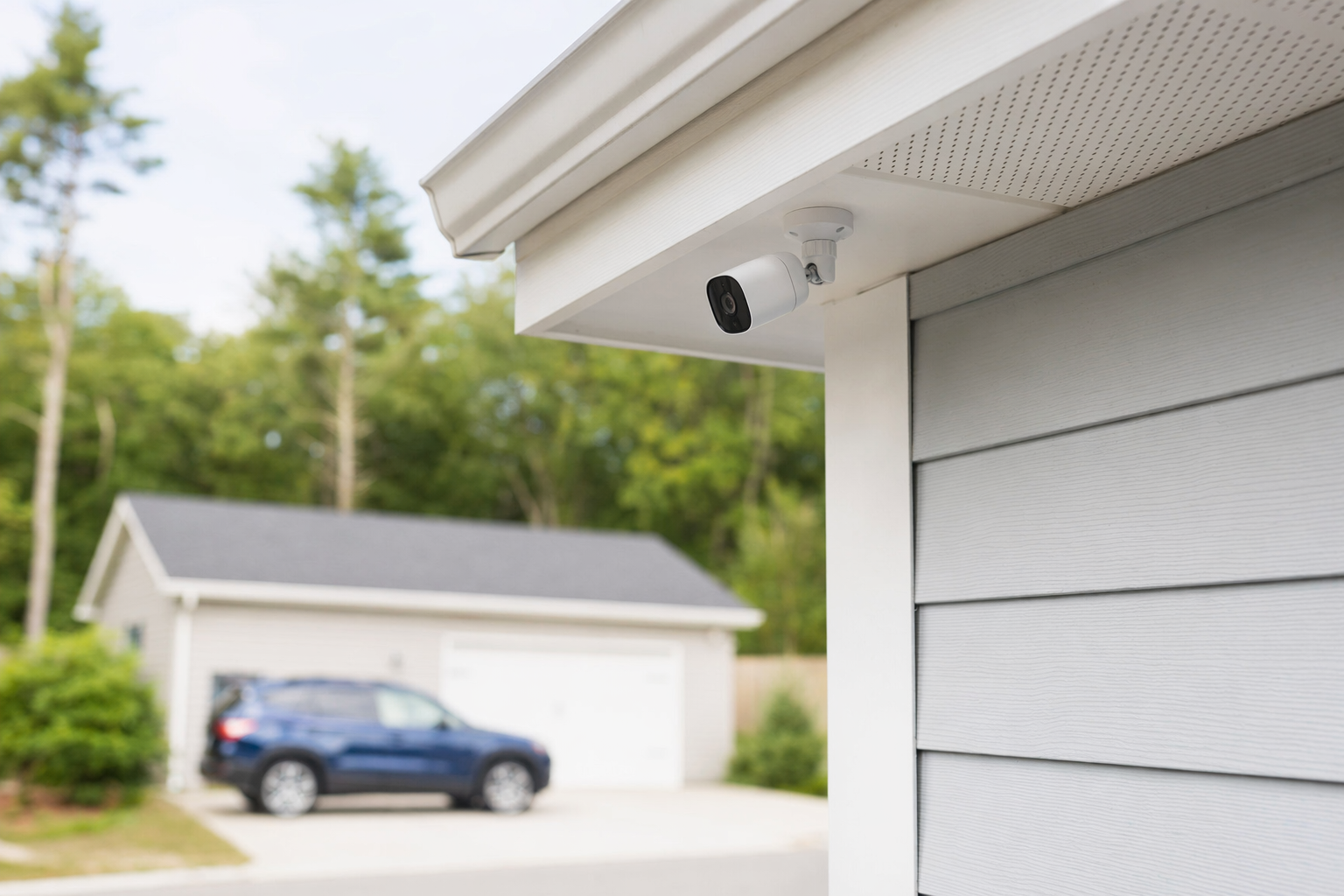
The short answer
A video doorbell camera can be a good low-cost first step if your main concern is the front door, packages, visitors, or missed deliveries. It gives you a view of one important entry point and can be easier to add than a full alarm system.
It may be worth it if you want:
- A camera at the main entrance
- Motion alerts on your phone
- Two-way talk with visitors or delivery drivers
- Video clips you can review later
- A simple option before spending money on a bigger system
It may not be enough if:
- You need coverage for side doors, back doors, garage, driveway, or inside the property
- You want loud break-in alerts, entry sensors, panic features, or professional monitoring
- Your front door has poor Wi-Fi, weak power, bad lighting, or a bad viewing angle
- You run a small business and need broader business security
In plain terms, a doorbell camera is usually worth it when you want awareness and convenience at the front door. It is less useful when you need full-property protection.
What a video doorbell camera does well, and where it falls short

A doorbell camera is best at helping you see and respond. It is not the same as a complete security system.
What it does well
A good setup can help you:
- See who is outside before opening the door
- Check whether a package was delivered
- Talk through the app when you are not home
- Review clips if there was unexpected activity
- Add a visible camera at a common approach point
For apartments, condos, townhomes, and smaller homes, that can be enough to solve a real day-to-day problem.
Where it falls short
A doorbell camera usually covers only one angle. That matters. Many homes and small businesses have other weak points: a back door, a side gate, first-floor windows, a detached garage, or a rear delivery area.
It also depends on setup details:
- If motion zones are wrong, you may get too many alerts or miss activity
- If Wi-Fi is weak, clips can be delayed or fail to upload
- If lighting is poor, faces and plates may not be clear
- If the camera is mounted too high or off-center, the image may not help much
- If there is a cloud plan, you may have recurring fees to store video
Most important: no camera can promise to prevent crime, loss, injury, or property damage. Cameras can help you notice activity and collect video. They do not guarantee safety.
If you are deciding between a single front-door device and a broader setup, it helps to compare security cameras with a full alarm system based on your layout and budget.
Typical cost: what people often pay
Doorbell cameras can be affordable, but the full cost is not always just the price on the box.
Typical ranges to expect:
1. Doorbell camera device: often about $50-$300 for the unit
2. Installation: if you hire someone, often about $100-$400 one-time, depending on wiring, mounting, and the property
3. Cloud storage or app plan: some brands charge a monthly or annual fee for recorded clips, smart alerts, or longer video history
4. Upgrades: better Wi-Fi, a chime, transformer work, or extra cameras can raise the total
If you are looking at a larger system, common ranges are:
- Alarm equipment: roughly $200-$600+
- Professional monitoring: roughly $15-$60 per month
- Additional security cameras: roughly $50-$300 each plus any cloud fee
These are typical ranges and estimates, not quotes. The real price depends on the system, the size and layout of the property, professional monitoring, installation, and your area.
A cheap doorbell camera can become less cheap if you later add subscription fees, indoor cameras, outdoor cameras, smart locks, or sensors. That does not mean it is a bad choice. It just means you should ask for the full monthly and one-time cost before deciding.
If cost is your main question, start with costs and compare the device price with any recording plan, installation charge, and future add-ons.
When it makes sense to get more than a doorbell camera
Sometimes a doorbell camera is enough. Sometimes it is only one piece.
Consider adding more if any of these are true:
- Your packages are not the main issue. You are more worried about break-ins through windows or a back door.
- You travel often and want alerts if doors open or motion is detected inside.
- You want a local siren, entry sensors, smoke or CO integration, or monitored dispatch support.
- You own a small business and need coverage for customers, employees, stock rooms, entrances, or after-hours access.
- You need to control who can enter certain doors. In that case, access control may matter more than a doorbell camera.
A simple way to think about it:
- Doorbell camera: best for the front entry
- Standalone cameras: best for watching key areas
- Alarm system: best for doors, windows, siren, and broader alerts
- Professional monitoring: best if you want a third party to respond to alarm signals under the terms of a monitoring agreement
- Access control or smart locks: best if managing entry is the real problem
Many people do best with a mix, not just one product. For example, a homeowner may use a doorbell camera plus two outdoor cameras. A small shop may need cameras plus a monitored alarm. The right fit depends on what you want to protect and how the property is laid out.
How to shop without getting pressured
Security sales can get pushy fast, especially door-to-door or by phone. Slow the process down.
Before you sign anything:
1. Decide what you want to protect first: front door only, all entrances, packages, inside areas, or your whole home or business.
2. Ask whether the system is DIY, professionally installed, or both. Compare DIY vs professional security if you are unsure.
3. Get the full price in writing: equipment, installation, monthly fees, cloud storage, service calls, and cancellation costs.
4. Read the full contract and monitoring agreement. Check the contract length, auto-renewal, monthly fee, and cancellation or early-termination terms before signing.
5. Hire only licensed, insured, and properly registered security companies where required, and verify the license or registration yourself. Some states license or register alarm-company solicitation and installation.
6. Do not sign on the spot under door-to-door or phone pressure. If someone says the deal expires today, that is a reason to slow down, not speed up.
If you want help comparing local options, you can use get matched. KeepWatchly is a free matching service. We do not sell, install, monitor, or service security systems. Participating security companies pay a flat fee to be listed and matched.
If you ask to be matched or contacted, remember: consent to be contacted, including by autodialer, prerecorded or artificial voice, and SMS, is not a condition of any purchase, and you can opt out anytime.
The big idea is simple: you compare, you choose who to hire, and you read the contract before signing.
A video doorbell camera is often worth it for the front door, packages, and visitor alerts, but it is not full-property protection. Compare the device cost, any monthly video fee, installation, and your property layout before you buy, and only hire licensed, insured companies after you read the contract and cancellation terms.
Always hire licensed, insured, registered security companies — and verify the license yourself.
Common questions
Is a video doorbell camera enough for home security?
Sometimes, but often no. It can be enough if your main concern is the front door, visitors, or deliveries. It is usually not enough if you want broader coverage for windows, side entrances, the back of the property, or indoor areas. Many people use a doorbell camera as one part of a larger setup.
Do video doorbell cameras require a monthly subscription?
Some do, some do not. Many offer basic live viewing without a paid plan, but charge for cloud video storage, longer clip history, person or package alerts, or advanced features. Always ask what works without a subscription and what monthly or annual fees apply.
Can a video doorbell camera lower insurance or stop theft?
You should not assume that. Some insurers may offer discounts for certain security measures, but that varies and KeepWatchly does not give insurance advice. Also, no camera or security measure can guarantee prevention of crime, loss, injury, or property damage. A doorbell camera can improve awareness and provide video, but it cannot promise safety.
Should I install a video doorbell myself or hire a pro?
DIY can be fine if your Wi-Fi is strong, the mounting spot is simple, and you are comfortable with setup. Hiring a pro can help if the wiring is old, the angle is tricky, the transformer may need work, or you want the camera integrated with alarms, locks, or other cameras. If you hire someone, use a licensed, insured, properly registered company where required and verify that status yourself.