The simple difference
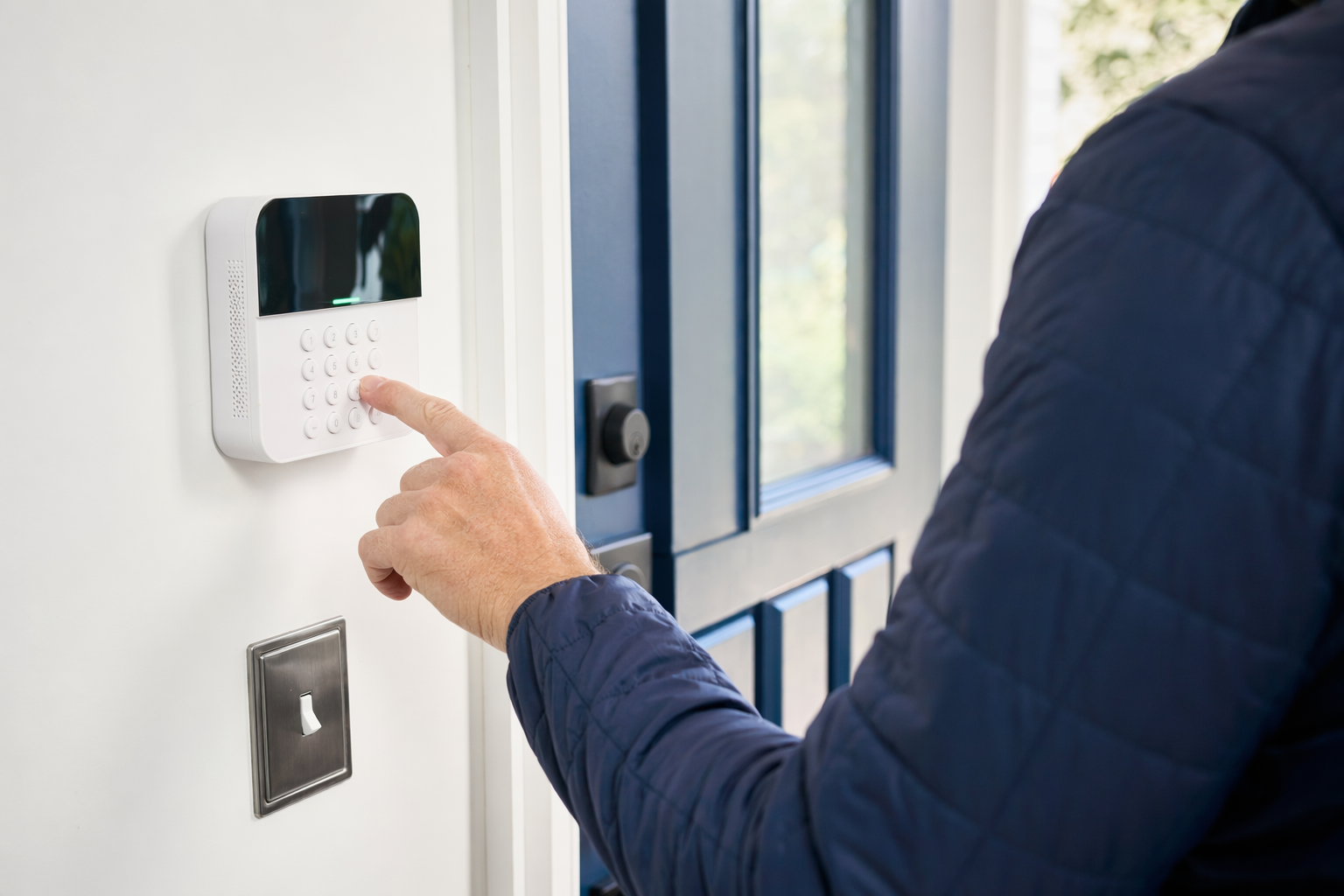
A monitored alarm system is connected to a professional monitoring service. If the system is triggered, a monitoring center may try to contact you and, depending on the plan and local rules, request police, fire, or medical dispatch.
An unmonitored alarm system makes noise, sends app alerts, or both, but you are usually the one who decides what to do next.
Neither option can promise safety or prevent crime, loss, injury, or property damage. A siren may scare someone away. A call from a monitoring center may speed up your response. But no security setup can guarantee an outcome.
If you are still deciding what type of protection fits your home or business, start with a plain-language overview of home security systems or compare typical costs.
Side-by-side comparison
Here is the honest tradeoff:
- Monthly cost
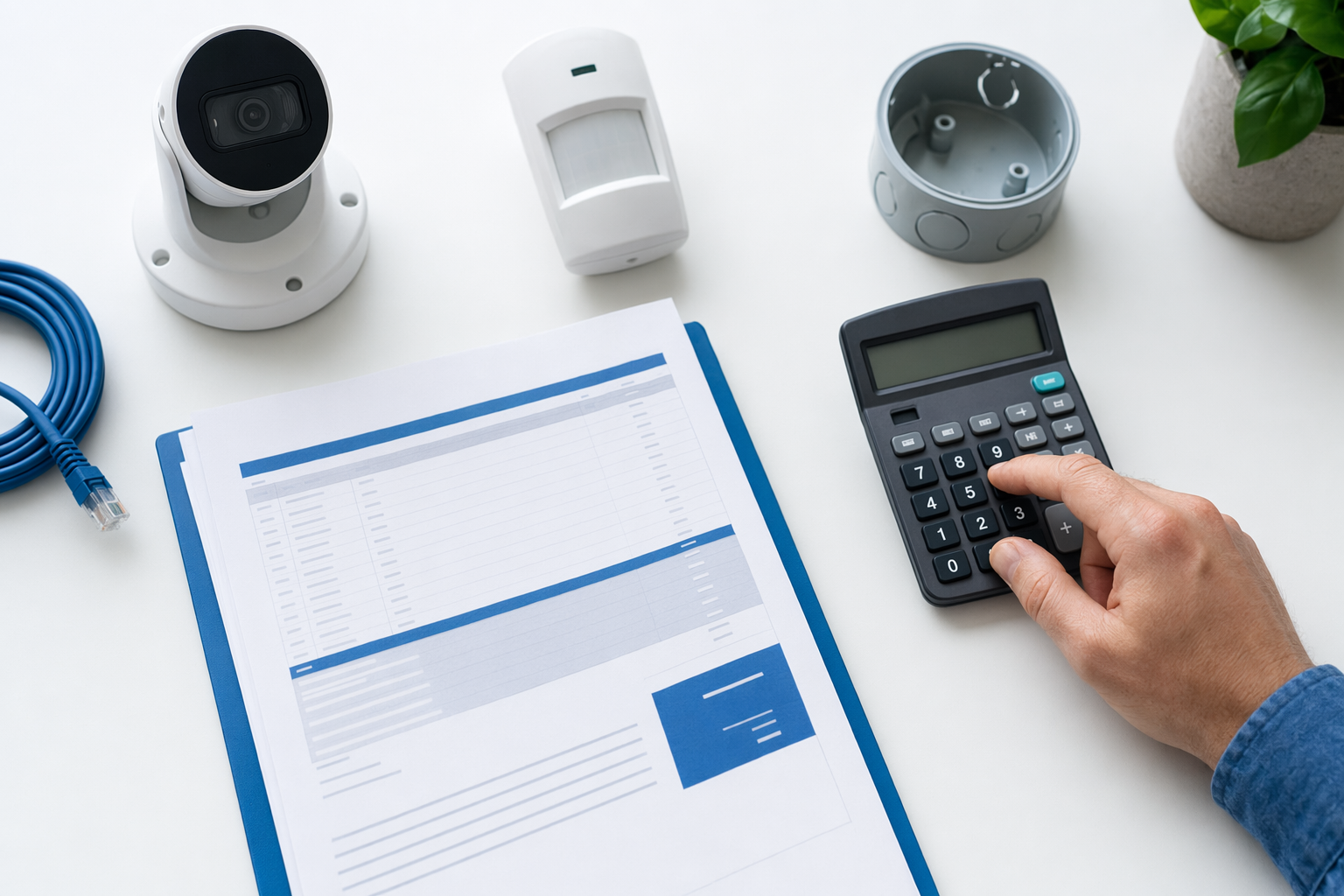
- Monitored: usually about $15-$60 per month
- Unmonitored: often $0 monthly, unless you pay for cloud storage, app features, or cellular backup
- Upfront equipment cost
- Typical alarm equipment: about $200-$600+
- DIY kits are often lower
- Professionally installed systems are often higher
- Installation cost
- Professional installation is often about $100-$400 one-time
- DIY may reduce upfront cost, but setup quality depends on you
- When an alarm goes off
- Monitored: a monitoring center may verify the signal and contact you, then request dispatch if appropriate
- Unmonitored: you get the alert and decide whether to call for help
- Good fit for
- Monitored: people who want backup when they are asleep, working, traveling, or unable to answer their phone
- Unmonitored: people who want basic alerts and sirens without a monthly bill
- Contracts
- Monitored: some companies offer month-to-month plans; others use long contracts with auto-renewal or early-termination fees
- Unmonitored: often simpler, but read app, storage, and warranty terms carefully
- Internet and power issues
- Monitored: reliability depends on the equipment, backup battery, and whether the system uses Wi-Fi, cellular, or both
- Unmonitored: same issue, especially for app-based alerts
- Small business use
- Monitored: often helpful if nobody is on site overnight
- Unmonitored: can work for low-risk spaces where the owner wants alerts but not ongoing fees
If cameras are part of your plan, camera hardware often runs about $50-$300 each plus any cloud fee. Cameras can support either setup, but they do not replace a full alarm plan by themselves. See more on security cameras if you want to compare camera-only vs full-system thinking.
When monitored usually makes more sense
Monitored service often makes sense when missed alerts would be a real problem.
Choose monitored if:
- You are away a lot. Travel, long work shifts, second homes, and overnight business closures are common reasons.
- You do not want to be the only responder. If your phone is off, on silent, or out of reach, professional monitoring can add a layer of follow-up.
- You want fire or life-safety monitoring. Some systems can include smoke, heat, carbon monoxide, or panic alerts. Ask exactly what is monitored and how dispatch works in your area.
- You have a larger home or business. More doors, more users, and more after-hours risk can make monitoring easier to manage.
- You want fewer decisions during stress. If an alarm goes off at 2 a.m., some people prefer a trained monitoring center to start the contact process.
But read the contract slowly. Before signing, confirm:
- the monthly fee
- the contract length
- whether there is auto-renewal
- the cancellation policy
- any early-termination fee
- whether equipment is owned, financed, or leased
- what happens if you move
Do not sign on the spot because a door-to-door rep or phone rep says the deal is "today only." That pressure is a red flag. Use this alarm contract checklist before you agree to anything.
If you ask to be matched with local companies, your consent to be contacted, including by autodialer, prerecorded or artificial voice, and SMS, is not a condition of any purchase, and you can opt out anytime.
When unmonitored can be the smarter choice
Unmonitored systems are not "bad." For some people, they are the more practical choice.
They often fit best when:
- Budget is tight. You want a siren, door sensors, or app alerts without a monthly monitoring bill.
- You are comfortable handling alerts yourself. You check your phone, know your neighbors, and do not mind calling for help if needed.
- The property is usually occupied. If someone is almost always home or on site, self-monitoring may be enough for your goals.
- You want to start small. Many owners begin with a basic kit, then add monitoring later if needed.
- You prefer no long contract. Some buyers want equipment they own outright and fewer ongoing obligations.
The tradeoff is simple: if you miss the alert, there may be no outside follow-up. That can matter if you sleep through notifications, travel often, or work in places where you cannot answer your phone.
A middle-ground setup is common too. Some owners use unmonitored alarms plus cameras, smart locks, or lighting. Typical smart lock or access control hardware runs about $120-$500 per door, depending on the door, hardware, and features. That can help with awareness and access management, but it still does not guarantee protection.
If you are comparing do-it-yourself setups against professional installation, this plain guide on DIY vs professional security can help you sort out the real tradeoffs.
How to choose without getting pushed into the wrong deal
Use this quick decision process:
- List what you want to protect. Front door only? Whole home? Retail shop? Office with employee access? Be specific.
- Decide who should act on an alarm. You, a family member, a manager, or a monitoring center?
- Set two budgets. One for upfront equipment and installation, one for monthly service.
- Ask about communication path. Wi-Fi only, cellular only, or both? What backup battery is included?
- Verify the company. Hire licensed, insured, and properly registered security companies, and verify the license or registration yourself. Some states also license or register alarm solicitation and installation.
- Compare at least 2-3 options. You compare the estimates. You choose who to hire.
- Read before signing. Confirm cancellation terms, auto-renewal, and monitoring details before you agree.
KeepWatchly is free to homeowners and small businesses. We do not sell, install, monitor, or service systems. We help you compare your options and get matched with local licensed and insured security companies. Participating companies pay a flat fee to take part.
If you want to compare local options without a hard sell, you can get matched. If you do, remember: consent to be contacted is not a condition of any purchase, contact may include autodialed calls, prerecorded or artificial voice, and SMS, and you can opt out anytime.
If you want backup when you cannot answer an alert, monitored service may be worth the monthly cost. If you want basic protection without another bill, unmonitored may be enough. Compare 2-3 licensed, insured companies, verify the license yourself, and read the contract and cancellation terms before you sign.
Always hire licensed, insured, registered security companies — and verify the license yourself.
Common questions
Is monitored security worth the monthly fee?
Sometimes yes, sometimes no. It is often worth it if you travel, sleep through phone alerts, manage a small business after hours, or want a monitoring center to help respond when you cannot. Typical monitoring runs about $15-$60 per month, but the real price depends on the system, the size and layout of the property, professional monitoring level, installation, and the area.
Can I start unmonitored and add monitoring later?
Often yes, but not every system is built for easy upgrades. Ask whether the panel, sensors, and communication method will support professional monitoring later, and whether adding it changes the warranty, app access, or contract terms. Read the full monitoring agreement before you enroll.
Do police automatically come if a monitored alarm goes off?
Not always. Monitoring centers often try to verify the alarm first, and local dispatch rules vary by area. Some cities require permits or verified response policies. Ask the company how alarm verification works where you live or operate, and do not assume dispatch is automatic.
What should I watch out for in alarm sales?
Be careful with door-to-door offers, time-pressure discounts, long contracts, leased equipment, verbal promises not written into the contract, and unclear cancellation terms. Read the monthly fee, contract length, auto-renewal, and early-termination terms before signing. Hire licensed, insured, properly registered companies and verify the license yourself.