What each one does best
An alarm system is built to detect trouble and send an alert. A basic setup may include door and window sensors, motion detectors, a keypad, and a siren. If you add professional monitoring, the monitoring center may contact you and, when appropriate under their procedures and local rules, request dispatch. No system can promise safety or prevent crime, but alarms are often the fastest way to know something is wrong.
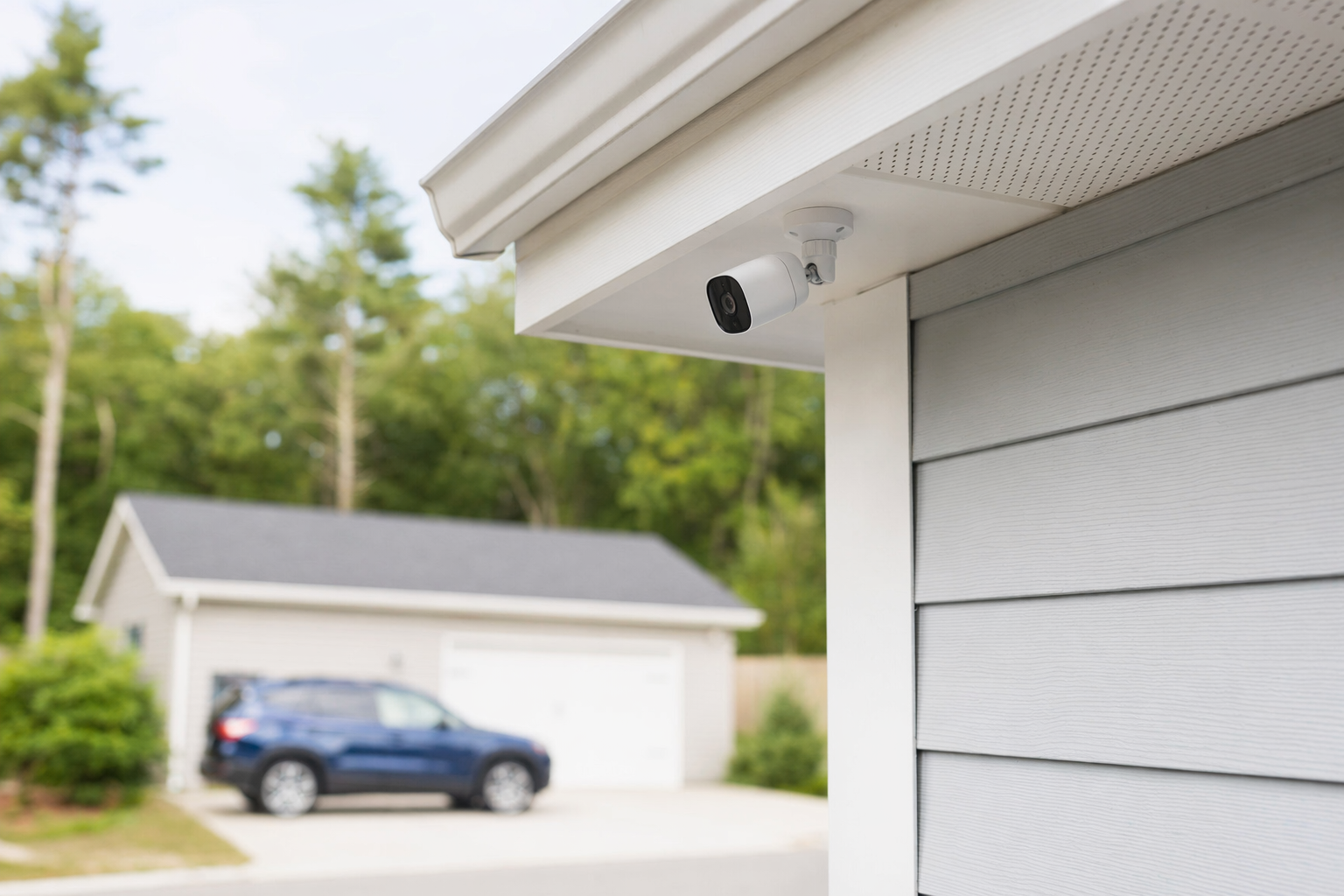
Security cameras are built to let you see what happened, what is happening now, and in some cases who came onto the property. Cameras can help with package theft, employee access questions, after-hours activity, and checking blind spots. They are especially useful when you need video of a driveway, front door, lobby, stock room, or parking area. But cameras alone do not always create the same immediate intrusion alert that a monitored alarm can.
A simple way to think about it:
- Alarm first if your top priority is intrusion detection and a fast alert.
- Cameras first if your top priority is seeing activity, checking footage, and covering visible areas.
- Both together is often strongest, but many people start with one and add the other later.
If you want a broader overview of options, see home security systems or security cameras.
Quick comparison: alarm vs cameras
1. Main job
- Alarm system: detect entry, motion, or other events and trigger alerts.
- Cameras: record or stream video of specific areas.
2. What you learn
- Alarm system: that something may be happening now.
- Cameras: what happened, where, and sometimes who was there.
3. Typical costs
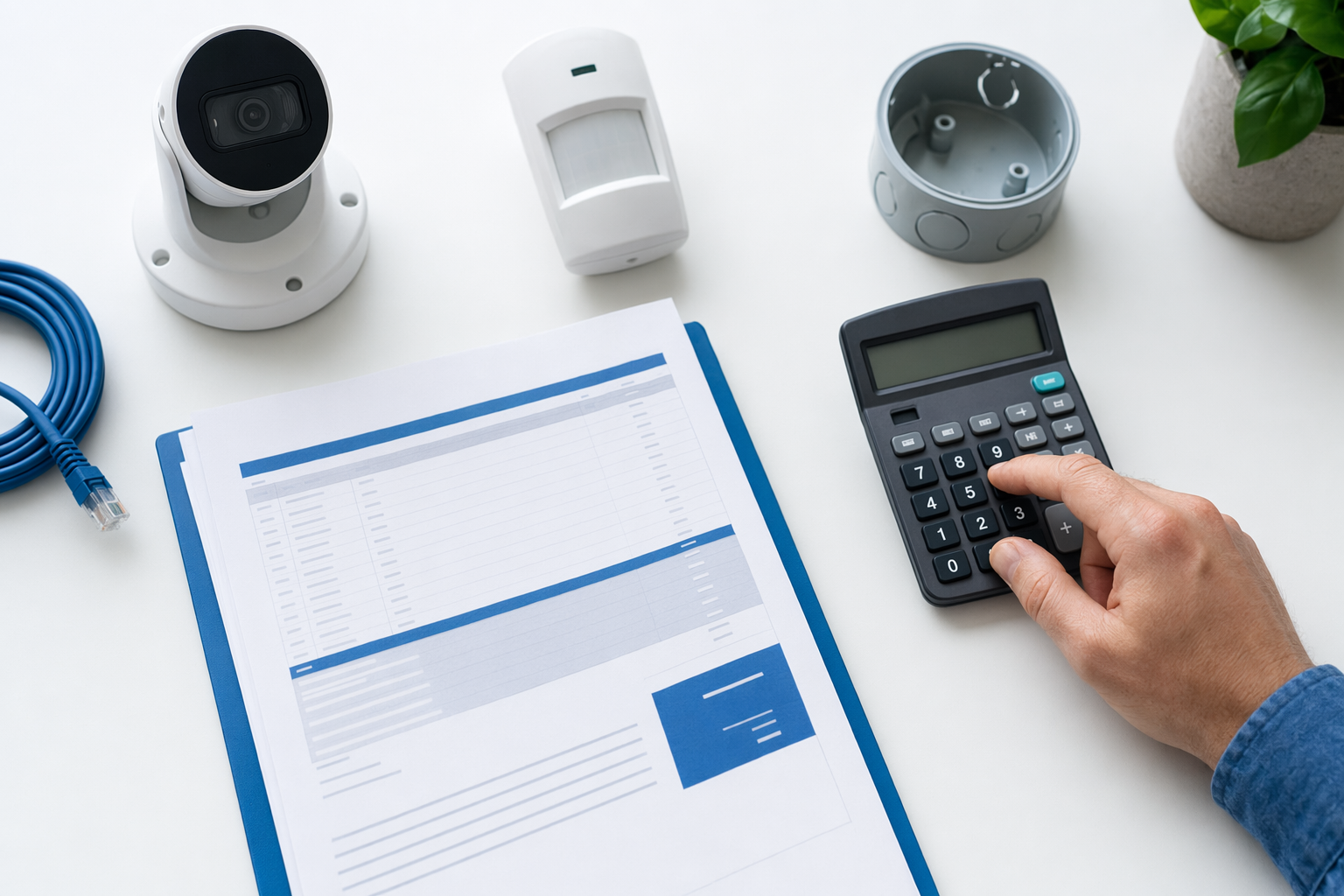
- Alarm equipment: roughly $200-$600+. DIY kits can be lower. Professionally installed systems are often higher.
- Professional monitoring: roughly $15-$60 per month.
- Security cameras: roughly $50-$300 each plus any cloud storage fee.
- Professional installation for either setup: often $100-$400 one time, depending on the system, wiring, number of devices, and the area.
4. Best fit
- Alarm system: break-in concern, doors/windows on multiple sides, overnight protection, want alerting when nobody is watching.
- Cameras: package theft, porch or parking lot view, employee accountability, remote check-ins, seeing deliveries or visitors.
5. Limits to know
- Alarm system: may not show what happened unless paired with cameras.
- Cameras: may miss activity outside the camera angle, and someone still has to notice the alert or review footage.
These are typical ranges and estimates, not quotes. The real price depends on the system, the size and layout of the property, professional monitoring, installation, and your area.
Which should you choose first?
Choose alarm first if most of these sound like you:
- You worry most about a break-in when people are asleep or away.
- You have several doors or windows that need coverage.
- You want a siren and the option of 24/7 monitoring.
- You do not want to depend on someone watching video all day.
Choose cameras first if most of these sound like you:
- You want to watch the front door, driveway, lobby, register, or loading area.
- Package theft, trespassing, or after-hours activity is your main issue.
- You want visible coverage in a few specific spots first.
- You may add an alarm later after you learn where your weak points are.
For small businesses, the answer often depends on the risk:
- Retail, offices, salons, and small warehouses often benefit from both over time.
- If staff open and close the space, an alarm may be the first layer.
- If you need to review incidents, customer disputes, deliveries, or employee-only areas, cameras may come first.
- If you need door control for staff or vendors, access control may matter too.
A practical middle path is common: start with a small alarm package or two to four cameras, then expand after 30 to 90 days once you see how you use it.
How to compare without getting pushed into the wrong system
Use this simple checklist before you sign anything:
- List what you want to protect first. Front door? Back door? Windows? Cash area? Parking lot? Stock room?
- Ask for a written breakdown. Equipment, installation, monthly monitoring, cloud storage, warranty, service calls, and taxes if applicable.
- Read the contract carefully. Check the contract length, monthly fee, auto-renewal, cancellation policy, and any early-termination charge. Our alarm contract checklist can help.
- Do not sign on the spot because of door-to-door or phone pressure. Some alarm sales are high-pressure. Slow down and compare. See how to avoid door-to-door alarm sales.
- Verify the company yourself. Hire licensed, insured, properly registered security companies, and confirm the license or registration directly with your state or local authority. Some states also license or register alarm-company solicitation and installation.
- Understand contact consent. If you ask to be matched or contacted, consent to be contacted, including by autodialer, prerecorded or artificial voice, and SMS, is not a condition of any purchase, and you can opt out anytime.
KeepWatchly does not sell, install, monitor, or service systems. We are a free matching service. Participating security companies pay a flat fee to be included. You compare options, choose who to hire, and confirm the cancellation terms before signing.
Next step: start small, compare local options
If you are still torn, start with the question that matters most: Do I need to know right away, or do I need to see what happened?
- Need fast intrusion alerts first? Start with an alarm system and consider adding cameras later.
- Need video at the front door, cash area, or parking lot first? Start with cameras and add sensors and monitoring after.
- Need help comparing local options in plain English? Use get matched.
KeepWatchly helps homeowners and small businesses, including new immigrants and non-native English speakers, compare local companies at no cost. We only need basic details about what you want to protect and your contact information. Then you compare estimates, you choose who to hire, and you read the contract before signing.
If you want fast break-in alerts, start with an alarm. If you want to see what happened at the door, driveway, lobby, or register, start with cameras. Get written estimates, verify licenses and insurance yourself, read the contract carefully, and do not sign under pressure.
Always hire licensed, insured, registered security companies — and verify the license yourself.
Common questions
Is an alarm system better than cameras?
Not always. They do different jobs. An alarm system is usually better for intrusion detection and fast alerts. Cameras are usually better for seeing activity and reviewing footage. Many properties use both over time. No security measure can guarantee safety or prevent crime, loss, injury, or property damage.
What is usually cheaper to start with?
It depends on the size of the setup. A small DIY alarm kit can start around $200-$600+, while one or two cameras may cost roughly $50-$300 each plus any cloud fee. Professional installation often adds about $100-$400 one time. If you want 24/7 professional monitoring, that is commonly about $15-$60 per month. These are typical ranges and estimates, not quotes. Real pricing depends on the system, property size and layout, installation, monitoring, and your area.
For a small business, should I install cameras before an alarm?
Often, cameras come first when the business needs visibility at entry points, registers, lobbies, stock rooms, or parking areas. An alarm may come first when after-hours intrusion is the main concern. Many small businesses add both in stages. If staff or vendors need controlled entry, access control or smart locks may also be worth comparing.
How do I avoid getting stuck in a bad alarm contract?
Do not sign under pressure. Read the full contract and monitoring agreement before signing. Check the contract length, auto-renewal, monthly fee, cancellation policy, and any early-termination charges. Verify that the company is licensed, insured, and properly registered, and confirm that status yourself. If you request contact, remember that consent to calls or texts, including by autodialer, prerecorded or artificial voice, and SMS, is not a condition of any purchase, and you can opt out anytime.