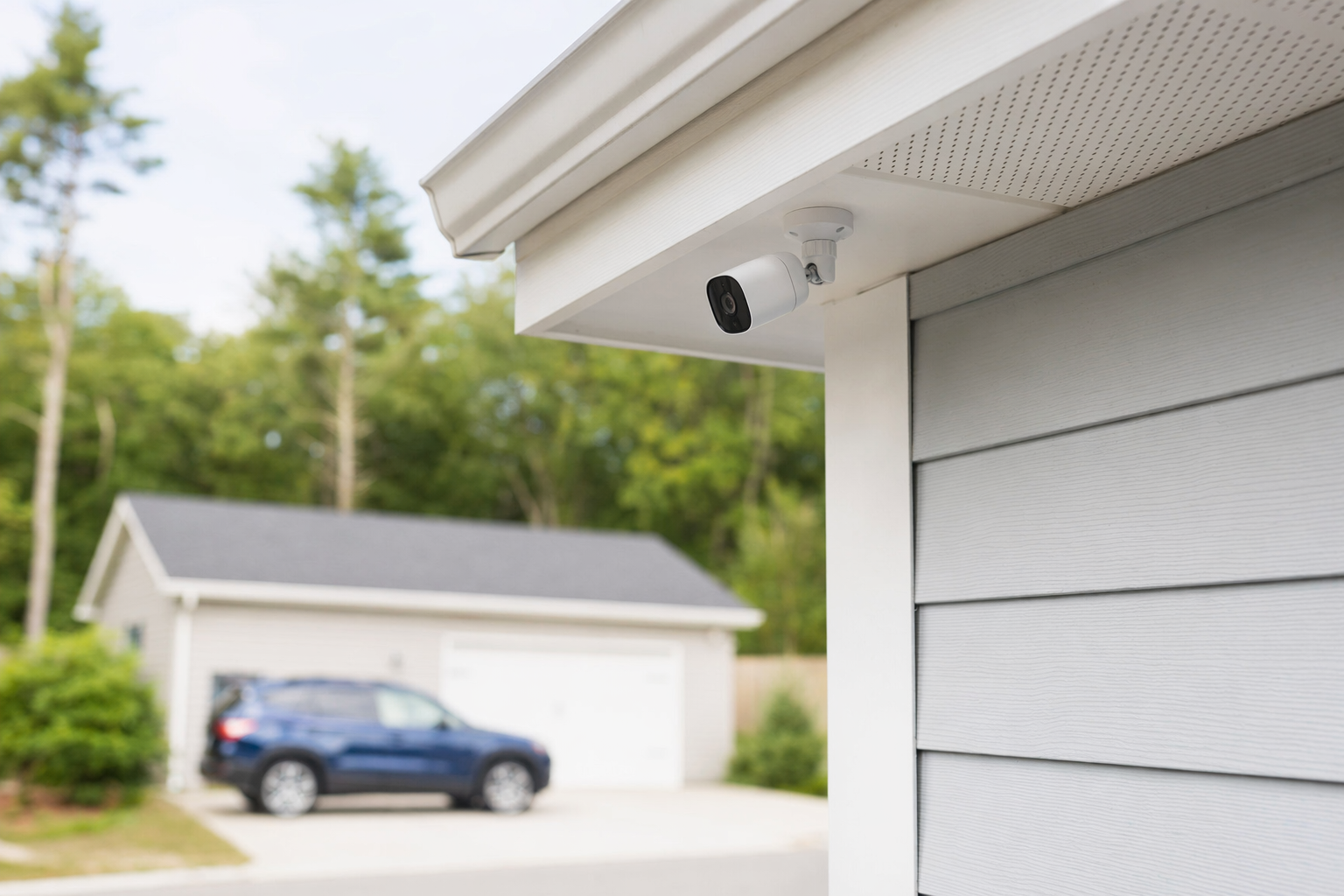
The situation: too many blind spots, not enough clarity
A small retail shop owner came to KeepWatchly with a simple problem: they already had a basic alarm, but they still did not feel clear about what was happening around the store.
The front door had foot traffic all day. Deliveries came through a side entrance. There was a small register area, a narrow stock room, and a parking area behind the building. When something minor went missing, the owner realized the old setup did not give useful video angles. One camera faced the wrong direction. Another gave blurry night video. There was no clear view of who entered the back door.
The owner did not need the biggest system on the market. They needed to decide:
- which areas actually mattered most
- how many cameras were enough
- whether cloud storage fees would add up
- whether to connect cameras with professional monitoring
- how to avoid signing a long contract under pressure
They also wanted a company that would explain things in plain language. That mattered because one family member helping with the business was more comfortable reading information slowly and comparing options before talking to anyone.
What they decided to protect first
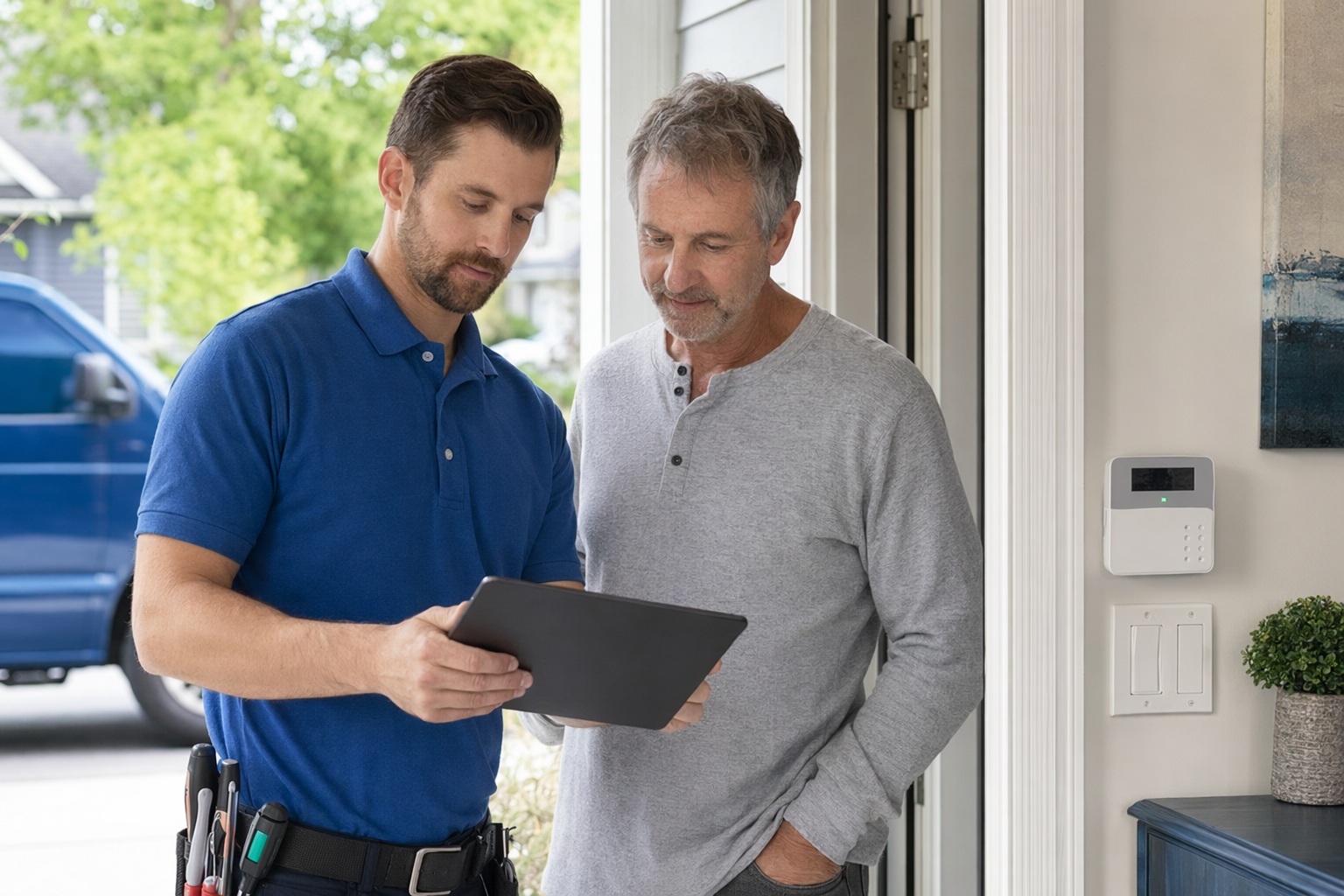
Instead of trying to cover every inch of the property, the owner made a short priority list.
- Front entrance: clear face-level video of people entering and leaving.
- Register area: a wide view showing customer traffic and transactions, without placing cameras where private employee areas would be overexposed.
- Back door and delivery area: to see after-hours access and package drop-offs.
- Stock room entrance: to track movement in and out of inventory space.
That led to a practical camera plan, not an oversized one. The shop compared a few local options for business security and asked each company the same questions.
Helpful questions included:
- Is this camera good enough for faces, or only general motion?
- How does night vision look in a real parking lot, not just in a sales demo?
- How many days of video storage are included?
- Is there a monthly cloud fee?
- What happens if internet service goes down?
- Who owns the equipment at the end of the contract, if there is one?
- What is the cancellation policy and any early-termination fee?
The owner also checked whether each company was licensed, insured, and properly registered for the work required in that state and city. That step matters. Some states also regulate alarm-company solicitation and installation, so it is smart to verify the license or registration yourself, not just accept a sales pitch.
What the setup and costs looked like
The final plan was modest: a small group of cameras placed where they would answer real questions. It was not the cheapest possible setup, but it also was not overbuilt.
Typical cost ranges discussed for a project like this were:
- Security cameras: about $50-$300 each depending on image quality, weather rating, and features
- Professional installation: about $100-$400 one time depending on wiring, camera placement, and the building layout
- Professional monitoring: about $15-$60 per month if added
- Any storage or cloud fee: varies by system and number of cameras
The real price depended on the equipment, the size and layout of the shop, whether professional monitoring was included, how difficult installation was, and the local area. These were estimates and typical ranges, not quotes.
One useful lesson from this case: the owner did not assume more cameras automatically meant better security. In one proposal, a company suggested extra units that overlapped too much. In another, a lower-priced option left the back entrance with weak coverage at night. The best fit was the one that gave clear views at the key points.
Before moving forward, the owner carefully read the agreement. That included:
- contract length
- monthly charges
- auto-renewal terms
- warranty details
- service-call fees
- cancellation and early-termination terms
That step helped them avoid buying in a hurry. Readers planning a similar project can use this alarm contract checklist before signing anything.
How they handled sales pressure and matching
The owner had already dealt with one aggressive phone sales approach and one surprise in-person sales visit. That made them more careful.
KeepWatchly helped by narrowing the search to local companies, but KeepWatchly did not sell, install, or monitor the system. It is a free matching service. Participating security companies pay a flat fee to be included. The owner still compared options, chose who to speak with, and decided who to hire.
If you ask to be matched or contacted, remember this: consent to be contacted is not a condition of any purchase. Companies may contact you, including by autodialer, prerecorded or artificial voice, and SMS, and you can opt out anytime. Do not sign just because someone says a discount ends today. Door-to-door and phone pressure are good reasons to slow down, not speed up.
A few practical habits helped this shop owner:
- They asked for all pricing in writing.
- They compared equipment and monthly fees side by side.
- They refused to sign on the spot.
- They made sure everyone understood the language in the contract.
- They confirmed who would handle installation and support after the sale.
If you want a calmer way to start, you can get matched and then compare companies at your own pace.
The outcome and the real takeaway
The result was not magic. Cameras did not make the shop "safe forever," and no security system can promise that. But the owner ended up with better visibility at the front door, register, back entrance, and stock room access point. That gave them a setup that matched the way the business actually worked.
The biggest win was not just new equipment. It was making a smaller, clearer plan and avoiding expensive extras that did not solve the main problem.
The takeaway for other small businesses is simple:
- Start with the places that matter most.
- Ask what each camera is supposed to show.
- Treat prices as ranges until someone sees your property and scope.
- Hire licensed, insured, properly registered companies and verify that status yourself.
- Read the full contract before you sign.
- Remember that you compare options and you choose the company.
If you are still deciding between a simpler setup and a more professionally installed one, this guide on DIY vs. professional security can help you think it through.
For a small shop, start with the few places that matter most, compare camera options carefully, verify the company is licensed and insured, and read the full contract before signing. KeepWatchly can help you find local companies for free, but you stay in control and choose who to hire.
Always hire licensed, insured, registered security companies — and verify the license yourself.
Common questions
How many cameras does a small shop usually need?
It depends on the layout and what you want to protect. Many small shops start with key points like the front entrance, register area, back door, and one interior inventory or hallway view. More cameras are not always better. The right number depends on blind spots, lighting, storage needs, and budget.
What does a small-business camera system usually cost?
Typical ranges are about $50-$300 per camera, plus roughly $100-$400 for professional installation, with any cloud storage fee or professional monitoring added if you choose those services. These are estimates, not quotes. The real price depends on the system, the size and layout of the property, installation needs, monitoring, and your area.
If I use KeepWatchly, am I required to buy anything?
No. KeepWatchly is a free matching service, not a security company or installer. You can compare local licensed and insured companies and decide whether to move forward. If you agree to be contacted, consent is not a condition of any purchase, companies may contact you including by autodialer, prerecorded or artificial voice, and SMS, and you can opt out anytime. Always read the contract, monthly fees, auto-renewal, and cancellation terms before signing.