The short answer: start with risk, not gadgets
A smart-home security setup is usually a mix of entry sensors, motion detection, cameras, smart locks, alarms, and optional 24/7 professional monitoring. Some people want a simple alarm and phone alerts. Others want cameras at key doors, a smart lock, and a monitoring plan.
What matters most is what you need to protect:
- Front and back doors
- First-floor windows
- Garage or side entrance
- Package drop area
- Cash, tools, inventory, or a back office for a small business
- People entering and leaving at certain times
A basic setup can be modest. Typical ranges are often:
- Alarm equipment: about $200-$600+
- Professional installation: about $100-$400 one time
- Professional monitoring: about $15-$60 per month
- Security cameras: about $50-$300 each, plus any cloud-storage fee
- Smart locks or access control: about $120-$500 per door
These are typical estimates, not quotes. The real price depends on the system, the size and layout of the property, professional monitoring, installation, and your area.
If you are still deciding between a simple alarm, cameras, or a more connected setup, see home security systems for a clear starting point.
What smart-home security usually includes

Smart-home security is not one product. It is a group of tools that can work together through an app, keypad, or control panel.
Common parts of a setup:
1. Door and window sensors
These tell you when an entry point opens. They are often the first thing people install.
2. Motion sensors
These watch for movement inside. Good placement matters. Pets, ceiling fans, and busy hallways can affect performance.
3. Security cameras
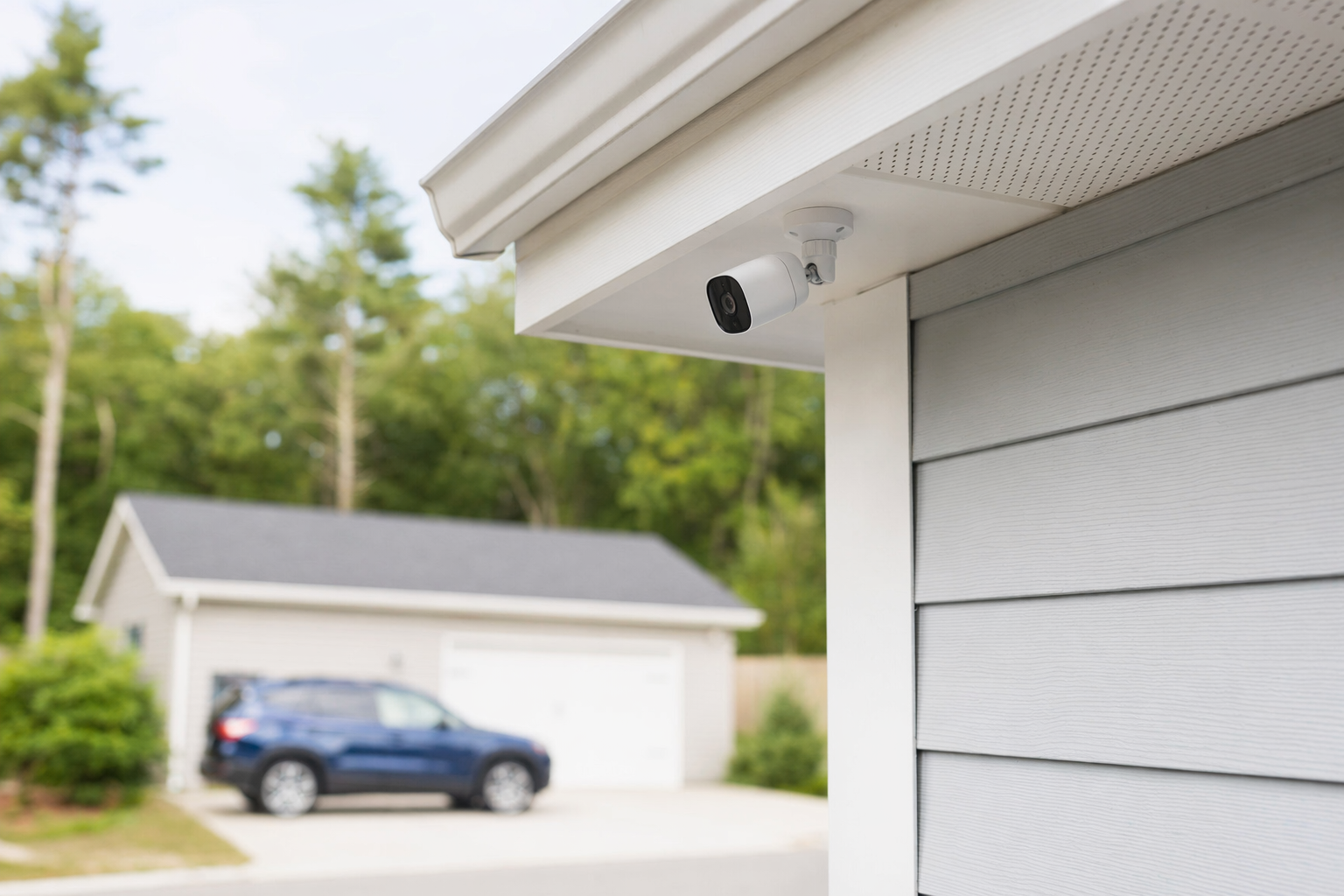
Indoor or outdoor cameras can help you check activity, deliveries, doors, parking, or a storefront. They may record to the cloud, to a local device, or both. Learn more about security cameras.
4. Smart locks or access control
These can make it easier to lock up, create codes, or control who enters. For small businesses, this can be useful for staff access and tracking basic entry events.
5. Professional monitoring
Some systems can notify a monitoring center when an alarm is triggered. This typically adds a monthly fee. Read about professional monitoring if you are comparing self-monitoring and monitored plans.
6. Mobile app alerts and automation
Apps can send alerts, let you arm or disarm, lock doors, or view cameras. Convenience is helpful, but app control is not the same as a guarantee of safety.
No system can promise to prevent crime, loss, injury, or property damage. Smart devices can improve awareness and response, but no security measure can guarantee safety.
How to choose the right setup for your home or small business
Try this simple approach before you talk to any company.
Ask these four questions first:
- What worries me most? Break-in, package theft, after-hours entry, a side door employees forget to lock, or wanting alerts when a child gets home?
- What areas matter most? Main doors, ground-floor windows, garage, driveway, stock room, office, or back entrance?
- Do I want to watch it myself, or pay for monitoring? Self-monitoring may cost less each month. Professional monitoring may add another layer of response.
- Do I want simple and reliable, or lots of smart features? More features can mean more cost, more setup, and more things to manage.
For many homeowners, a practical starter setup is:
- 1 control panel or hub
- Sensors on main doors
- A few key window sensors
- 1 motion sensor in a main hallway or living area
- 1-2 outdoor cameras at the front door and another key entry
- Optional smart lock on the main door
- Optional professional monitoring
For many small businesses, a practical starter setup is:
- Alarm on main and rear entries
- Motion coverage in the main interior area
- Cameras on entrances, register area, lobby, loading area, or stock room
- Smart lock or access control on employee-only doors
- Monitoring if after-hours risk is a concern
If you are weighing DIY against professional installation, look at DIY vs. professional security. DIY can cost less up front. Professional installation may help with placement, setup, and fewer mistakes. Either way, verify what is included and what costs extra.
Costs, contracts, and pressure tactics to watch for
Security sales can get confusing fast. Keep it simple. Ask for the full cost in writing and read the contract before you sign.
Typical cost ranges are often:
- Alarm equipment: $200-$600+
- Cameras: $50-$300 each
- Professional installation: $100-$400 one time
- Monitoring: $15-$60 per month
- Smart locks/access control: $120-$500 per door
Again, these are estimates only. Real pricing depends on the system, the property size and layout, monitoring, installation, and your area.
Watch for these contract questions:
- How long is the contract?
- Is there an auto-renewal term?
- What is the monthly fee after any intro period?
- Who owns the equipment?
- What happens if you move?
- What is the cancellation process?
- Is there an early-termination fee?
- Are cloud storage, service calls, permits, taxes, or warranties extra?
Door-to-door and phone sales deserve extra caution. Do not sign on the spot because someone says the offer ends today. High-pressure sales are a common problem in this industry. Before you sign, read the full agreement, especially the monitoring agreement, the contract length, the monthly fee, auto-renewal, and cancellation or early-termination terms. Our alarm contract checklist can help you review the basics.
If a company wants to contact you after you ask to be matched, remember this: your consent to be contacted, including by autodialer, prerecorded or artificial voice, and SMS, is not a condition of any purchase, and you can opt out anytime.
What to do next
You do not need to become a security expert overnight. A few careful steps can save money and help you avoid a bad contract.
- Make a short list of what to protect. Write down the doors, windows, rooms, or business areas that matter most.
- Choose your must-haves. Alarm only? Cameras too? Smart locks? Monitoring?
- Set a realistic budget. Use typical ranges, not sales promises. You can also review broader costs before comparing options.
- Compare licensed local companies. Hire only licensed, insured, and properly registered security companies, and verify the license or registration yourself. Some states also license or register alarm-company solicitation and installation.
- Read before signing. Confirm the monthly fee, contract length, auto-renewal, and cancellation terms.
KeepWatchly is a free matching service for homeowners and small businesses. We do not sell, install, monitor, or service security systems. We help you compare local options so you can choose who to hire. If you are ready, you can get matched with licensed, insured security companies near you at no cost to you. Participating security companies pay a flat fee to be included.
Start small. Decide what you need to protect, compare typical costs, verify the company is licensed and insured, and read the full contract before signing. KeepWatchly can help you compare local security companies for free, but you choose who to hire.
Always hire licensed, insured, registered security companies — and verify the license yourself.
Common questions
Do I need professional monitoring for a smart-home security system?
Not always. Some people are comfortable with app alerts and self-monitoring. Others want 24/7 professional monitoring for another layer of response. Monitoring usually adds about $15-$60 per month, but the real cost depends on the system, installation, the property, and your area. No monitoring plan can guarantee that crime, loss, injury, or property damage will be prevented.
Are DIY smart security systems cheaper than professionally installed systems?
Often, yes at the start. DIY kits can lower equipment and installation costs. Professionally installed systems may cost more up front but can help with device placement, setup, and support. The best value depends on your comfort level, your property layout, and whether you want ongoing monitoring or service.
What should I ask before signing a security contract?
Ask about the full equipment cost, monthly monitoring fee, contract length, auto-renewal, cancellation rules, early-termination fees, warranties, cloud-storage fees, and who owns the equipment. Read the full contract and monitoring agreement before signing. Do not sign on the spot because of door-to-door or phone pressure.
How do I know if a security company is legitimate?
Hire only companies that are licensed, insured, and properly registered where required, and verify that status yourself. Ask for the legal business name, license or registration number, proof of insurance, and a written agreement. Some states separately regulate alarm-company solicitation and installation, so check the rules in your state.