The short answer
For many small businesses, a basic alarm system, a few cameras, good door security, and optional 24/7 professional monitoring is a practical place to start. The right setup depends on what you need to protect, your hours, your building, and your budget.
Typical ranges are:
- Alarm equipment: about $200-$600+
- Professional monitoring: about $15-$60 per month
- Security cameras: about $50-$300 each plus any cloud storage fee
- Professional installation: about $100-$400 one time
- Smart locks or access control: about $120-$500 per door
- Unarmed guards: about $20-$50 per hour in many markets
These are estimates, not quotes. Real price depends on the system, the size and layout of the property, professional monitoring, installation, and your area.
KeepWatchly is not a security company. We do not sell, install, monitor, or service systems. We are a free matching service that helps you understand options and compare local licensed, insured security companies. You can start here: Get matched.
What to protect first in a small business

Do not try to buy everything at once. Start with the risks that matter most to your business.
1. Entry doors and back doors
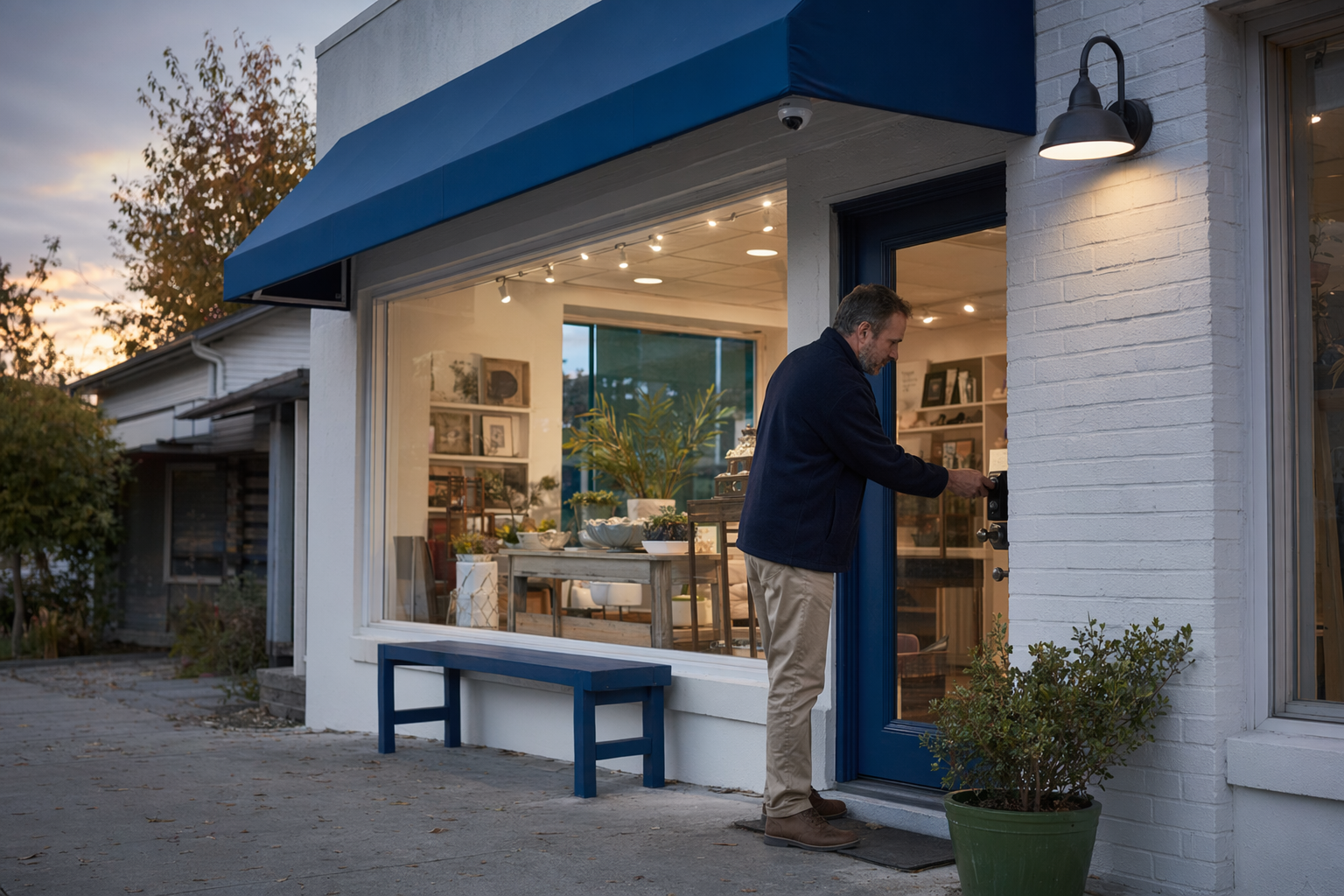
These are often the first weak points. A stronger lock, better door hardware, a contact sensor, and a camera covering the entrance can help you see what happened and notice problems sooner.
2. Cash, inventory, and high-value items
Convenience stores, salons, restaurants, phone shops, jewelry counters, and small offices all have different risk points. Protect where money changes hands, where inventory is stored, and where employees open or close.
3. After-hours activity
If your business is empty at night, an alarm and optional professional monitoring may matter more than a daytime guard. If people come and go often, access control or smart locks may help more.
4. Inside and outside visibility
Cameras can help you review events, check deliveries, and see whether a door was left open. Good camera placement matters more than buying the most expensive camera.
5. Who has keys or codes
If former workers, cleaners, or contractors still have access, rekeying or changing codes may be more urgent than adding new devices.
If you are not sure what fits your space, compare a few local options for business security and ask each company to explain why they recommend each item. A good company should be able to explain it in simple words, not pressure you with fear.
How alarms, cameras, monitoring, locks, and guards differ
Each option does a different job. No security measure can promise safety or prevent every crime, loss, injury, or property damage. But the right mix may reduce blind spots and help you respond faster.
Alarm system
An alarm system usually includes door sensors, motion sensors, a control panel, and siren. It is useful when the business is closed and you want to know if someone enters.
Security cameras
Cameras help you see entrances, registers, stock rooms, parking areas, and loading doors. They can help review incidents later. Cameras vary by image quality, night vision, recording method, and cloud fees. Learn more about security cameras.
24/7 professional monitoring
Monitoring means a monitoring center may receive alarm signals and follow the company process, which can include calling listed contacts and, when appropriate, requesting dispatch. Read the monitoring agreement carefully. Response steps vary.
Smart locks or access control
These tools help control who can enter and when. They can be helpful if you have staff turnover, shared suites, cleaners, or delivery access. Some systems let you remove a code without changing physical keys.
Guards
A guard may make sense for a temporary problem, a special event, high-traffic cash handling, or a location with regular after-hours issues. Guard service is usually much more expensive month to month than a basic alarm or camera setup.
A simple way to think about it:
- Alarm: tells you a protected point was triggered
- Camera: shows what happened
- Monitoring: adds a response process
- Access control: manages who gets in
- Guard: puts a person on site
If you are deciding between self-install and professional installation, this guide can help: DIY vs professional security.
How to avoid pressure, confusion, and bad contracts
This part matters a lot, especially if someone comes to your store door or calls you unexpectedly.
- Do not sign on the spot. Door-to-door and phone sales can be high pressure. Take the paperwork, slow down, and compare.
- Verify the license and insurance yourself. Hire only licensed, insured, properly registered security companies, and confirm the license or registration with your state or local authority. Some states also license or register alarm-company solicitation and installation.
- Ask for the full contract before you agree. Read the equipment list, monitoring agreement, total monthly fee, installation fee, contract length, auto-renewal, warranty limits, and cancellation or early-termination terms.
- Ask who owns the equipment. Some agreements look cheap at first because the cost is spread across a long contract.
- Ask about language support. If English is hard for you, ask for a translated summary if available, or bring a trusted person to review the contract with you.
- Do not rely on verbal promises. If a salesperson says something important, ask to see it in writing.
- Ask how false alarms are handled. Every business should understand arming, disarming, user codes, and local rules.
If you want help checking a company, read how to vet a security company. Before signing, carefully review the monitoring agreement, contract term, auto-renewal, monthly charges, and cancellation terms. Never let anyone rush that step.
If you request to be matched with companies, remember this: consent to be contacted, including by autodialer, prerecorded or artificial voice, and SMS, is not a condition of any purchase. You can opt out anytime.
What to do next
You do not need perfect security on day one. You need a clear plan.
1. List your priorities
Write down what you need to protect most: front door, register, stock room, employee entrance, parking area, or after-hours access.
2. Set a starter budget
Many small businesses begin with a basic package and add more later. Review typical costs first so you can tell when a sales pitch is too vague or too aggressive.
3. Compare 2-4 licensed local companies
Ask each one for the same things: equipment list, estimated monthly monitoring fee if any, installation cost, contract length, cancellation terms, and warranty details.
4. Keep your information simple
To get matched, you usually only need to share what you want to protect and your contact details. Never share sensitive information like Social Security numbers, bank account numbers, immigration status, or unrelated records.
5. Choose the company, not the pressure
You compare estimates. You choose who to hire. You read the contract. You confirm the cancellation terms before signing.
KeepWatchly matching is free for homeowners and businesses. Participating security companies pay a flat fee to be included. If you want to compare local options, use Get matched.
Start with your biggest risks: doors, cash or inventory areas, and after-hours access. Compare a few licensed, insured local security companies, review honest cost ranges and contract terms, and do not sign under pressure. KeepWatchly can help you get matched for free, but you stay in control of the decision.
Always hire licensed, insured, registered security companies — and verify the license yourself.
Common questions
I own a small shop. Do I need an alarm, cameras, or both?
Many small shops use both because they do different jobs. An alarm can alert you when a protected door or area is triggered. Cameras can help you review what happened and watch entrances, registers, or stock areas. The best choice depends on your layout, hours, and budget. Real price depends on the system, the size and layout of the property, professional monitoring, installation, and your area.
Will a monitored system guarantee police response or stop crime?
No. No system, monitoring plan, or guard service can guarantee safety or prevent crime, loss, injury, or property damage. Monitoring centers follow their procedures and local dispatch practices vary. That is why it is important to read the monitoring agreement and understand exactly how signals are handled.
What should I check before I sign a security contract?
Check the full equipment list, installation charges, monthly fee, contract length, auto-renewal terms, warranty, cancellation policy, and any early-termination fee. Ask whether you own the equipment and whether cloud storage or app access costs extra. Verify that the company is licensed, insured, and properly registered, and confirm that yourself with the state or local authority before signing.
If I ask KeepWatchly to match me, am I required to buy anything?
No. KeepWatchly is a free matching service, not a security company. Requesting a match does not require you to buy. If you consent to be contacted, including by autodialer, prerecorded or artificial voice, and SMS, that consent is not a condition of any purchase, and you can opt out anytime. You should compare estimates, choose who to hire, and read the full contract before signing.