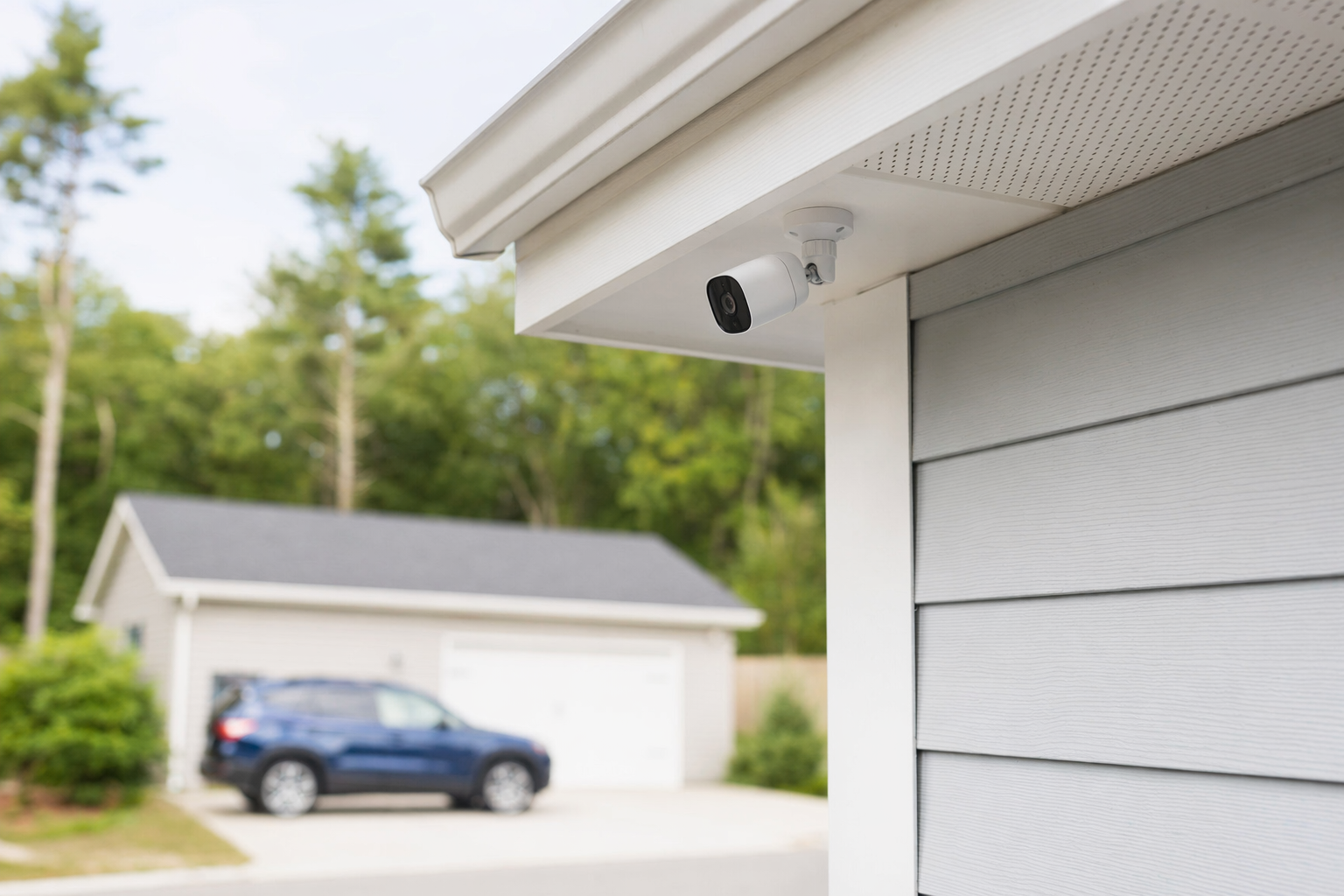
The short answer: cameras can be useful, but privacy still matters
Security cameras are common for front doors, driveways, stores, offices, and shared entry areas. They may help you check activity, review an incident, or support other security measures like alarms, lighting, or professional monitoring. But a camera is not a promise of safety. No camera system can guarantee that crime, loss, injury, or property damage will be prevented.
The privacy side is simple in principle: record only what you reasonably need to protect. For most people, that means focusing on entrances, parking, delivery areas, cash-handling areas, or other parts of the property where security is a real concern.
A few practical rules go a long way:
- Aim cameras at your own property or business areas first.
- Avoid places where people expect privacy, such as bathrooms, changing areas, bedrooms, or private break areas.
- Do not record more than you need. If a camera can be angled down or narrowed, do that.
- Tell people when cameras are in use when that makes sense, especially in a business setting.
- Protect the footage with strong passwords, app security, and limited access.
If you are still deciding what type of protection makes sense, it helps to compare security cameras with alarms, smart locks, and other options before you hire anyone.
Where privacy problems usually start

Most privacy issues do not start with the camera itself. They start with placement, audio recording, access to footage, or unclear expectations.
Here are the common trouble spots for homeowners and small businesses:
1. Cameras pointed too far beyond your property
A front-door camera may naturally see part of a sidewalk or street. That is different from pointing a camera directly into a neighbor's yard, window, patio, or private space. The more narrowly you can aim the camera, the better.
2. Indoor cameras in sensitive areas
Indoor cameras may make sense in a front lobby, stock room, or main entrance. They usually do not belong in bathrooms, changing rooms, private sleeping areas, or other spaces where people reasonably expect privacy.
3. Audio recording you did not think about
Some cameras record sound by default. That can create extra privacy and legal issues. Rules can vary by state and situation. If you do not clearly need audio, ask whether it can be turned off.
4. Too many people can view the footage
If everyone in the family or every employee can log in, privacy and security risks go up. Limit app access to the people who actually need it.
5. Keeping footage forever
Long retention can increase privacy concerns and storage costs. Many owners do better with a practical retention period based on their needs, incident risk, and budget.
6. Using cameras as a substitute for policy
In a small business, cameras work best when staff know basic rules: where cameras are, who can review footage, and what happens after an incident. Confusion causes problems.
For businesses with staff, customers, or shared access, a broader look at business security may help you decide whether cameras alone are enough.
What good camera planning looks like
A camera plan does not need to be complicated. It should answer a few honest questions.
What are you trying to protect?
- Front door and package area
- Driveway or parking area
- Back door or alley access
- Cash register or checkout area
- Main customer entrance
- Storage room or equipment area
What kind of camera view do you actually need?
- A wide overview can show movement and timing
- A tighter view may better capture faces, deliveries, or vehicle activity
- Night visibility matters if the area is dark
- Weather protection matters outdoors
Who should be able to see the video?
- One homeowner
- Both spouses or adult household members
- Owner and manager only
- A small number of trusted keyholders
How long should footage be stored?
This depends on your setup. Some systems save to local storage. Others use cloud storage with a monthly fee. Typical camera hardware often runs about $50-$300 per camera, and some systems add a cloud fee if you want event history or longer storage. If you hire a company for setup, professional installation is often about $100-$400 one-time, depending on the job. Real cost depends on the system, the size and layout of the property, installation needs, monitoring choices, and your area.
If you are comparing DIY and professional setups, read DIY vs. professional security before you decide. A simple system may be enough for one property, while another may need better placement, wiring, app setup, or integration with alarms or access control.
A few privacy-minded setup tips:
- Use strong, unique passwords for the camera app and Wi-Fi.
- Turn on multi-factor authentication if available.
- Update firmware and apps.
- Rename user accounts and remove old users when staff change.
- Review camera angles after installation, not just on day one.
- If you add signs, keep them clear and simple.
Questions to ask before you hire a local company
KeepWatchly is a free matching service. We do not sell, install, monitor, or service systems. We help you compare licensed, insured local companies so you can choose who to hire.
When you talk to a company, ask direct questions:
- Are you licensed, insured, and properly registered for this work in my state or city? Verify the license or registration yourself. Some states also license or register alarm-company solicitation and installation.
- Where would you place each camera, and why? Ask them to explain what each camera covers.
- Can you avoid views into neighboring private areas?
- Does the system record audio? Can audio be disabled?
- Who will have access to the footage and app?
- How is footage stored, and for how long?
- What are the typical equipment, installation, and monthly costs?
- If the system includes a contract or monitoring agreement, what are the length, monthly fee, auto-renewal terms, and cancellation or early-termination terms?
Read the full agreement before signing. Do not sign on the spot because of door-to-door or phone pressure. For help spotting pressure tactics and checking contract terms, see avoid door-to-door alarm sales and the alarm contract checklist.
If you ask to be matched, remember this: consent to be contacted is not a condition of any purchase. Companies may contact you, including by phone call, autodialer, prerecorded or artificial voice, and SMS, and you can opt out anytime. Matching is free to homeowners and small businesses. Participating security companies pay a flat fee.
What to do next
If you are planning cameras, keep it simple:
- List the areas you want to protect. Write down doors, parking, package areas, customer entrances, or storage spaces.
- Mark private areas to avoid. This includes bathrooms, changing spaces, bedrooms, and neighboring private spaces.
- Set a realistic budget. Camera systems vary a lot. Hardware is often about $50-$300 per camera, and installation may add $100-$400 one-time. If you want alarms too, basic alarm equipment is often around $200-$600+, and professional monitoring is commonly about $15-$60 per month. These are typical ranges only. Your real price depends on the system, the size and layout of the property, professional monitoring, installation, and your area.
- Compare at least a few local options. Ask each company to explain placement, storage, app access, and any monthly fees in plain language.
- Verify the company yourself. Check that it is licensed, insured, and properly registered where required.
If you want help comparing local options without high-pressure sales, you can get matched for free. KeepWatchly helps you compare. You choose who to hire, and you review the contract before you sign.
Use cameras to watch the areas you need, not private spaces you do not. Ask where each camera will point, who can see the footage, how long it is stored, and what it will really cost. Compare licensed, insured local companies, read the contract carefully, and do not sign under pressure.
Always hire licensed, insured, registered security companies — and verify the license yourself.
Common questions
Is it legal to point a camera at the street or sidewalk?
Sometimes a camera at your property will naturally capture part of a street or sidewalk. That is common. The bigger concern is whether the camera is aimed into places where people reasonably expect privacy, such as inside a neighbor's home or other private areas. Rules can vary by state and local situation, so ask the company how they plan to aim the camera and adjust it if needed.
Should I tell customers, visitors, or workers that cameras are recording?
In many cases, yes. Clear notice is a good privacy practice, especially for small businesses. A simple sign at an entrance or front desk can help set expectations. If a system records audio, be extra careful and ask about state-specific rules. KeepWatchly does not give legal advice, but a licensed local company should be able to explain its equipment and basic setup options.
How much do security cameras usually cost?
A typical range is about $50-$300 per camera, plus any cloud storage fee if you want saved footage in an app. Professional installation often runs about $100-$400 one-time, depending on the job. These are estimates, not quotes. The real price depends on the system, the size and layout of the property, installation needs, monitoring choices, and your area.
Can cameras replace an alarm system or guards?
Sometimes cameras are enough for a simple need, but not always. Cameras mainly help with visibility and recorded evidence. An alarm may add alerts, and smart locks or access control may help manage entry. Guards may fit some business or event situations, with unarmed guard service often around $20-$50 per hour, while armed or event work may cost more. No option can guarantee safety or prevent every incident. The right choice depends on what you want to protect and how the property is used.