The short answer
If you can only start with one, choose the tool that solves your biggest problem.
- Pick motion-sensor lights if dark areas are the main issue and you want a simple, lower-cost upgrade.
- Pick cameras if you want to see what happened, check alerts, or keep video for later review.
- Pick both together if you want the best day-to-day visibility. A light can brighten a walkway, driveway, loading area, or side yard. A camera can record the activity in that space.
For many homes and small businesses, this is not really an either-or question. Lights and cameras often work best as a layered setup. A light may make a person, vehicle, or delivery easier to see. A camera may help you confirm whether it was a customer, a neighbor, an employee arriving early, or something else.
Still, no light, camera, alarm, monitoring plan, or guard service can guarantee safety or prevent crime, loss, injury, or property damage. Security measures can help you notice, document, and respond. They cannot promise an outcome.
What each one is good at

### Motion-sensor lights
Motion-sensor lights are mainly about visibility. When movement is detected, the light turns on.
They are often useful for:
- Front doors, porches, driveways, garages, gates, alleys, and backyards
- Small business entry points, parking spots, dumpsters, and rear delivery doors
- Helping residents, visitors, customers, or staff walk more safely in low light
- Making it easier for neighbors, employees, or a camera to see what is happening
But lights also have limits:
- They usually do not create a video record
- They can trigger from animals, trees, rain, or passing cars if aimed badly
- They may annoy neighbors if too bright or pointed the wrong way
- A person can still move out of view quickly
### Security cameras
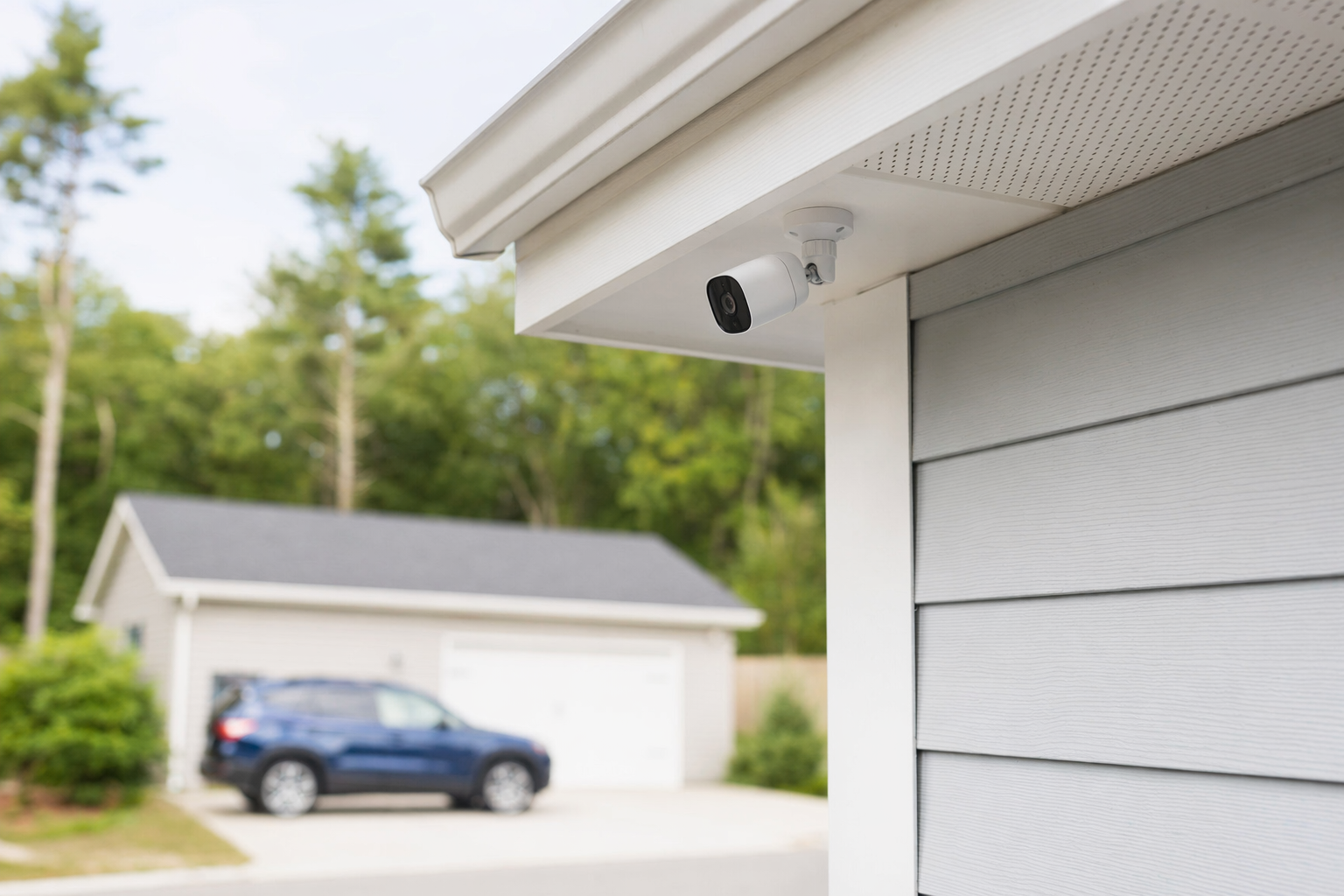
Cameras are mainly about observation and evidence. Depending on the setup, they may show live video, send alerts, save clips, or record continuously.
They are often useful for:
- Seeing who came to the door or entered a lot, hallway, or store
- Reviewing a package delivery, after-hours activity, or repeated nuisance issue
- Checking opening and closing routines at a small business
- Watching key areas like registers, entrances, inventory rooms, and side gates
But cameras also have limits:
- They need a good view, good placement, and enough light to be useful
- Video quality can drop at night, in bad weather, or with glare
- Some systems have cloud storage fees or local storage limits
- Cameras do not physically stop someone from taking or damaging something
If you want broader protection beyond lights and cameras, you may also compare home security systems or professional monitoring.
Cost differences you should expect
Here is the honest cost picture for most US properties. These are typical ranges and estimates, not quotes. The real price depends on the equipment, the size and layout of the property, installation, monitoring, and your area.
### Motion-sensor lights
A basic motion-sensor light can be fairly affordable, especially if you already have wiring in place. Costs vary a lot based on brightness, weather rating, hardwiring, height, and where it needs to be mounted.
Typical expenses may include:
- Light fixture: often lower-cost than a camera setup for a single location
- Professional installation: often around $100-$400 one-time if wiring or mounting is needed
- Electrician or special mounting costs: sometimes more for difficult locations
### Security cameras
Cameras usually cost more because you are paying for the camera itself and sometimes storage, networking, and setup.
Typical expenses may include:
- Camera hardware: about $50-$300 each for many common cameras
- Professional installation: often around $100-$400 one-time depending on the number of devices and setup difficulty
- Cloud storage or app fees: varies by system
If you are comparing cameras as part of a larger security plan, full alarm equipment often runs about $200-$600+, and professional monitoring often runs about $15-$60 per month.
A cheap camera in the wrong spot may be less useful than a well-placed light and one good camera covering the right area. Before you buy, think about coverage, not just device count. Our security cost guide can help you compare common ranges without the sales pitch.
How to decide for your property
Use this simple checklist.
1. Start with the problem, not the product.
Ask: Is the area too dark? Do I need video? Do I want alerts? Is this for a front porch, a parking lot, a stock room, or a side gate?
2. Pick the priority area first.
Most people do not need to cover everything at once. Start with the main entrance, driveway, garage, rear door, or the business area where incidents are most likely or most costly.
3. Check the lighting conditions.
Cameras need usable light and a clean angle. If the area is very dark, a motion-sensor light may improve camera results.
4. Think about daily use.
A homeowner may want porch coverage and package visibility. A small business may care more about customer entry, employee access, and after-hours activity.
5. Think about privacy and local rules.
Be careful about where cameras point. For businesses, think about employee notice, customer areas, and where recording is appropriate.
6. Decide whether you want DIY or professional help.
DIY may cost less up front. Professional installation may help with coverage, wiring, and setup. See DIY vs professional security if you are unsure.
A practical starting point for many properties looks like this:
- One or two motion-sensor lights for dark approach areas
- One camera at the main entrance or driveway
- Add more only after you learn what blind spots still matter
What to do next without getting pressured
If you want pricing or local options, slow the process down and compare.
- Ask for itemized pricing. Separate equipment, installation, storage, and any monthly fee.
- If monitoring is offered, ask exactly what it includes and what events trigger a response.
- Hire only licensed, insured, and properly registered security companies where required, and verify the license or registration yourself. Some states license or register alarm-company solicitation and installation.
- Read the full contract before signing. Check the contract length, auto-renewal, monthly fee, cancellation policy, and any early-termination charges.
- Do not sign on the spot because of a door-to-door pitch or phone pressure. Take time to compare.
KeepWatchly is a free matching service. We do not sell, install, monitor, or service systems. We help you compare your options and get matched with licensed, insured local security companies. Participating companies pay a flat fee to appear; the matching service is free to you.
If you want help comparing local companies, you can get matched. If you speak with any company after requesting a match, remember: consent to be contacted, including by autodialer, prerecorded or artificial voice, and SMS, is not a condition of any purchase, and you can opt out anytime. You should still compare offers yourself, read the contract yourself, and choose who to hire yourself.
Before you sign anything, use this alarm contract checklist to slow down and review the terms.
If the area is dark, start with motion-sensor lights. If you need video or alerts, start with a camera. For many homes and small businesses, the smartest move is one light plus one well-placed camera, then compare licensed, insured local companies carefully before you sign any contract.
Always hire licensed, insured, registered security companies — and verify the license yourself.
Common questions
Are motion-sensor lights enough by themselves?
Sometimes, for a small dark area, they may be a reasonable first step. But lights mainly improve visibility. They usually do not give you a video record. If you want to review activity later or receive camera-based alerts, a camera may be more useful. Many properties do best with both.
Do cameras work well at night without motion-sensor lights?
Some do, but results vary. Night video depends on camera quality, placement, distance, glare, weather, and available light. In some spots, a motion-sensor light can improve what the camera captures. In other spots, the camera's built-in night vision may be enough. Good placement matters more than marketing claims.
What is usually cheaper: lights or cameras?
For one location, a basic motion-sensor light is often cheaper than a camera setup. Cameras commonly cost about $50-$300 each, and installation may add about $100-$400 one-time depending on the setup. Some cameras also have cloud or app fees. These are typical ranges and estimates, not quotes, and actual pricing depends on the property, system, installation, and area.
How do I avoid getting pushed into the wrong security setup?
Get more than one estimate. Ask for itemized pricing. Hire only licensed, insured, properly registered companies and verify the license yourself. Read the full contract before signing, especially the contract length, auto-renewal, monthly fee, and cancellation or early-termination terms. Do not sign on the spot during a door-to-door visit or a high-pressure phone call.