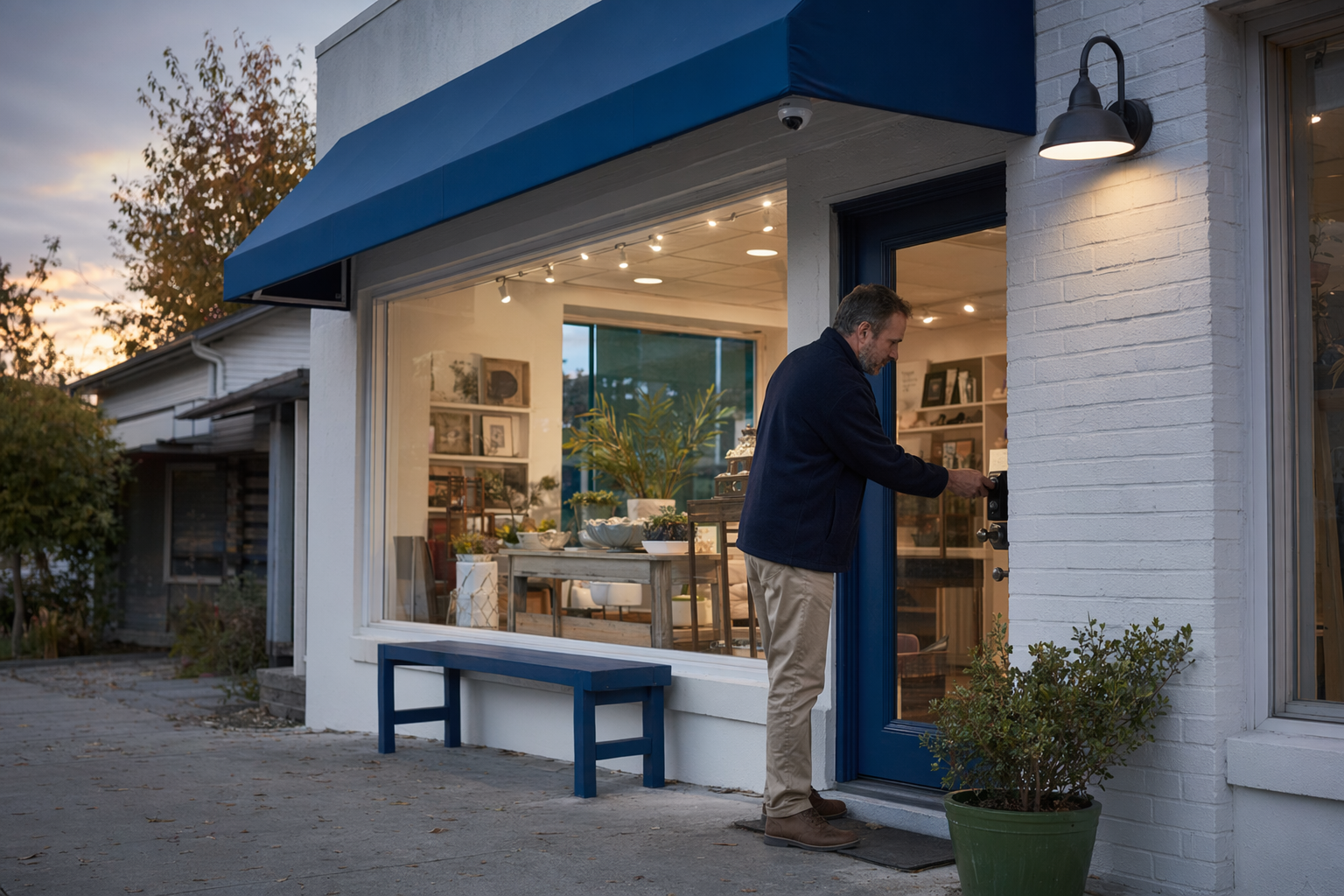
The short answer: start with the basics that fit your business
Most small businesses do not need every security product on the market. A simple setup often does the job better than a complicated one you do not use.
A practical starting point is:
- A burglar alarm on main entry points and key interior areas.
- Security cameras at the front door, register, stock room, and back entrance.
- Professional monitoring if you want alarms handled when you are busy, closed, or off-site.
- Smart locks or access control if multiple employees need entry or you have turnover.
- A guard only if you have a higher-risk situation, special event, repeated theft, or overnight concerns.
Typical cost ranges are honest estimates, not quotes. Real price depends on the system, the size and layout of your property, professional monitoring, installation, and your area.
- Alarm equipment: about $200-$600+
- Professional monitoring: about $15-$60/month
- Cameras: about $50-$300 each plus any cloud fee
- Professional installation: about $100-$400 one-time
- Smart locks or access control: about $120-$500 per door
- Unarmed security guards: about $20-$50/hour in many areas, with armed or event coverage often higher
If you want a closer look at options for stores, offices, and service businesses, see business security.
What to protect first in a small business

Before you compare companies, make a short list of what matters most. This helps you avoid paying for extras you do not need.
Focus on these areas first:
- Front and back doors: These are common targets and common weak points.
- Cash register and safe area: Cameras and alarms matter here.
- Inventory and stock room: Especially if items are small, high-value, or easy to resell.
- Employee-only entrances: Good place for better locks or access control.
- After-hours empty periods: Nights, weekends, holidays, and vacation closures.
- Blind spots: Side alleys, rear loading areas, stairwells, and storage corners.
Different businesses need different priorities.
- A retail shop may care most about shoplifting, break-ins, and register visibility.
- A restaurant or café may care more about back-door access, cash handling, and late-night closing.
- A small office may care about controlled entry, records rooms, and who has keys.
- A salon, clinic, or studio may want entry logs, front-desk visibility, and limited after-hours access.
Do not assume one product solves everything. Cameras can help you see and review events, but they do not physically stop entry. Locks help control access, but they do not alert you by themselves. Monitoring can help with alarm response, but no system, monitoring plan, or guard service can promise to prevent crime, loss, injury, or property damage.
That honest mix-and-match approach is usually better than buying a package just because a salesperson says it is the "standard" choice.
How the main security options actually help
Here is the plain version of what each option is for.
Burglar alarm
A business alarm can cover doors, windows, motion inside, and sometimes glass-break areas. It is often the first layer for after-hours protection. Basic equipment usually starts around $200-$600+, with higher costs for larger spaces, more sensors, or more advanced panels.
Security cameras
Cameras help you watch entrances, registers, counters, delivery areas, and storage. Typical hardware cost is about $50-$300 per camera, plus possible recording or cloud fees. For many small shops, fewer well-placed cameras work better than many poor ones. If you are comparing this option, see security cameras.
24/7 professional monitoring
Monitoring means alarms can be handled when you are not available. Typical monthly cost is about $15-$60. The real price depends on the system, your area, and what level of service is included. Before you sign anything, read the monitoring agreement closely, including the monthly fee, contract length, auto-renewal, and cancellation terms. You can also learn more about professional monitoring.
Access control or smart locks
If more than one person opens or closes the business, this can save headaches. Typical cost is about $120-$500 per door. It can be useful if you want to add or remove access without collecting old keys from former employees. This matters a lot for businesses with staff turnover or multiple shifts.
Security guards
A guard is usually not the first step for a typical small shop because hourly cost adds up fast. Unarmed guards often run about $20-$50 per hour, and armed or event coverage can be higher. Guards may make sense for higher-risk sites, repeated incidents, cash-heavy operations, temporary situations, or special events. KeepWatchly does not provide guard services. It is a free matching service that can help you compare local licensed, insured companies where available.
For many owners, the smartest path is an alarm plus a few cameras, then better locks or access control if staff access is hard to manage.
How to compare companies without getting pushed into a bad deal
This is where many business owners lose money. The problem is not only equipment. It is pressure, contracts, and unclear terms.
Use this checklist:
- Ask for typical pricing in writing. Remember, estimates are not guarantees.
- Verify license and registration yourself. Hire licensed, insured, properly registered security companies. Some states also license or register alarm-company solicitation and installation.
- Read the full contract before signing. Check the equipment list, monitoring agreement, total monthly fee, contract length, auto-renewal, cancellation policy, and any early-termination fee.
- Do not sign on the spot because of a door-to-door pitch, a "today only" discount, or a call-center promise.
- Ask what happens if you move, sell, remodel, or close the business.
- Ask who owns the equipment and whether app access, cloud storage, service calls, or battery replacements cost extra.
If someone wants your contact details so local companies can reach out, remember this: consent to be contacted, including by autodialer, prerecorded or artificial voice, and SMS, is not a condition of any purchase. You can opt out anytime. You should still compare your options, choose who to hire, and read the contract yourself before signing.
If you want help screening providers, read how to vet a security company. If you have ever dealt with aggressive salespeople, how to avoid door-to-door alarm sales pressure is worth a few minutes.
What to do next
If you are planning security for a small business or shop, keep it simple.
- List the areas you need to protect: doors, register, stock, office, back entrance.
- Decide what you need most: alerting, video, better employee access, or occasional on-site presence.
- Set a realistic budget for equipment, installation, and monthly monitoring if you want it.
- Compare local companies, not just one sales pitch.
- Verify license, insurance, and registration yourself.
- Read every contract term before signing.
KeepWatchly is free to the business owner. Participating security companies pay a flat fee to be included. You can describe what you want to protect and get matched with local companies to compare. You choose who to talk to, what to buy, and who to hire. If you are ready to start, use Get Matched.
Start by protecting your doors, cash area, and inventory. Compare a simple alarm, a few cameras, and better locks if employees need access. Get estimates, verify licenses and insurance yourself, and read the full contract, monthly fee, and cancellation terms before you sign.
Always hire licensed, insured, registered security companies — and verify the license yourself.
Common questions
What is the best security setup for a small shop?
For many small shops, a solid starting point is a burglar alarm on entry points, a few well-placed cameras, and professional monitoring if the business is empty for long periods. If staff access is hard to manage, smart locks or access control may help. The right mix depends on what you sell, your hours, your layout, and your area. No system can guarantee safety or prevent every loss.
How much does small-business security usually cost?
Typical ranges are estimates, not quotes. Alarm equipment often runs about $200-$600+, cameras about $50-$300 each plus any cloud fee, professional monitoring about $15-$60 per month, professional installation about $100-$400 one-time, and smart locks or access control about $120-$500 per door. The real price depends on the system, the size and layout of the property, monitoring, installation, and your area.
Should I get cameras or an alarm first?
If your main concern is after-hours break-ins, many owners start with an alarm. If your main concern is seeing what happened at the register, entrance, or stock room, cameras may be the first move. Many businesses end up wanting both because they do different jobs. Cameras document events. Alarms alert to possible intrusion.
How can I avoid getting trapped in a long security contract?
Do not sign under pressure. Read the full contract and the monitoring agreement before signing. Check the contract length, monthly fee, auto-renewal, cancellation rules, and any early-termination fee. Ask for terms in writing. Verify the company's license and insurance yourself. If you share your contact details to be matched, consent to be contacted, including by autodialer, prerecorded or artificial voice, and SMS, is not a condition of purchase, and you can opt out anytime.