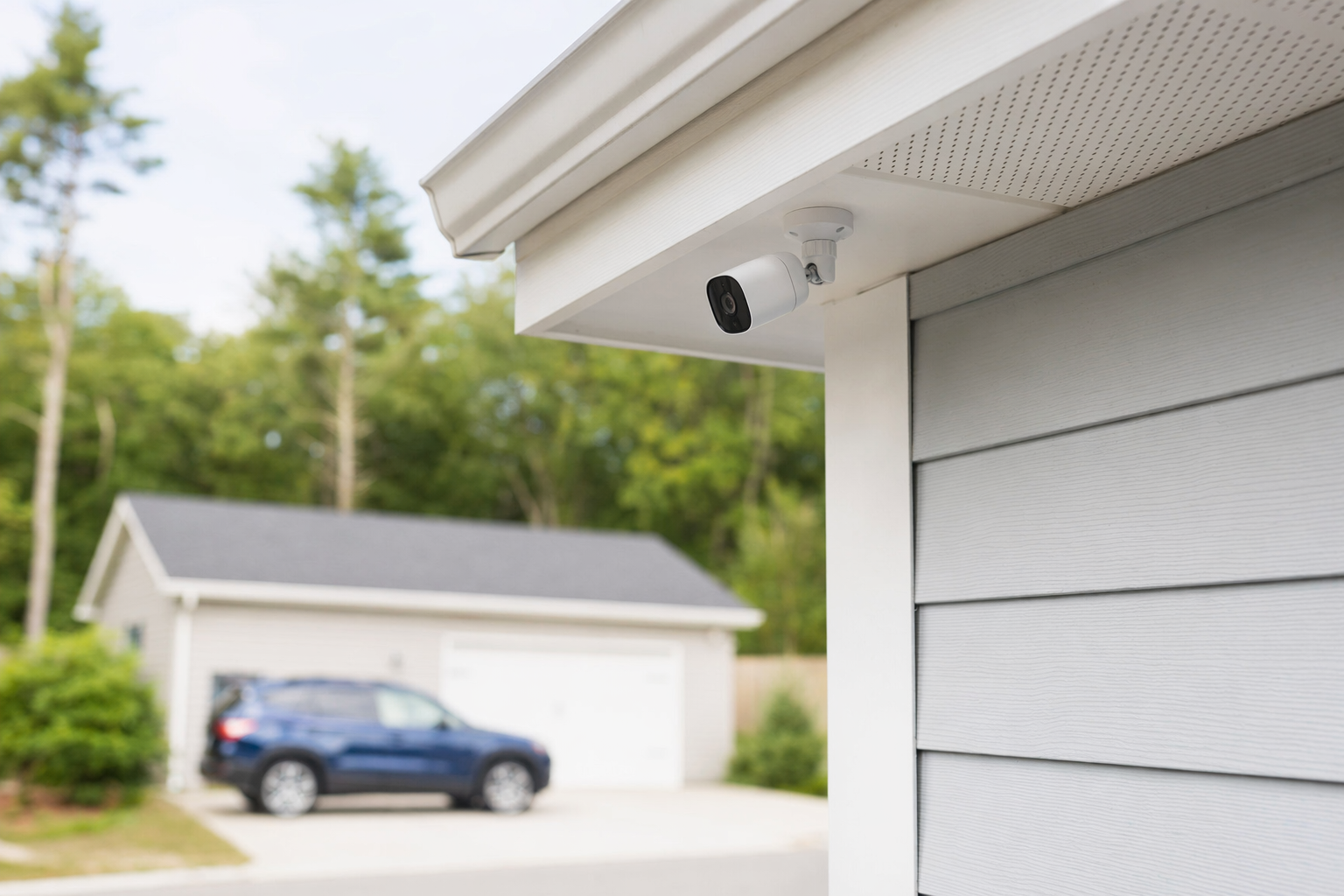
The short answer: most camera footage is not kept forever
Many people assume security cameras keep video for months automatically. That is often not true. A camera system usually records until its storage fills up, then older footage may be deleted and replaced by newer video.
For many homes and small businesses, a typical retention period is about 7 to 30 days. But that is only a rough range, not a promise. Some setups keep less. Some keep more.
Common examples:
- Cloud-based cameras may keep clips for 7, 14, 30, or 60 days, depending on the plan.
- Local storage systems using an NVR, DVR, hard drive, or memory card may keep footage a few days to several weeks, depending on capacity and recording settings.
- Motion-only recording usually keeps footage longer than 24/7 continuous recording because it uses less storage.
- Higher resolution video like 2K or 4K usually fills storage faster than lower-resolution video.
If you are still deciding what type of camera setup makes sense, review typical security camera options and ask each company to explain how long your footage is likely to be available in normal use.
No camera system can guarantee safety or prevent crime, loss, injury, or property damage. Cameras can help document events, but they are only one part of a security plan.
What changes how long footage lasts?

Retention depends on a few practical things. This is why two systems with the same number of cameras can keep video for very different lengths of time.
1. How the footage is stored
Cloud storage usually follows the plan you pay for. Local storage depends on the size of the hard drive, recorder, or card.
2. Continuous recording vs. motion recording
A camera recording 24/7 uses much more space than one that records only when motion is detected.
3. Number of cameras
More cameras means more video files and faster storage use.
4. Video quality and frame rate
Sharper image quality is useful, but it takes more storage. Higher frame rates also use more space.
5. How busy the property is
A quiet side yard may trigger fewer recordings than a front door, parking lot, shop entrance, or warehouse.
6. Whether clips are manually saved
Some systems automatically overwrite old footage, but users can save important clips separately before they disappear.
7. Audio, smart detection, and extra features
Some features change storage use. Ask what is included and what increases storage needs or monthly fees.
This is why the real answer is not just "How long do cameras keep footage?" It is also "How much footage will your property create?" A small home with two motion-based cameras may keep video much longer than a busy store with eight cameras recording all day.
Before signing anything, ask for a simple explanation of the expected retention period for your property size, camera count, recording method, and area. If you are comparing full systems, KeepWatchly can help you get matched with licensed, insured local security companies at no cost.
Home vs. small business: what to ask before you choose a system
Homeowners and business owners often need different answers.
For a home, people usually care about:
- Front door and package theft clips
- Driveway or yard coverage
- Whether they can view video from a phone
- Whether footage saves only on motion
- Whether there is a cloud fee
For a small business, people often need to ask more:
- How long front counter, entry, stockroom, or parking lot footage is kept
- Whether the system records during business hours only or 24/7
- Whether multiple users can review footage
- Whether exported clips are easy to share with police or insurance
- Whether there are different retention needs for customer areas and employee-only areas
A few honest cost reminders help when you compare options:
- Security cameras typically run about $50-$300 each, plus any cloud fee.
- Professional installation is often about $100-$400 one time.
- A larger recorder, more cameras, or longer storage usually raises the total cost.
These are typical ranges and estimates, not quotes. The real price depends on the system, the size and layout of the property, professional monitoring, installation, and the area.
If you are protecting a store, office, restaurant, or warehouse, it may help to compare broader business security options too, especially if you also need alarms, access control, or monitored entry points.
Cloud storage vs. local storage: the tradeoffs
Neither option is perfect for everyone. The better choice depends on your budget, how often you review video, and how much footage you want to keep.
Cloud storage
- Often easier to access from a phone or computer
- May store clips off-site if equipment at the property is stolen or damaged
- Often comes with a monthly fee
- Retention is usually tied to the plan level
- Some plans store event clips, not full 24/7 video
Local storage
- May avoid or reduce monthly cloud fees
- Can be a good fit for properties that want more direct control of recordings
- Retention depends on hard-drive size, recorder setup, camera count, and recording schedule
- If the recorder is damaged or stolen, footage may be lost unless backed up elsewhere
- May take more effort to review, export, and manage footage
A lot of people end up choosing a mixed approach: local recording plus some cloud backup for important alerts or saved clips.
If you are comparing systems, do not ask only "How many days?" Also ask:
- Is that full video or only motion clips?
- What happens when storage is full?
- Can I download and save footage myself?
- Does longer retention cost more each month?
- If internet goes down, does recording continue?
- Who can access the footage?
If you are also deciding between a simpler DIY setup and a professionally installed system, this guide on DIY vs. professional security can help you compare the tradeoffs.
What to do next before you hire anyone
Use this simple checklist before you choose cameras or sign a contract.
1. Decide what you need to protect.
Front door, driveway, lobby, cash register, delivery area, side gate, or parking lot.
2. Decide how long you want footage available.
For example: enough time to notice a package theft, review a weekend incident on Monday, or check a customer dispute from last week.
3. Ask each company the same storage questions.
Get clear answers on recording type, retention estimate, cloud fees, equipment ownership, and how old footage is deleted.
4. Hire only licensed, insured, properly registered companies.
Verify the license or registration yourself. Some states also license or register alarm-company solicitation and installation.
5. Read the contract before you sign.
Check contract length, auto-renewal, monthly fee, service terms, cancellation policy, and any early-termination charges. Do not sign on the spot because of door-to-door or phone pressure. Use this alarm contract checklist if you want a simple review list.
6. Understand contact consent.
If you ask to be matched or contacted, your consent to receive calls or texts, including by autodialer, prerecorded or artificial voice, and SMS, is not a condition of any purchase. You can opt out anytime.
KeepWatchly is a free matching service. We do not sell, install, monitor, or service security systems. We help you compare options so you can choose who to hire.
Most security cameras do not keep footage forever. For many homes and small businesses, video stays available for about 7 to 30 days, but it depends on storage, camera count, video quality, and recording settings. Ask each licensed, insured company how long footage is likely to last for your property, compare costs and contract terms carefully, and save important clips before they are overwritten.
Always hire licensed, insured, registered security companies — and verify the license yourself.
Common questions
Do security cameras delete old footage automatically?
Usually, yes. Many systems automatically overwrite older footage when storage is full. That is common with DVRs, NVRs, memory cards, and some cloud plans. If a clip matters, save or export it before it is removed.
How long do home security cameras usually keep footage?
A typical home setup may keep footage for about 7 to 30 days, but it can be shorter or longer. The real retention depends on the storage method, the number of cameras, the video quality, whether recording is 24/7 or motion-only, and the area of the property.
Do business security cameras keep footage longer than home cameras?
Sometimes, but not automatically. A business may choose larger storage, more cameras, or a different recording schedule, which can change retention. A busy business can also use storage much faster than a quiet home. Ask for a retention estimate based on your actual camera count and recording settings.
Can I get camera footage after something happens weeks later?
Maybe, but not always. If the footage has already been overwritten, it may be gone. If you think you may need a clip for police, insurance, or a dispute, save it as soon as possible. No company should promise that footage will always be available forever unless that is clearly part of the storage plan and contract.