The short answer: start with the basics, not the biggest package
If money is tight, focus on your highest-risk entry points first. For many homes and small businesses, that means:
- the main door
- back or side doors
- first-floor windows that are easy to reach
- one or two cameras covering the front entry or main business entrance
- optional professional monitoring if you want alerts handled 24/7
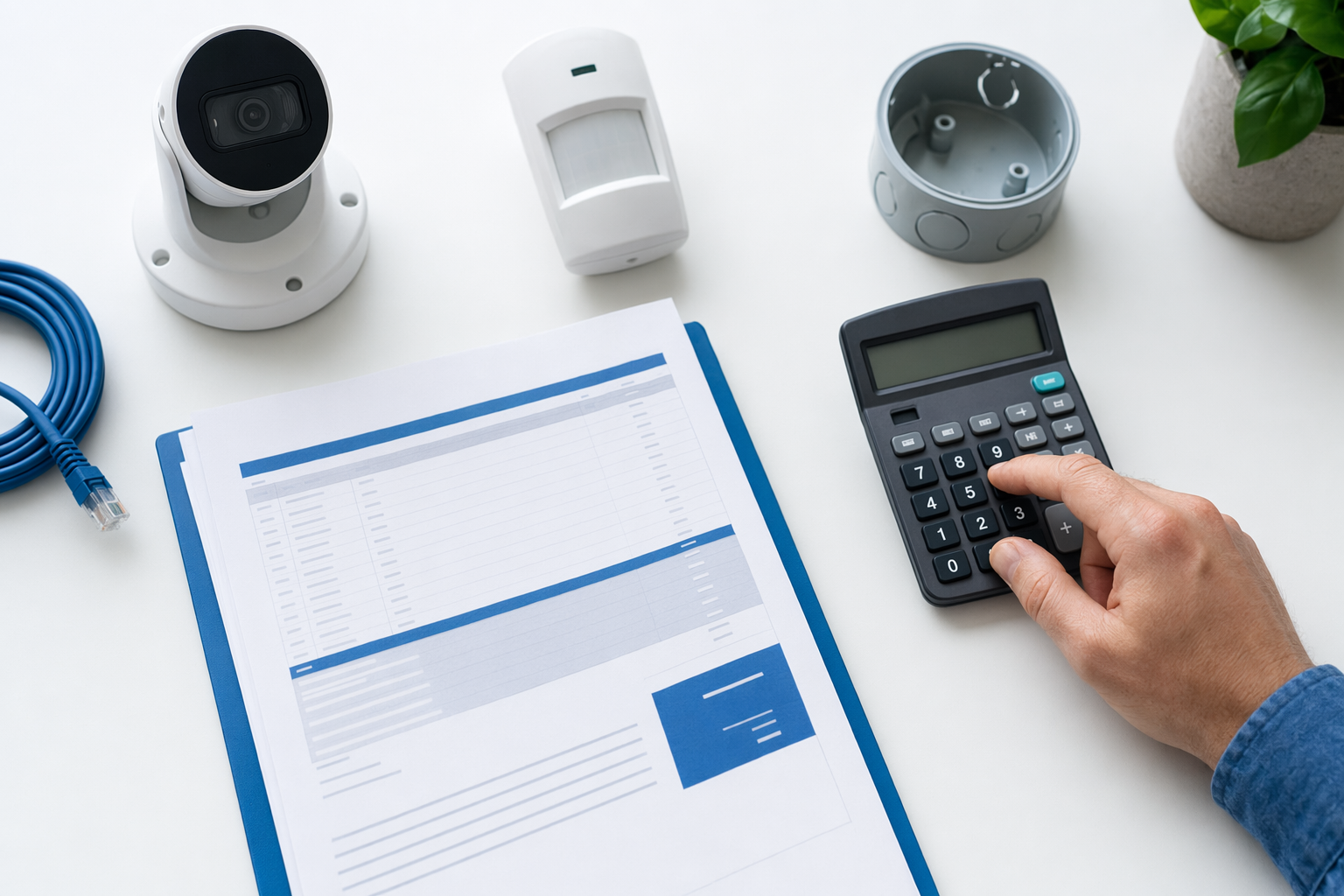
A basic alarm setup often runs about $200-$600+ for equipment. A simple camera setup may cost about $50-$300 per camera plus any cloud storage fee. If you want professional installation, a typical one-time range is about $100-$400. If you add professional monitoring, a common range is about $15-$60 per month.
These are typical ranges, not quotes or guarantees. The real price depends on the system, the size and layout of the property, installation, monitoring, and your area.
If you want a simple overview of your options, see home security systems or compare typical costs.
Also be honest with yourself: no system can promise safety or prevent every crime, loss, injury, or property damage. The goal is to improve your protection in a way you can afford and manage.
What gives the most protection for the least money

Budget security works best when you buy in the right order. Many people overspend on extras before they cover the basics.
For homeowners, the best value often looks like this:
- Good door protection first. Strong locks, working deadbolts, and door sensors are usually a better first spend than filling the whole house with devices.
- A simple alarm panel with a few sensors. Start small and expand later if needed.
- One camera in the most useful spot. Usually the front door, driveway, or back entrance.
- Monitoring only if it fits your budget and comfort level. Some people prefer self-monitoring. Others want 24/7 help.
For small businesses, the best value often starts with:
- the main customer entrance
- employee-only doors
- rear delivery or service doors
- a camera covering the register, reception, or main floor
- access control or smart locks for key control if staff turnover is a problem
A smart lock or basic access control setup can cost about $120-$500 per door depending on the hardware and setup. For some businesses, that can save trouble with lost keys and rekeying.
If cameras are your priority, read more about security cameras. If you are deciding between self-monitoring and a paid plan, see professional monitoring.
One more budget tip: buy for your real routine. If you rarely use a side door, that area may need less spending than the front entrance, garage entry, or stock room door you use every day.
Where people waste money
Low-budget shoppers get into trouble when they are rushed or sold features they do not need. Watch for these common mistakes:
- Too many devices on day one. You can often start with a few sensors and add more later.
- Long contracts without reading them. A low monthly price may hide a long commitment, auto-renewal, or high early-termination fees.
- Paying for premium cameras where a basic one will do. You may not need top-tier video quality in every area.
- Ignoring installation cost. A good advertised equipment price may not include setup.
- Forgetting cloud or storage fees. Camera costs are not always just the hardware.
- Letting a door-to-door rep pressure you into same-day signing. This is a big one.
Before you sign anything, read the full agreement. Check:
- the total installed price
- the monthly fee
- the contract length
- whether it renews automatically
- cancellation rules
- early-termination charges
- warranty and service terms
Use this alarm contract checklist if you want a simple way to review the paperwork.
And always hire licensed, insured, and properly registered security companies where required. Verify the license or registration yourself. Some states also license or register alarm solicitation and installation.
If someone comes to your door or pushes you on the phone, slow down. Do not sign on the spot just to end the conversation. Our guide on door-to-door alarm sales can help you spot pressure tactics.
DIY vs professional help on a budget
A tight budget does not always mean DIY is best. It depends on your property, your comfort level, and how much time you have.
DIY can make sense when:
- you have a small home, apartment, or small shop
- you only need a few cameras or sensors
- you are comfortable setting up apps and Wi-Fi devices
- you want lower upfront cost
Professional installation can make sense when:
- the layout is larger or more complex
- you want sensors placed correctly the first time
- you need wired equipment, multiple entry points, or access control
- you want one company to handle setup and explain the system
DIY kits can be cheaper up front. Professional setups may cost more at the start, but some people prefer not to troubleshoot devices themselves. Neither path is automatically better.
A useful middle ground is to get matched with local companies, ask what a minimal setup would cost, and compare that to DIY. KeepWatchly is a free matching service. We do not sell, install, monitor, or service systems. We help you compare options from licensed, insured local security companies, and you choose who to talk to.
If you want help thinking through this choice, see DIY vs professional security.
What to do next if you want protection without overspending
Here is a simple plan you can use this week:
- Write down what you need to protect. Home, apartment, storefront, office, inventory room, front door, back door, or parking area.
- Pick your top 2-4 priorities. Do not try to cover everything at once.
- Set a real monthly and one-time budget. Remember typical ranges: alarm equipment about $200-$600+, cameras about $50-$300 each, installation about $100-$400, monitoring about $15-$60 monthly.
- Ask for a small-system option first. Tell companies you want the minimum setup that covers your biggest risks.
- Verify license and insurance. Do not skip this.
- Read the contract before signing. Especially monthly fees, contract term, auto-renewal, and cancellation.
- Take your time. No honest company should force a same-day decision.
If you want to compare local options, you can get matched for free. Participating security companies pay a flat fee to take part. You compare options. You choose who to hire.
Important consent note: if you ask to be matched or contacted, you may be contacted by phone, autodialer, prerecorded or artificial voice, and SMS. Your consent is not a condition of any purchase, and you can opt out anytime.
Keep the process simple. Start where the risk is highest. Buy only what you understand. And do not let anyone rush you into a contract you have not read.
If money is tight, start small: protect the main doors, easy-to-reach windows, and one important camera area first. Compare typical costs, verify the company is licensed and insured, and never sign a security contract before you read the monthly fee, contract length, and cancellation terms.
Always hire licensed, insured, registered security companies — and verify the license yourself.
Common questions
What is the cheapest useful home security setup?
For many people, the cheapest useful starting point is a basic alarm kit with a few door or window sensors and maybe one camera at the main entrance. Typical equipment can run about $200-$600+, with cameras often about $50-$300 each. Real pricing depends on the system, the size and layout of the property, installation, monitoring, and the area.
Is professional monitoring worth the monthly cost?
It depends on your budget and what helps you feel more comfortable. Professional monitoring often runs about $15-$60 per month. Some people prefer self-monitoring to save money. Others want 24/7 response handling. Neither option can guarantee safety or prevent every crime or loss, so compare the monthly fee against the value you think you will get.
Should I choose cameras or an alarm system first?
If your budget only covers one, many people start with the entry points that matter most. An alarm with door sensors can be a practical first step for broad basic coverage. A camera can be a strong first purchase if you mainly want to watch a front door, driveway, lobby, or register area. The best first buy depends on what you most need to protect.
How do I avoid getting trapped in a bad security contract?
Do not sign under pressure, especially from a door-to-door or phone sales pitch. Read the full contract, the monitoring agreement, the contract length, auto-renewal terms, monthly fee, and cancellation or early-termination terms before signing. Verify that the company is licensed, insured, and properly registered where required. If you agree to be contacted, remember consent is not a condition of purchase, and you can opt out anytime.