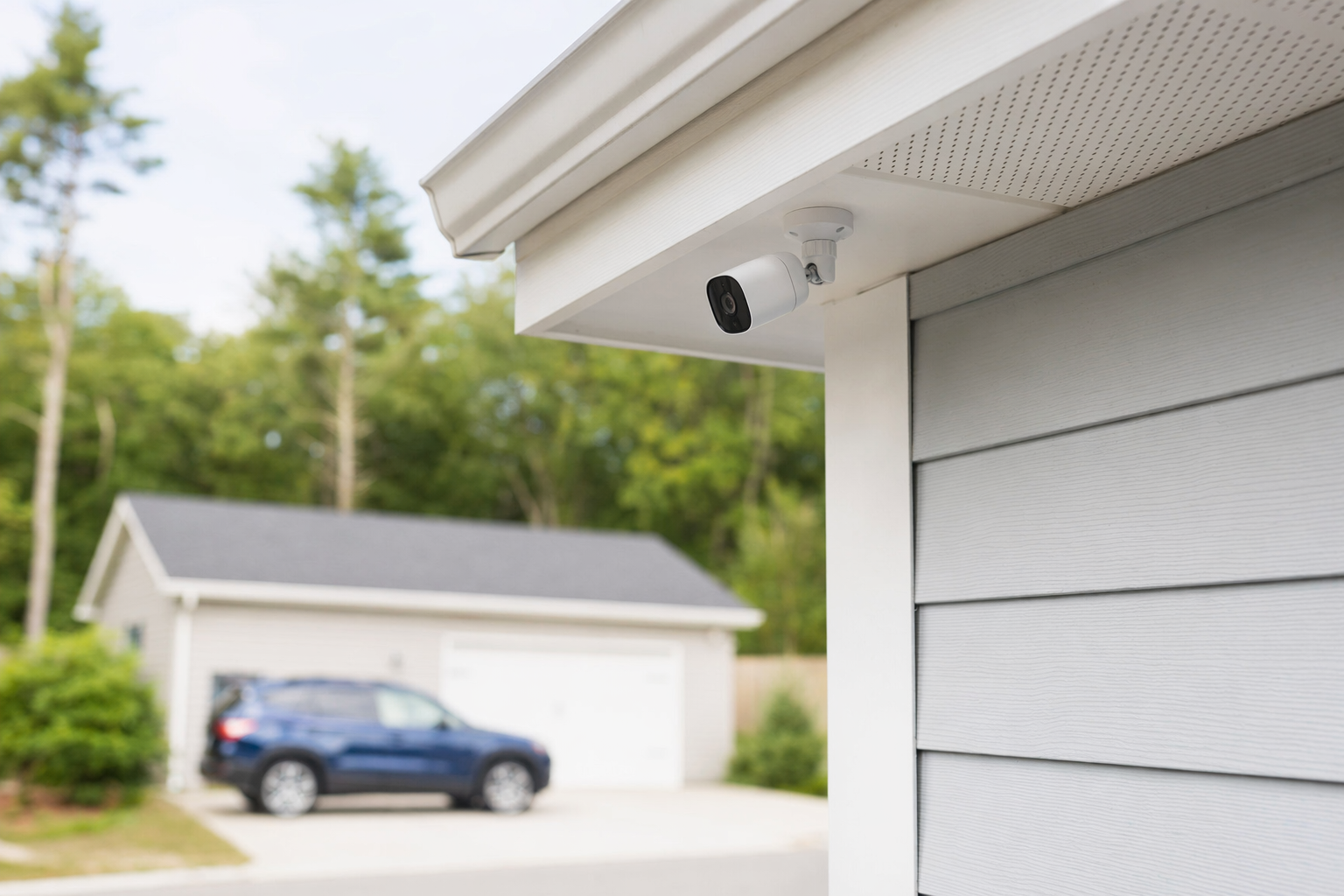
The short answer: start with doors, driveway, and the path people take
If you want the quickest, most practical camera plan, start with the spots where a person would normally come onto the property or try to enter the house.
For most homes, that means:
- Front door
- Driveway or front walk
- Back door
- First-floor side gate or side path
- Garage door or garage service door
If your budget is tight, these areas usually matter more than putting cameras everywhere.
A good camera setup should help you answer basic questions after an event: Who came up? Which direction did they come from? What time? Which door or path did they use? Did a vehicle enter the driveway?
That is why placement matters. A camera that only shows the top of someone's head, points into bright sun, or sits too far from the area you care about may not help much.
Many homeowners also pair cameras with an alarm and professional monitoring so there is more than one layer of protection. But no camera, alarm, monitoring plan, lock, or guard service can guarantee safety or prevent crime, loss, injury, or property damage.
If you are still deciding what kind of setup makes sense, KeepWatchly can help you get matched with licensed, insured local security companies at no cost to you.
Best camera locations around a typical home

Here is a practical way to think about placement: cover approach points, entry points, and high-value outdoor areas.
1. Front door
This is usually the first camera to install. It covers deliveries, visitors, salespeople, and anyone trying the main entry.
Tips:
- Place it high enough to reduce tampering, but low enough to capture faces
- Avoid pointing straight into the street if your real concern is the porch
- If there is a porch light, check how the camera handles bright light at night
2. Driveway or front yard approach
A front door camera may not show vehicles clearly. A second camera aimed at the driveway, sidewalk, or path to the home gives a wider view of how someone arrived.
This can be especially useful if:
- Cars are parked outside
- The garage is detached or set back
- People can approach from the side of the home
3. Back door and backyard access
Back entries often get less attention than front entries, which is exactly why they matter. If your yard has a gate, alley access, or a fence opening, try to cover the route from the gate to the door, not just the door itself.
4. Garage and garage side door
Many homes have a large garage door plus a regular side or interior access door. If tools, bikes, storage, or an entry into the house are there, this area deserves coverage.
5. Side yard, gate, or narrow walkway
These are common travel paths because they are less visible from the street. A camera here should show movement along the path, not just a blank wall or fence.
6. Basement-level or easy-to-reach first-floor windows
Not every window needs a camera. Focus on windows that are hidden from neighbors, near a gate, or easy to reach from the ground or a low roof.
For broader planning, see home security systems and security cameras.
How to place cameras so they actually help
A few placement rules make a big difference.
Think about angles, light, and distance
A camera should see the area where a person will be, not just the general direction.
- Do not mount so high that you only capture hats and heads
- Do not place it so far away that faces become small and unclear
- Watch for strong backlight from sunrise, sunset, porch lights, or headlights
- Check night visibility, especially near deep shadows, trees, and overhangs
Cover the approach, not just the door itself
If a camera only sees someone after they are already at the handle, you may miss useful context. Often the better view is a few feet back, showing the path to the door.
Avoid camera overlap that wastes money
Two cameras showing nearly the same small area may not help. It is often better to use one close camera for the door and one wider camera for the path or driveway.
Use visible cameras carefully
Visible cameras can make people aware they are being recorded. But they can also be easy to spot and tamper with. Ask the company what mounting height and position make sense for your property.
Do not ignore internet and power limits
Some homes have weak Wi-Fi at the garage, backyard, or gate. Before buying several cameras, confirm whether that area has enough signal and whether the camera needs battery changes, wiring, or a nearby outlet.
Think about weather
Rain, heat, snow, direct sun, and dust can affect performance. Ask what camera rating is appropriate for your area and mounting location.
Inside the home is optional
Some people use one interior camera near the main entry or facing a common area. Others do not want indoor cameras for privacy reasons. There is no single right answer. What matters is choosing coverage you understand and are comfortable with.
If you are comparing options, costs can help you understand typical ranges. As a general rule, cameras often run about $50-$300 each, with possible cloud fees, and professional installation often runs about $100-$400 one-time. These are typical ranges and estimates, not quotes. The real price depends on the system, the number of cameras, installation, monitoring, and your area.
Common mistakes that lead to weak coverage
Homeowners often spend money on cameras but still miss the most useful views. Watch for these mistakes:
1. Only covering the front porch
Many homes need at least one view of the driveway, side path, or backyard access.
2. Putting every camera too high
Very high mounting can reduce tampering, but it can also reduce useful detail.
3. Buying too many cheap cameras instead of placing fewer cameras well
Four poorly placed cameras may be less useful than two well-placed ones.
4. Ignoring lighting at night
A camera can look fine during the day and perform badly after dark.
5. Forgetting about package, pet, and car movement
Frequent motion can create too many alerts if the view is not set up carefully.
6. Not checking local rules or HOA limits
Some neighborhoods, buildings, or associations may have rules about exterior devices, wiring, or shared areas.
7. Signing a long contract before understanding the terms
If cameras are part of a larger security package, read the full contract, the monitoring agreement, contract length, auto-renewal terms, monthly fee, and cancellation or early-termination terms before signing. Do not sign on the spot because of door-to-door or phone pressure. This is especially important if someone says the deal is only good "today." See how to avoid door-to-door alarm sales pressure.
What to do next before you hire anyone
Use this simple process.
1. Walk your property in daylight and at night
Stand where a visitor, delivery driver, or intruder would walk. Note:
- doors
- gates
- first-floor windows
- dark areas
- vehicle access
- places hidden from the street
2. Decide what you want to protect first
For example:
- front entry and packages
- driveway and vehicles
- backyard gate and rear door
- garage tools and side door
3. Set a realistic budget
Typical camera equipment may be about $50-$300 each. Professional installation may be about $100-$400 one-time. If you also want an alarm, equipment often starts around $200-$600+, and professional monitoring often runs about $15-$60 per month. These are only typical ranges and estimates. Your real cost depends on the system, property size and layout, installation, monitoring, and your area.
4. Compare licensed local companies
KeepWatchly is a free matching service. We do not sell, install, or monitor systems. We help you compare local options. Always hire licensed, insured, properly registered security companies, and verify the license or registration yourself. Some states also license or register alarm-company solicitation and installation.
5. Review contact consent and contract terms carefully
If you ask to be matched, you may be contacted by participating security companies, including by phone call, autodialer, prerecorded or artificial voice, and SMS. Your consent is not a condition of any purchase, and you can opt out anytime. Before signing anything, read the full agreement and confirm the monthly charge, equipment ownership, service length, auto-renewal, and cancellation terms.
When you are ready, you can get matched and compare options. You compare quotes. You choose who to hire. You read the contract before signing.
Put cameras where people actually come and go: front door, driveway, back door, garage, and side path. Compare licensed local companies, ask about angles and night view, and read the full contract before you sign anything.
Always hire licensed, insured, registered security companies — and verify the license yourself.
Common questions
How many cameras does a typical house need?
Many homes start with 2 to 4 cameras: front door, driveway or front approach, back door, and garage or side path. Some homes need more, some need fewer. The right number depends on the layout, entry points, blind spots, lighting, and budget.
Is it better to put cameras inside or outside?
For many homeowners, outside cameras are the first priority because they show approach paths, entries, and vehicle areas. Indoor cameras can add coverage near a main entry or common room, but some people prefer not to place cameras inside for privacy reasons. It depends on your comfort level and the layout of the property.
How much does it usually cost to add home security cameras?
A common rough range is about $50-$300 per camera, plus any cloud-storage fee, and about $100-$400 one-time for professional installation. These are typical ranges and estimates, not quotes. The real price depends on the camera type, number of devices, wiring, installation, monitoring, and your area.
What should I ask a security company before they install cameras?
Ask where each camera will point, what it will and will not capture at night, whether internet or power limits may affect performance, whether storage has a monthly fee, who owns the equipment, and whether there is a contract. Always hire licensed, insured, properly registered companies and verify the license yourself. Read the full contract, monitoring agreement, contract length, auto-renewal, monthly fee, and cancellation or early-termination terms before signing.