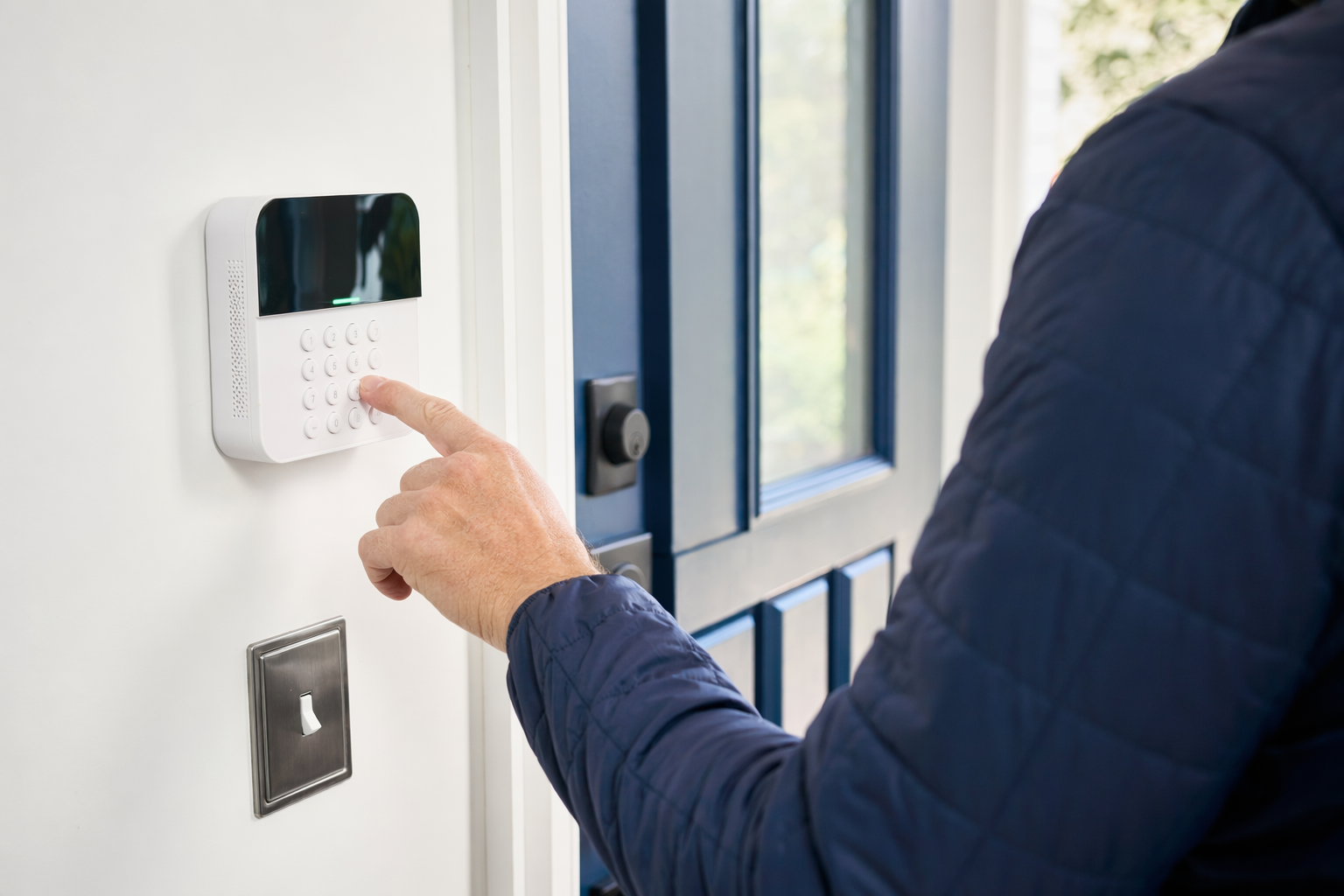
The short answer
Most false alarms happen because of people, setup, or maintenance, not because a system is "bad." A family member opens the wrong door. An employee forgets the code. A motion sensor is pointed at a window, a vent, or a big dog. A low battery or loose door contact causes trouble.
If you want fewer false alarms, focus on five basics:
- Use the right equipment for the space. A small apartment, a busy storefront, and a warehouse do not need the same setup.
- Train every user. Everyone who arms, disarms, opens, or closes the property should know the routine.
- Ask for good sensor placement. This matters as much as the brand name.
- Keep the system maintained. Batteries, contacts, camera views, and cellular or internet connections need attention.
- Read the monitoring and cancellation terms before you sign. If a company pushes you to sign on the spot, especially at the door or by phone, slow down and review the contract.
If you are still deciding what type of protection makes sense, KeepWatchly can help you compare options like home security systems and professional monitoring. KeepWatchly is a free matching service, not a security company, installer, or monitoring center.
What usually causes false alarms

The cause is often simple once you look at the pattern. Start here:
- User error. Wrong code, rushed entry, wrong door opened, system armed while someone is still inside, or a cleaner or dog walker who was not told the routine.
- Bad sensor placement. Motion detectors aimed at moving curtains, bright windows, ceiling fans, heaters, vents, or high-traffic areas they were not meant to cover.
- Pet activity. Some motion sensors are better for pets than others, but placement and settings still matter.
- Weak batteries or aging equipment. Low batteries, loose contacts, and worn sensors can trigger trouble signals or false events.
- Door and window problems. A door that does not latch well, a warped frame, or a loose magnet/contact pair can create repeated alerts.
- Power or communication issues. Internet dropouts, backup battery problems, or cellular signal issues can create confusion if not set up well.
- Poor closing procedures at businesses. One employee arms up, another stays behind, a back door is left cracked, or a delivery comes after closing.
For small businesses, false alarms often come from opening and closing mistakes. For homes, they often come from daily routine mistakes. In both cases, the fix is usually a better process plus a better setup.
No alarm system can promise safety or prevent every crime, loss, injury, or property damage. But a properly planned and properly used system can be less annoying, more dependable, and easier to live with.
Practical steps that really help
Use this checklist before you pay for upgrades.
1. Give every regular user their own code
If multiple people use one shared code, it is hard to know where mistakes happen. Separate codes help you spot patterns and remove access when someone no longer needs it.
2. Use a longer entry and exit delay if people keep rushing
A delay that is too short can cause repeat false alarms. A few extra seconds may solve the problem without changing hardware.
3. Review motion detector placement
Ask whether sensors are pointed at:
- sunny windows
- HVAC vents
- moving curtains or signs
- stair landings with frequent traffic
- areas where pets jump or run
For many properties, sensor placement matters more than adding more sensors.
4. Fix doors that do not close cleanly
A cheap door repair can sometimes solve an expensive alarm headache. Check alignment, latch strength, and whether the contact and magnet still line up.
5. Replace batteries before they become a problem
Do not wait for repeated trouble signals. Put battery checks on your calendar.
6. Create one opening and one closing routine
Especially for small businesses. Example:
- one person checks all doors
- one person confirms no one is still inside restricted areas
- one person arms the system
- one person confirms the arming notice
7. Train everyone who has access
This includes relatives, older children, employees, managers, cleaners, and temporary staff. Show them exactly how to arm, disarm, cancel an accidental alarm, and who to call if there is a problem.
8. Ask about verification options
Some setups can reduce unnecessary dispatches by using event verification steps, camera confirmation, or monitoring-center call procedures. Ask how it works, what it costs, and what the limitations are.
9. Keep emergency contact info current
If the monitoring center cannot reach the right person, a simple mistake can turn into a dispatch.
10. Test and maintain the system on a schedule
Ask the company what routine testing is appropriate and how to document issues. If you are comparing DIY and professional options, this guide may help: DIY vs. professional security.
If you are shopping for a new system, ask these questions
False alarms often start with a bad sales process. A rushed salesperson may talk about fear, monthly price, or "free equipment" but skip the details that matter.
Before you sign, ask:
- Who is licensed, insured, and properly registered in my state or city? Verify it yourself. Some states also license or register alarm-company solicitation and installation.
- What exact equipment is included, and why is it right for my layout? Ask where each contact, motion, camera, or keypad would go.
- What are the typical costs? Honest ranges are usually about $200-$600+ for alarm equipment, $100-$400 for professional installation, $15-$60 per month for professional monitoring, $50-$300 each for cameras plus any cloud fee, and $120-$500 per door for smart locks or access control. These are typical estimates, not quotes. The real price depends on the system, the size and layout of the property, professional monitoring, installation, and the area.
- What is the contract length, monthly fee, auto-renewal policy, and cancellation or early-termination fee? Read the full contract and monitoring agreement before signing.
- What training do you give users to prevent false alarms? This is a good test of whether the company thinks beyond the sale.
- How are accidental alarms handled? Ask about passcodes, call lists, and dispatch procedures.
Be careful with door-to-door or phone pressure. Do not sign on the spot because someone says the price expires today. This guide can help: How to avoid door-to-door alarm sales pressure.
If you want to compare local options, get matched for free. Consent to be contacted, including by autodialer, prerecorded or artificial voice, and SMS, is not a condition of any purchase. You can opt out anytime. You compare options, choose who to hire, and confirm the cancellation terms before signing.
What to do next
If your current system keeps false alarming, do not assume you need to replace everything. Start with a simple review:
- Write down when the false alarms happen.
- Note which zone or sensor is involved.
- Check whether the trigger is tied to a person, a pet, weather, a door, or a routine.
- Ask a licensed, insured security company to review placement, settings, battery condition, and user procedures.
If you are starting from scratch, keep it simple. Protect the doors you use most. Add motion coverage carefully. Add cameras where they help verify what happened. For a business, set clear opening and closing rules. For a home, make sure every adult user knows the system.
KeepWatchly does not sell or install systems. We help homeowners and small businesses understand choices, typical costs, and contract terms, then get matched at no cost with local licensed and insured security companies. Participating security companies pay a flat fee to take part.
A good next step is to compare your options calmly, review typical security costs, and read every contract before you sign.
Most false alarms come from rushed routines, bad sensor placement, weak batteries, or doors that do not close right. Train everyone, fix the simple problems first, and compare licensed, insured local companies carefully before you sign any contract.
Always hire licensed, insured, registered security companies — and verify the license yourself.
Common questions
Can false alarms get me fined?
Sometimes, yes. Rules vary by city and county. Some places charge fees after repeated false dispatches. Ask your local police department or municipality how false alarm rules work where you live or do business, and ask the security company how they help users reduce accidental alarms.
Will professional monitoring stop false alarms?
Not by itself. Professional monitoring can help with call verification and response procedures, but many false alarms start with user error, poor sensor placement, weak batteries, or bad door alignment. Monitoring is one part of the setup, not a guarantee against mistakes or dispatches.
Are pets a common cause of false alarms?
They can be. Large pets, jumping pets, or motion sensors placed too low or in the wrong direction can cause trouble. Ask whether the detector and its placement are appropriate for your pet, but remember that no setup is perfect in every room and every routine.
What should I read before signing an alarm contract?
Read the full contract and the monitoring agreement. Check the monthly fee, contract length, auto-renewal terms, equipment ownership, warranty limits, service charges, cancellation window, and any early-termination fee. Verify who is licensed and insured, and do not sign under door-to-door or phone pressure.