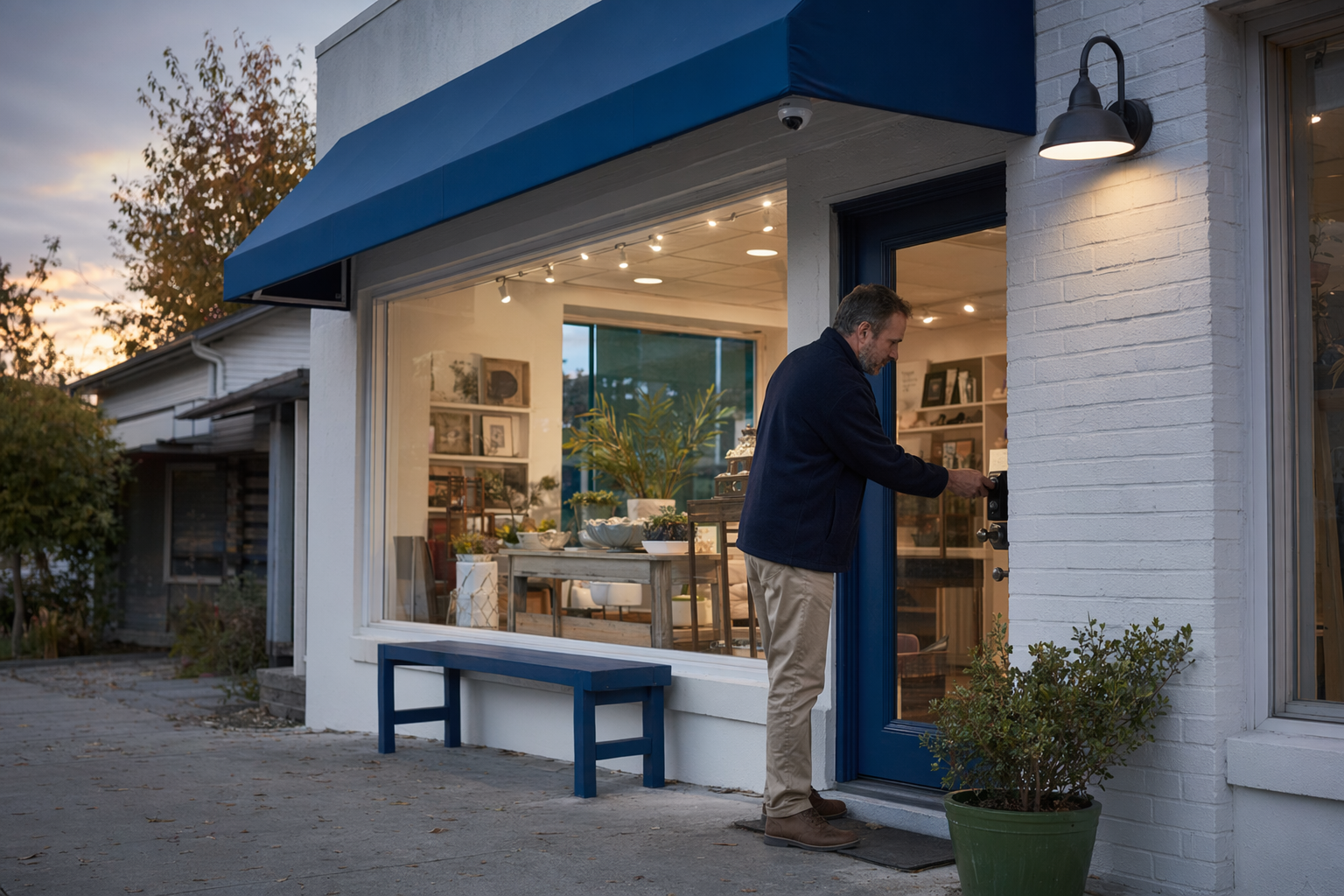
Start with what you need to protect
Before you talk to any security company, write down the real risks at your business. That helps you avoid paying for equipment you do not need.
For many small businesses, the main concerns are:
- break-ins after hours
- employee and customer entry points
- cash, tools, inventory, or medicine
- back doors, loading areas, and alley access
- false alarms from busy staff or cleaners
- knowing what happened during a dispute or theft
A good plan usually starts with a few simple questions:
1. What are you protecting? Storefront? Office? Restaurant? Salon? Warehouse unit?
2. When is the space most at risk? Overnight, weekends, deliveries, shift changes, or when one person opens alone?
3. What would help most? A burglar alarm, security cameras, 24/7 professional monitoring, or access control for staff doors?
4. Who needs access? Owners, managers, employees, vendors, cleaners, or tenants?
Many businesses do best with layers. Example: door contacts and motion sensors for intrusion, cameras at entry points and registers, and smart locks or keypad access for staff-only doors. Some higher-risk locations may also consider guard services during certain hours.
No security measure can promise safety or prevent every crime or loss. The goal is to reduce risk, improve awareness, and help you respond faster.
What security options usually make sense for a small business
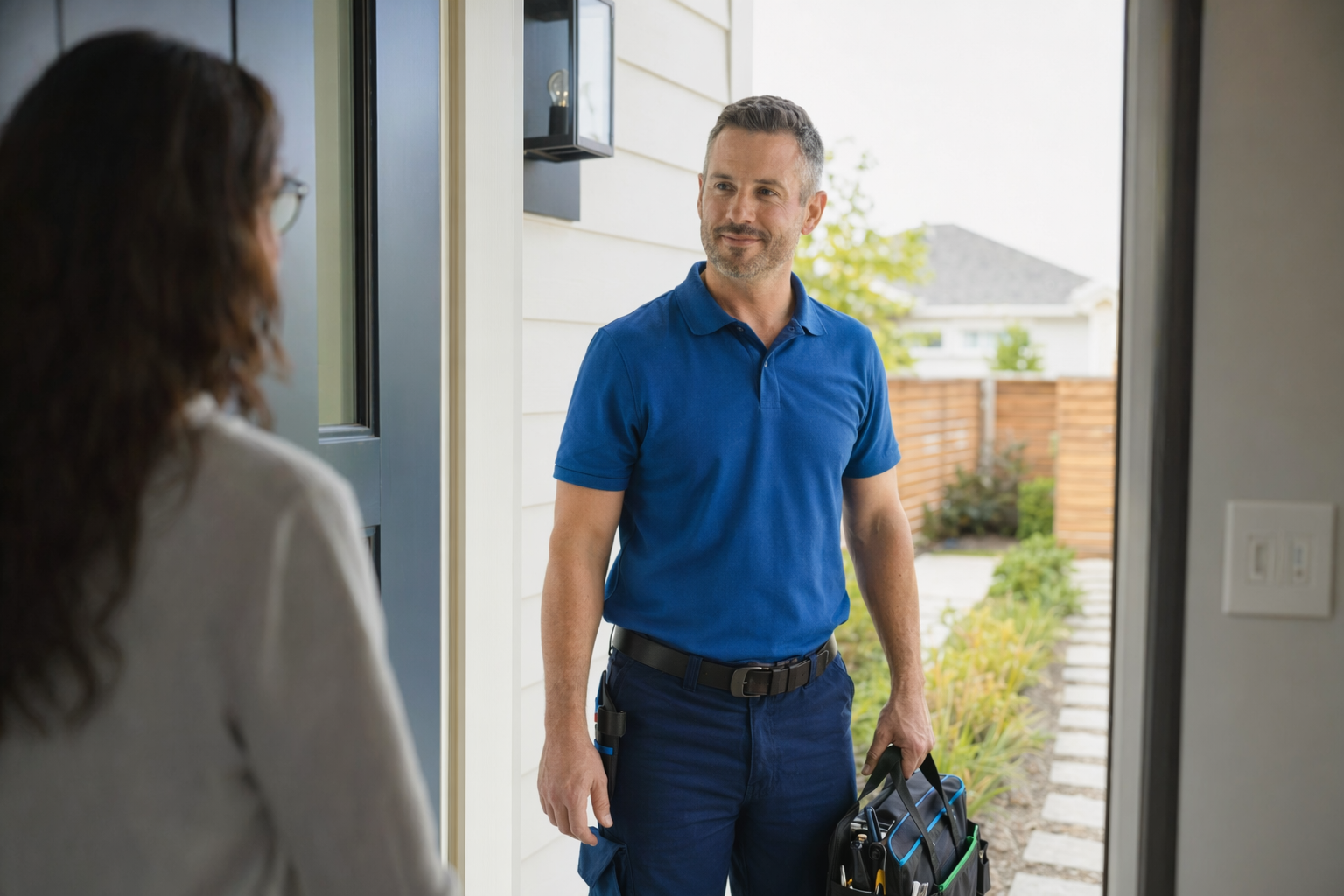
You do not need the biggest package. You need the right fit for your layout, hours, and budget.
Burglar alarm systems
These often include door contacts, motion sensors, glass-break sensors, keypads, sirens, and sometimes panic buttons. They can be useful if you want alerts when someone enters after hours or opens a restricted door.
Security cameras
Cameras help you review events, check entrances, watch inventory areas, and confirm what happened. Common places are front doors, register areas, stock rooms, back doors, and parking or loading zones. Camera placement matters more than camera count.
Professional monitoring
Monitoring can alert you and, depending on the service and local process, may help dispatch emergency response when an alarm event is verified or reported. Read the monitoring agreement carefully so you understand what is and is not included.
Access control and smart locks
These can help if multiple employees need different levels of access. Instead of copying physical keys, you may be able to create codes, schedules, or user permissions by door. This is often helpful for offices, clinics, retail back rooms, and shared commercial spaces.
Security guards
A guard may make sense for events, high-traffic periods, temporary vacancy, or businesses with repeated incidents. Guard services are very different from alarms and cameras. Be clear about the guard's hours, duties, training, reporting, and whether the company is properly licensed where required.
If you are still deciding between a simple system and a more managed setup, DIY vs. professional security can help you think through the tradeoffs.
Honest small-business security costs
Security pricing varies a lot. These are typical ranges and estimates, not quotes. The real price depends on the system, the size and layout of the property, professional monitoring, installation, and your area.
Here are common ranges for small businesses:
- Alarm equipment: about $200-$600+ for a basic setup; more if you need more sensors, commercial-grade hardware, multiple doors, or special zones
- Professional monitoring: about $15-$60 per month
- Security cameras: about $50-$300 each plus any cloud storage or recording fee
- Professional installation: about $100-$400 one time for many smaller jobs; more for larger or more complex spaces
- Smart locks or access control: about $120-$500 per door depending on the lock, credentials, and setup
- Unarmed security guards: about $20-$50 per hour; armed or event coverage can be higher
A few cost traps to watch for:
- low advertised monthly prices that require a long contract
- equipment that is "free" but only if you keep service for years
- extra charges for mobile app access, video storage, service calls, or moving equipment
- cancellation fees or auto-renewal terms that were not explained clearly
- pricing that changes after an introductory period
Ask every company to break the numbers into clear parts:
1. equipment
2. installation
3. monthly monitoring or software fees
4. cloud storage or video fees
5. warranty and service charges
6. contract length and cancellation terms
You can review more typical ranges on our costs page, but always compare actual written proposals for your location.
How to compare companies without getting pressured
Keep the process simple. You are not looking for a perfect sales pitch. You are looking for a clear explanation, a written proposal, and a contract you understand.
Use this checklist:
- Verify license and registration yourself. Hire licensed, insured, properly registered security companies. Some states also license or register alarm-company solicitation and installation.
- Ask whether the company uses employees, subcontractors, or both.
- Ask who monitors the system, what hours they operate, and what happens during an alarm.
- Ask how service and repairs work after installation.
- Ask what internet or power backup is included, if any.
- Ask how false alarms are handled and whether there may be local fines.
- Read the full contract, not just the order form.
Before signing, pay special attention to:
- contract length
- monthly fee
- auto-renewal language
- cancellation and early-termination fees
- warranty limits
- equipment ownership
If someone shows up at your business or calls you and pushes for a same-day signature, slow down. Do not sign on the spot under door-to-door or phone pressure. Our guides on avoiding door-to-door alarm sales and the alarm contract checklist can help you ask better questions.
If you want help finding local options, get matched with companies near you. KeepWatchly is a free matching service for homeowners and small businesses. Participating security companies pay a flat fee to be included. You compare options, choose who to contact, and decide who to hire.
A practical next step for a busy owner
If you only have 15 minutes, do this first:
- Walk your business and list every public door, staff door, back entrance, and cash or inventory area.
- Decide whether your first priority is deterrence, alerts, video evidence, controlled access, or on-site presence.
- Set a rough budget for one-time costs and monthly costs.
- Ask for proposals from licensed, insured local companies.
- Compare the contract terms before you compare the sales pitch.
When you request a match or ask to be contacted, remember this: consent to be contacted, including by autodialer, prerecorded or artificial voice, and SMS, is not a condition of any purchase. You can opt out anytime.
KeepWatchly does not sell, install, monitor, or service systems, and we do not provide security, legal, or insurance advice. We help you understand your options, typical costs, and what to ask so you can make a calmer decision.
First, decide what you need to protect and whether you need alarms, cameras, monitoring, smart locks, or guards. Then compare written offers from licensed, insured companies, check the real contract terms, and do not let anyone pressure you to sign before you understand the monthly cost, contract length, and cancellation rules.
Always hire licensed, insured, registered security companies — and verify the license yourself.
Common questions
What security system is best for a small business?
There is no single best system for every business. A small office may need a simple alarm and a smart lock. A retail store may need alarms, cameras, and monitoring. A business with frequent after-hours traffic may also want access control or guard coverage at certain times. The right setup depends on what you need to protect, the size and layout of the property, your hours, and your area.
How much does small-business security usually cost?
Typical ranges are: alarm equipment about $200-$600+, professional monitoring about $15-$60 per month, cameras about $50-$300 each plus any cloud fee, professional installation about $100-$400 one time, smart locks or access control about $120-$500 per door, and unarmed guards about $20-$50 per hour. These are estimates, not quotes. Actual pricing depends on the system, the property, monitoring, installation, and your area.
Should I sign a long-term alarm or monitoring contract?
Maybe, but read it carefully first. A lower monthly price can come with a longer commitment, auto-renewal, equipment conditions, or early-termination fees. Read the full contract and monitoring agreement before signing. Confirm the contract length, monthly fee, cancellation terms, auto-renewal, service charges, and what happens if you move or close the business. Do not sign on the spot because a salesperson says the deal ends today.
How do I know if a security company is legitimate?
Verify that the company is licensed, insured, and properly registered for your state or local area, and verify the license yourself. Some states also license or register alarm-company solicitation and installation. Ask for the full business name, license number, proof of insurance, and a written proposal. Review service terms, monitoring details, warranties, and cancellation rules before signing.